

Deleting Dashboards & Books (Studio)
Suite
Customer Experience
Product
Qualtrics
What's on this page
About Deleting Dashboards and Books
You can delete dashboards or books if you no longer need them. Deleting a book will not delete the connected dashboards.
Qtip: You can only delete the dashboards or books you created. If another user shared a dashboard or book with you and you no longer need it, they can stop sharing it.

Deleting a Dashboard or Book
There are a couple ways to delete a dashboard or book.
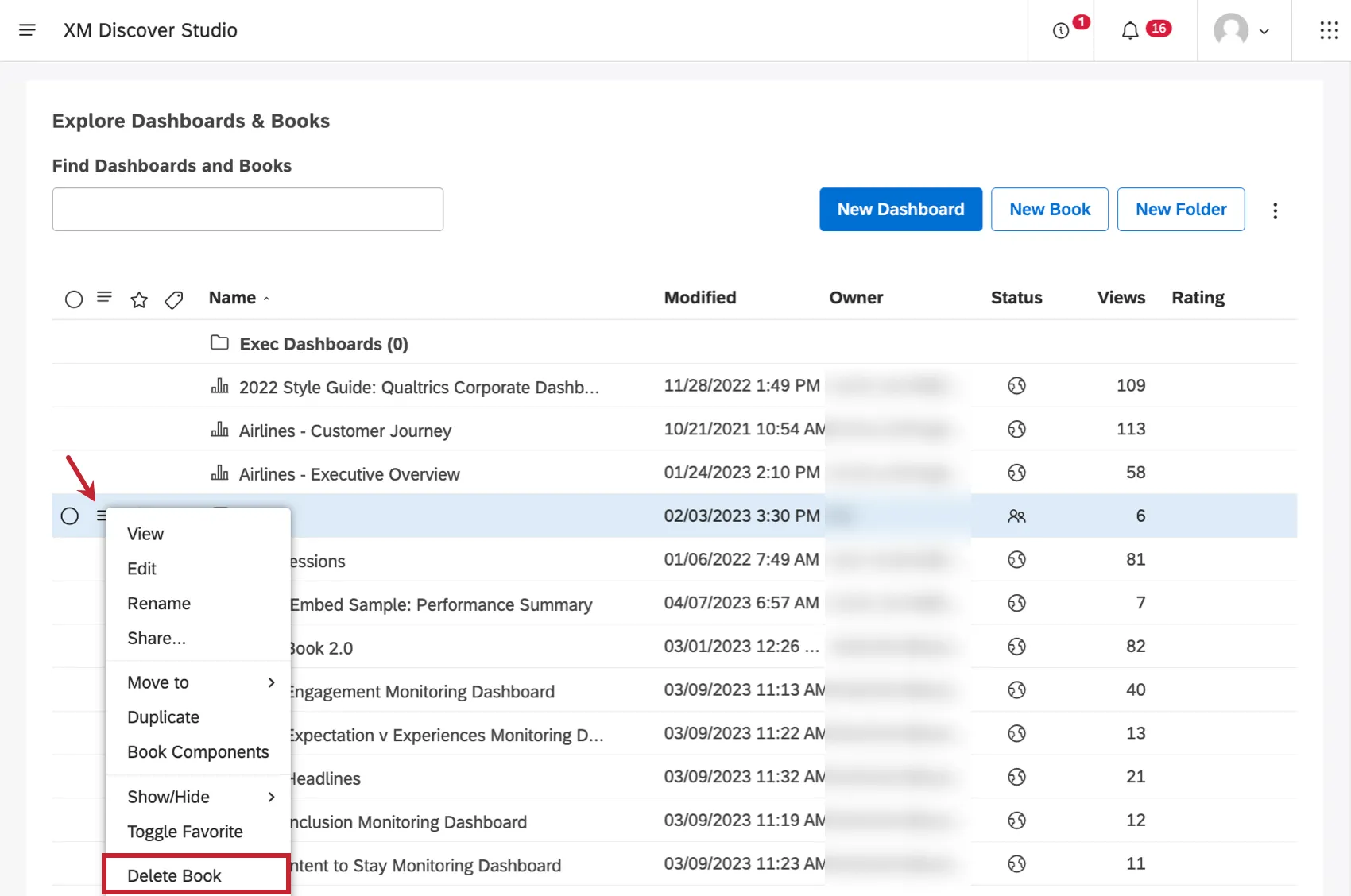
- On the homepage under Explore Dashboards & Books, click the menu next to a dashboard or book and select Delete Book or Delete Dashboard.
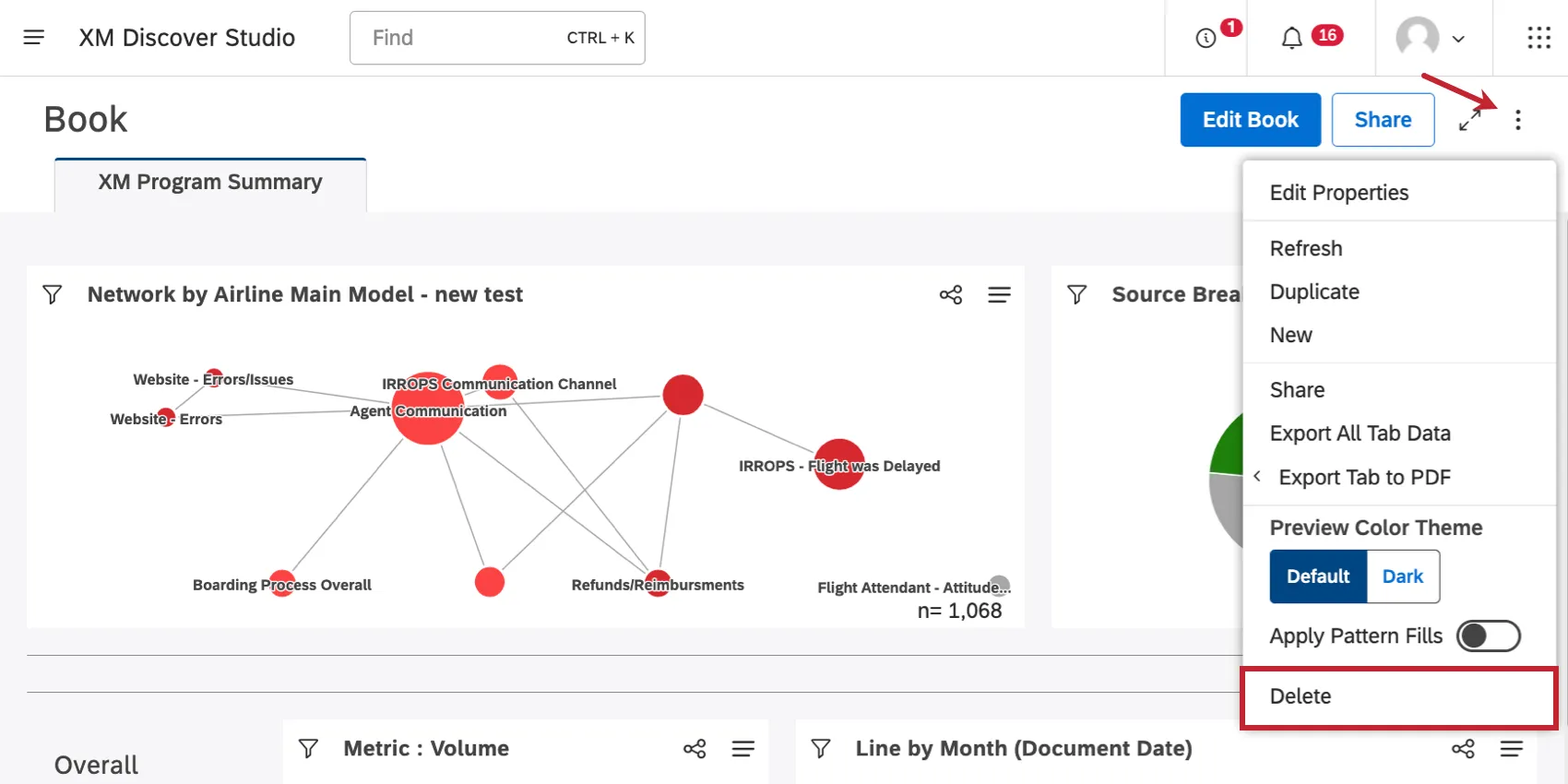
- When viewing a dashboard or book, click the options in the header and select Delete.
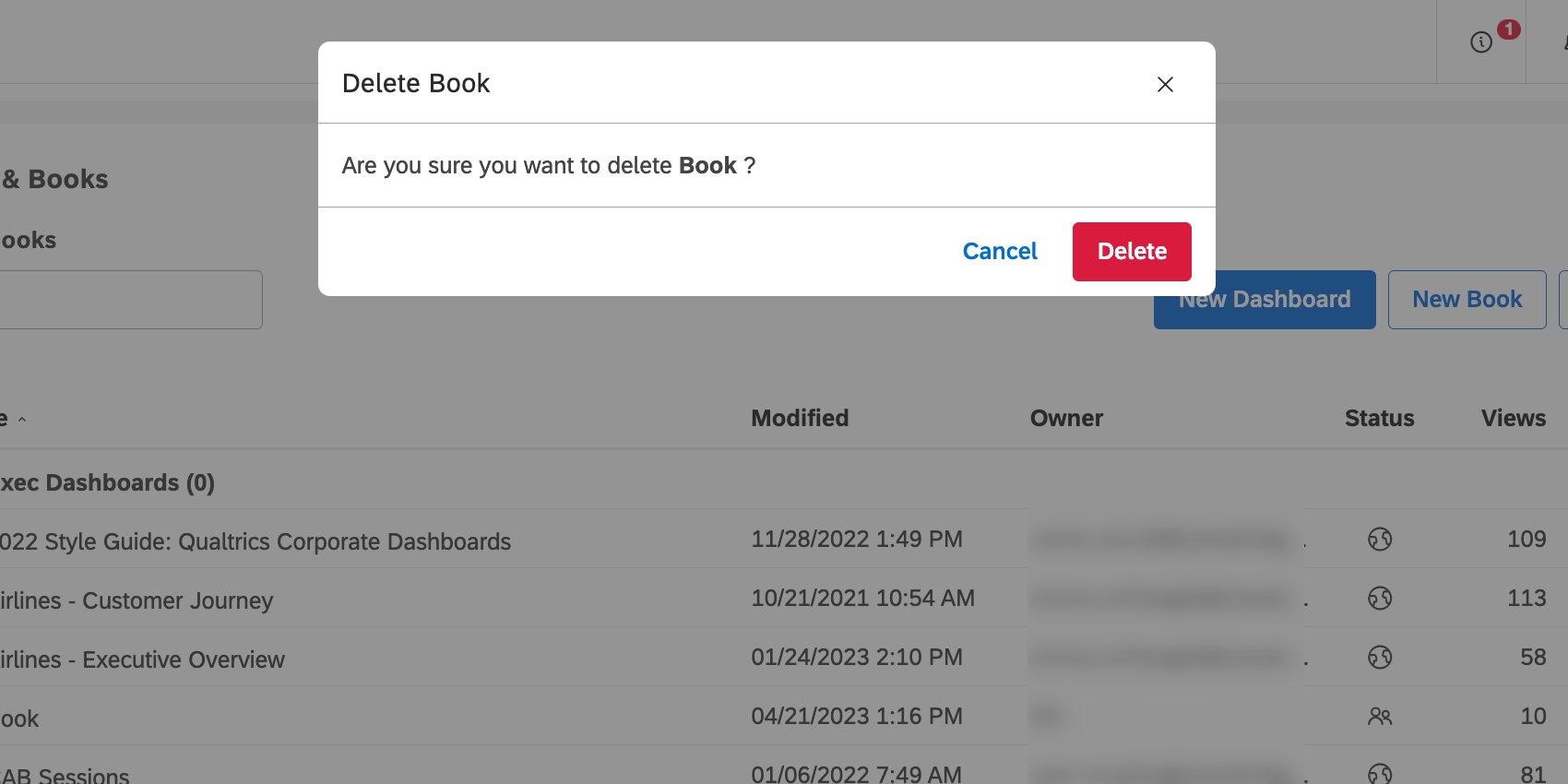
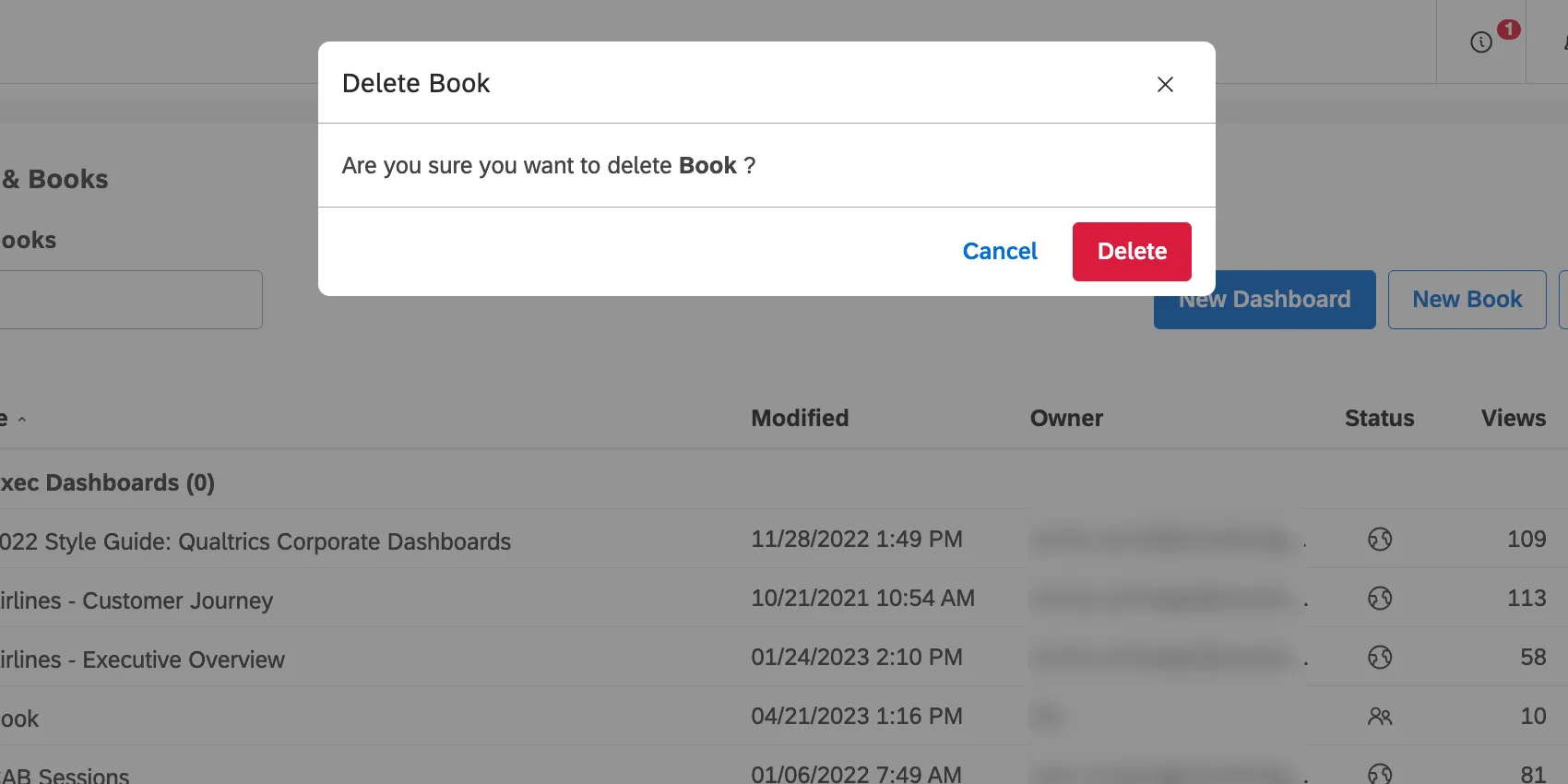
To confirm your choice, click Delete again.
Restoring a Deleted Dashboard or Book
After you delete a dashboard or book, it goes into the recycling bin. Deleted objects remain in the recycling bin for 30 days. During this period you can restore a deleted object.
See Using the Recycling Bin for steps to retrieve a deleted object.
That's great! Thank you for your feedback!
Thank you for your feedback!