

Video Widget (Studio)
Suite
Customer Experience
Product
Qualtrics
What's on this page
About Video Widgets
You can embed a video of your choice in your dashboard using the video widget.
Attention: You can only embed a public YouTube or Vimeo video. Make sure your video is uploaded and set to public before trying to embed it in your dashboard.

Adding a Video Widget
Click and drag the Video icon where you want the video to appear in your dashboard.
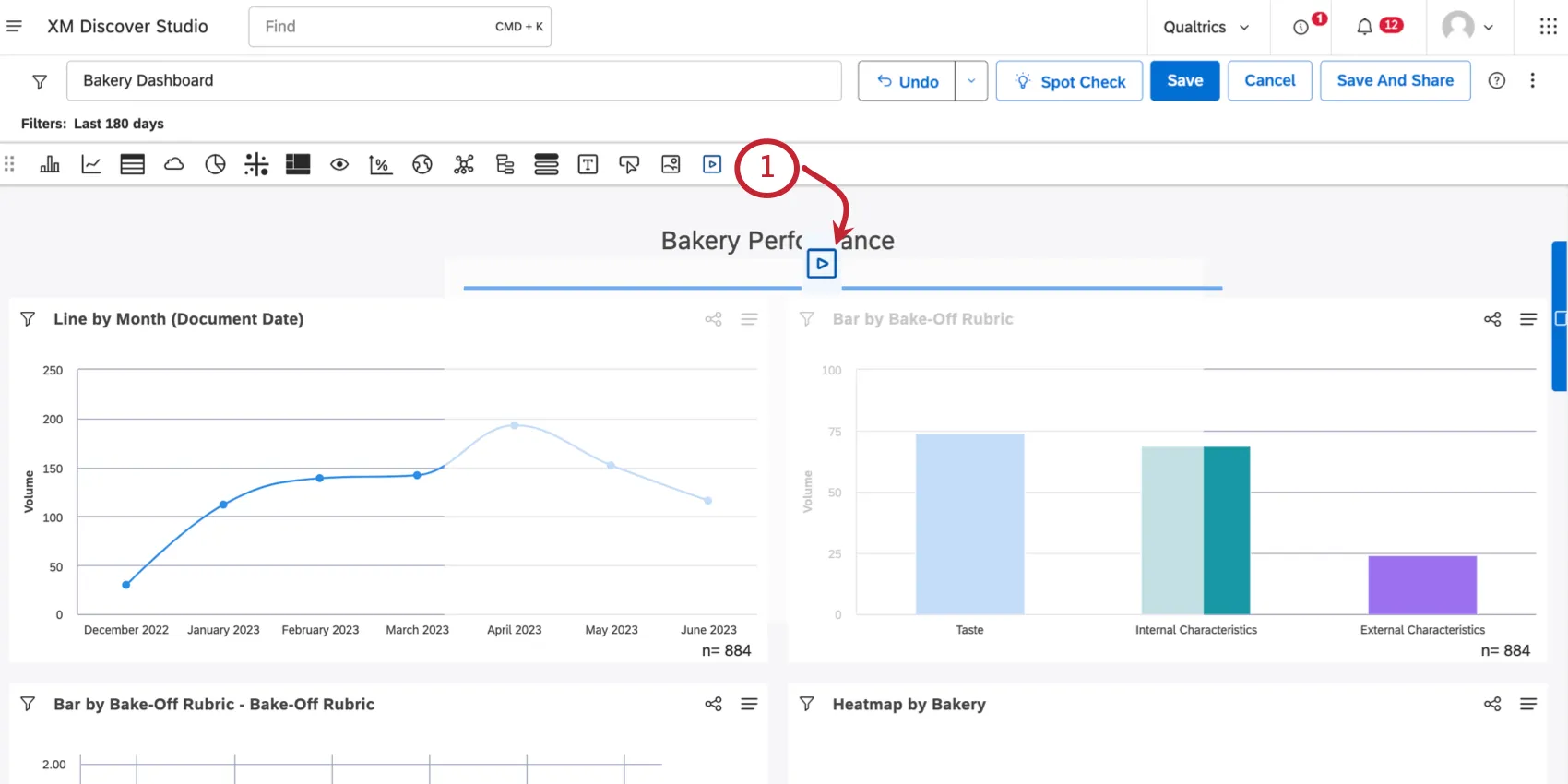
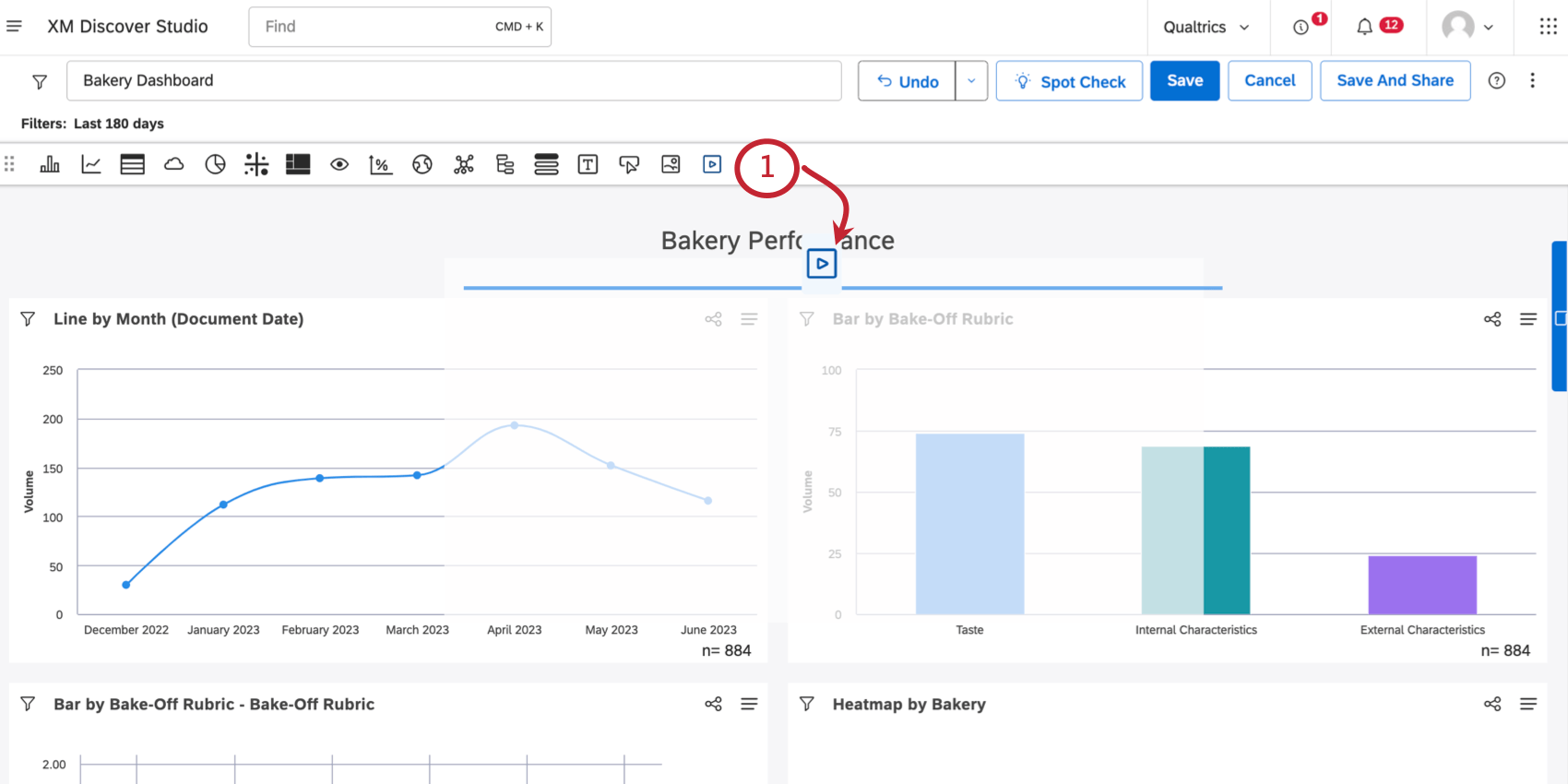
Enter your video’s URL.
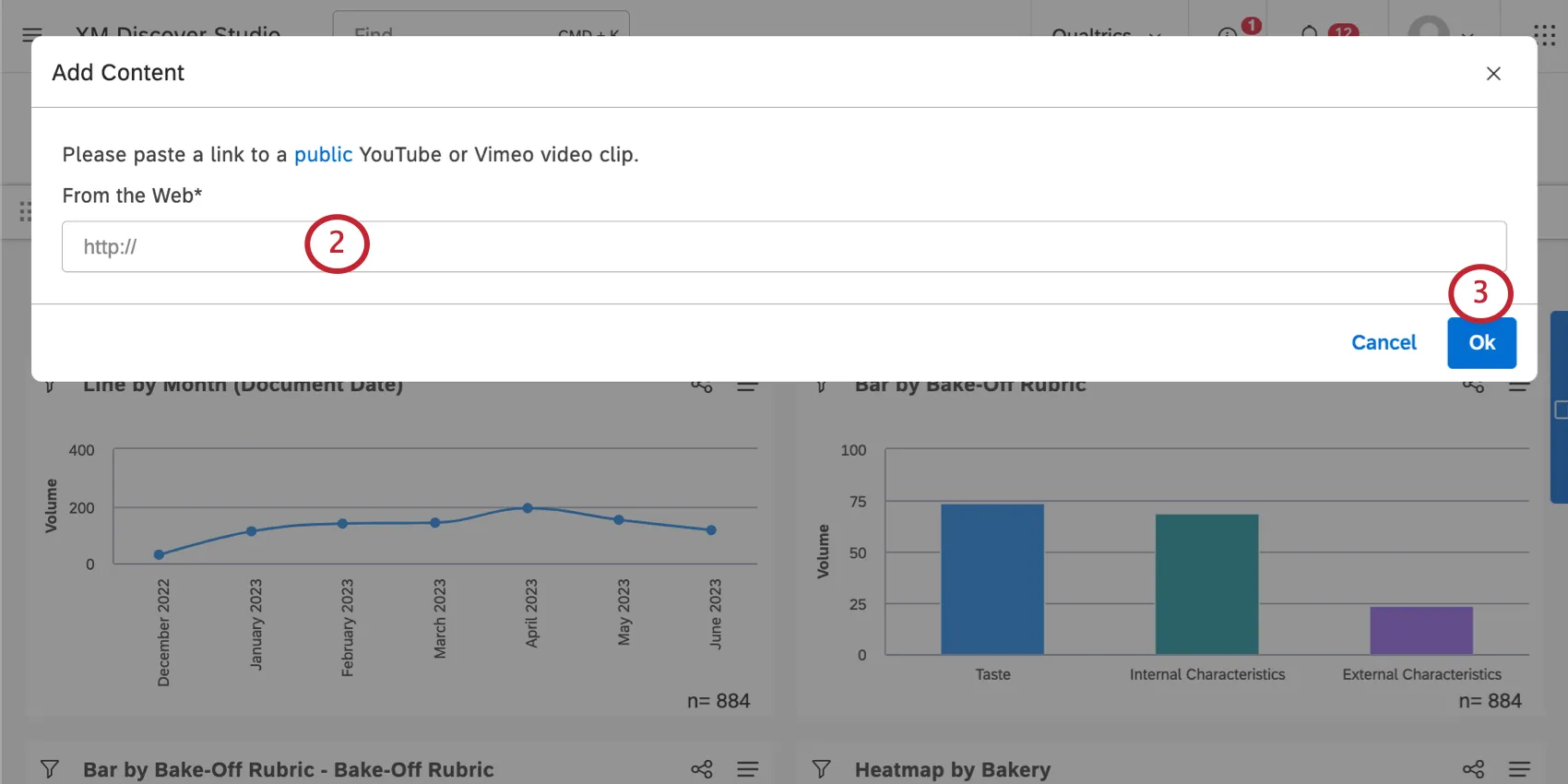
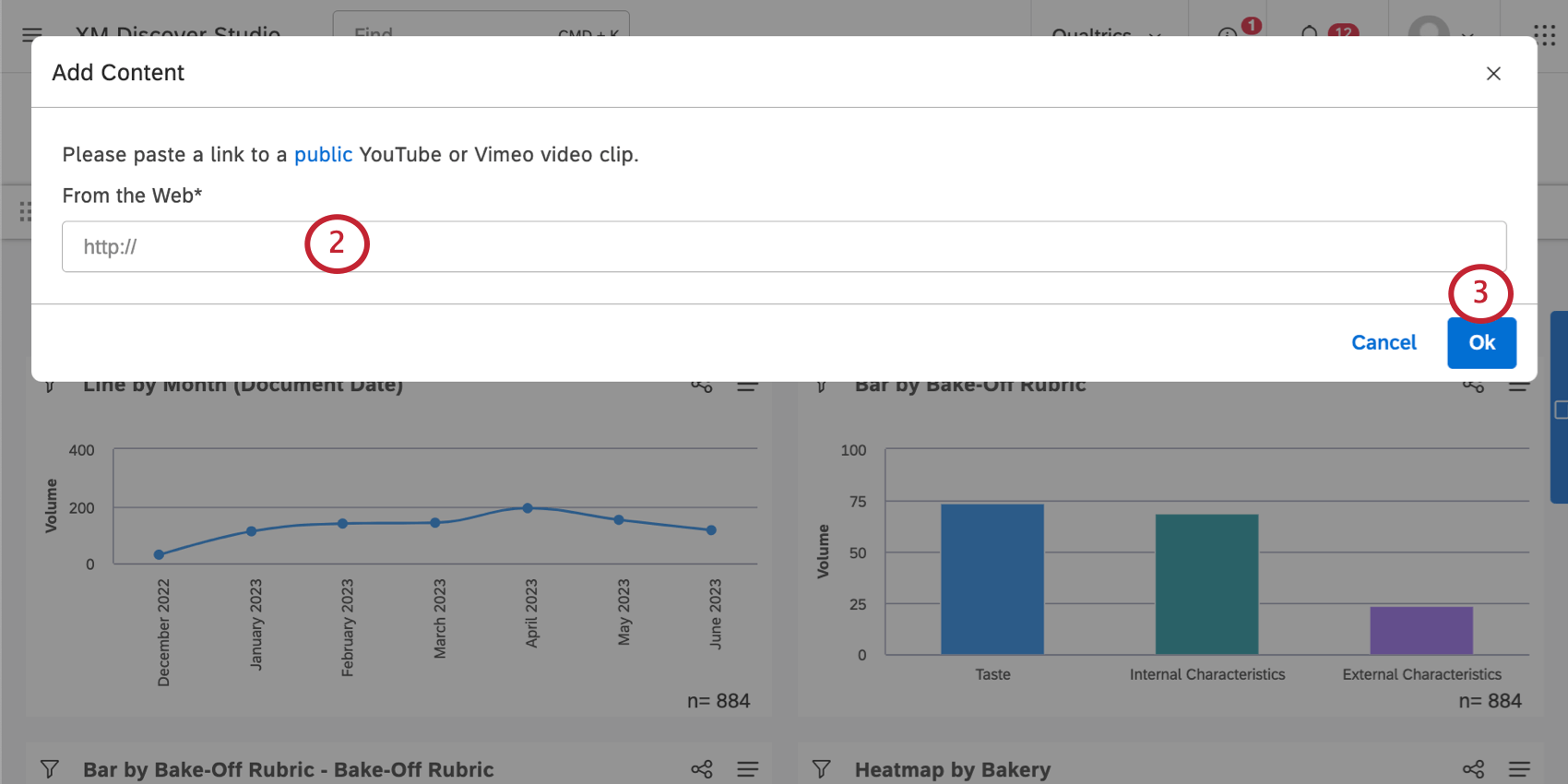
Click Ok.
You can now resize, move, and edit your widget as needed.

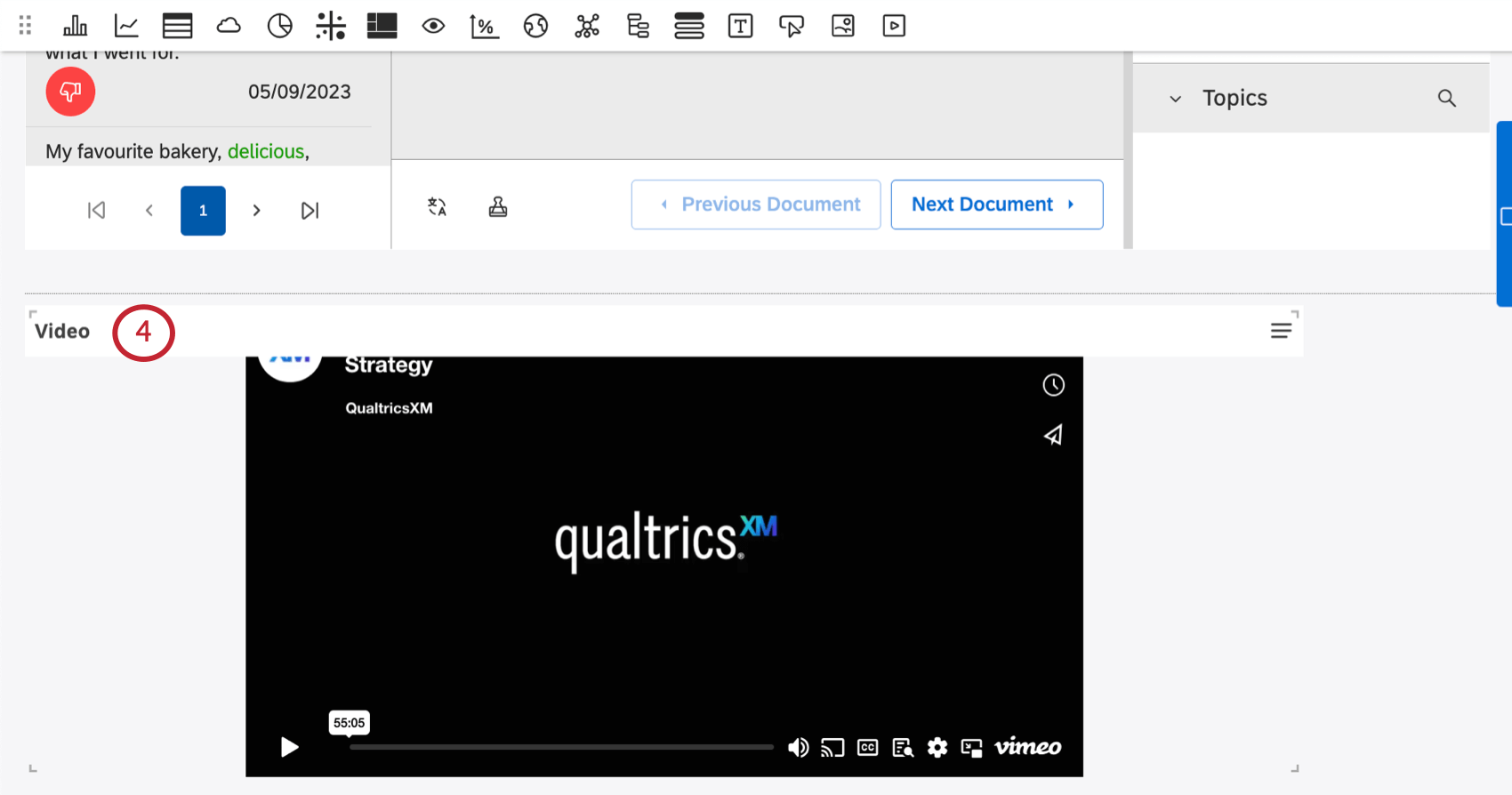
Qtip: The video height and width always adjust proportionally, meaning the screen will not become stretched and distorted.

That's great! Thank you for your feedback!
Thank you for your feedback!