

Metric Folders (Studio)
Suite
Customer Experience
Product
Qualtrics
What's on this page
About Metric Folders
You can create folders to organize your metrics.
Creating Folders
Click the Spaces menu.
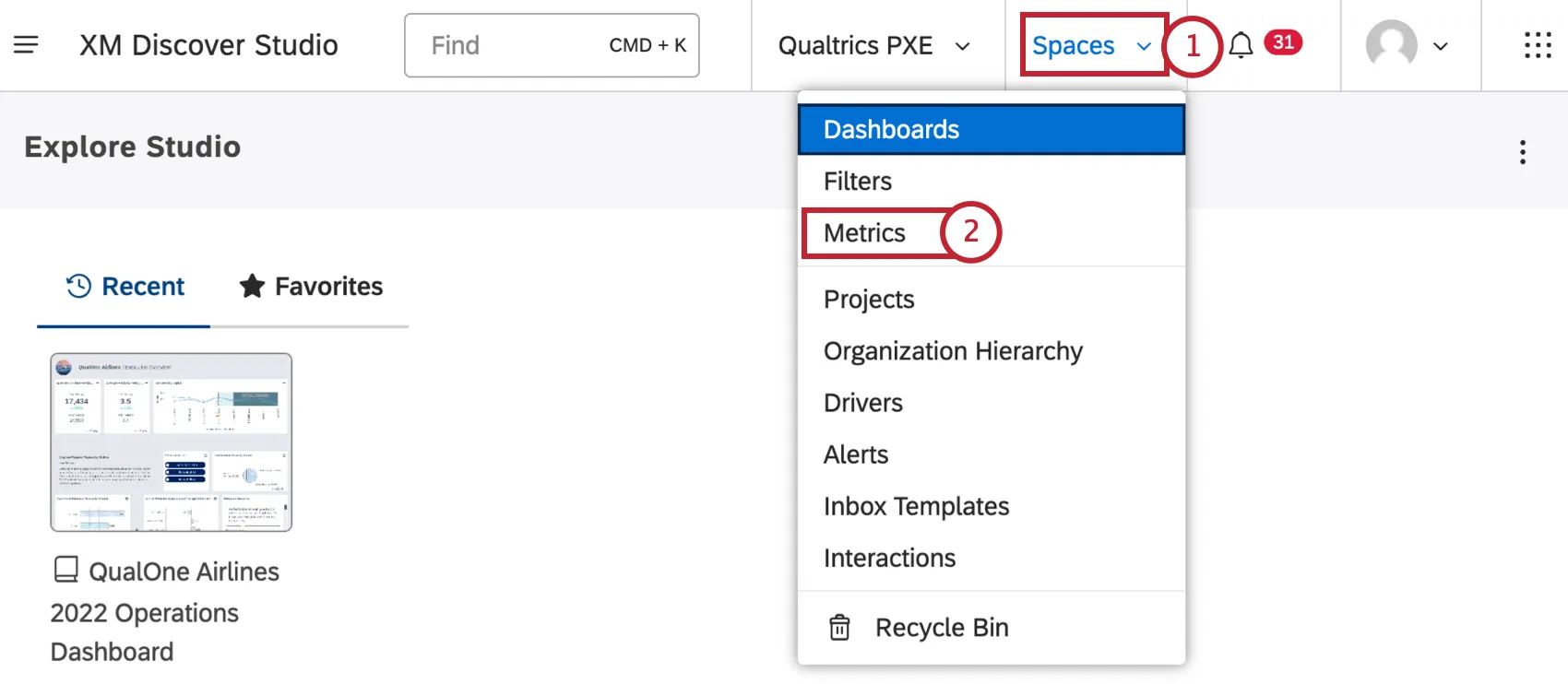
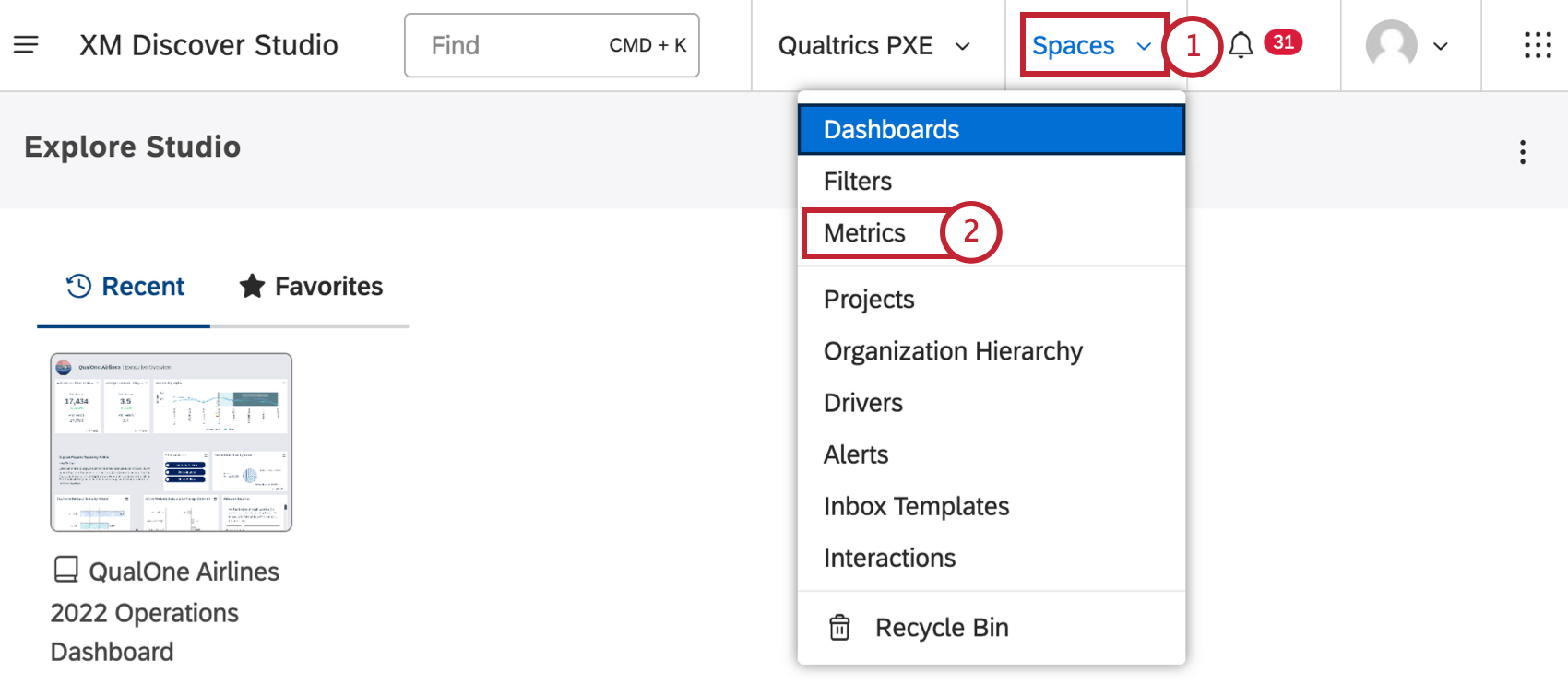
Select Metrics.
Choose a project the folder should belong to (optional).
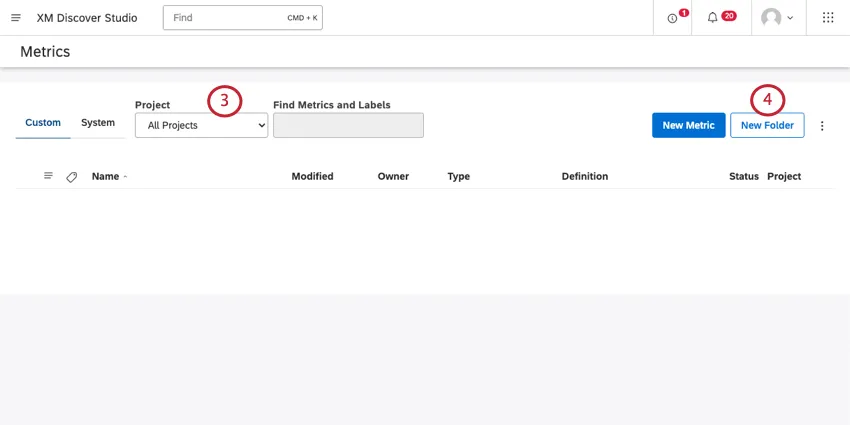
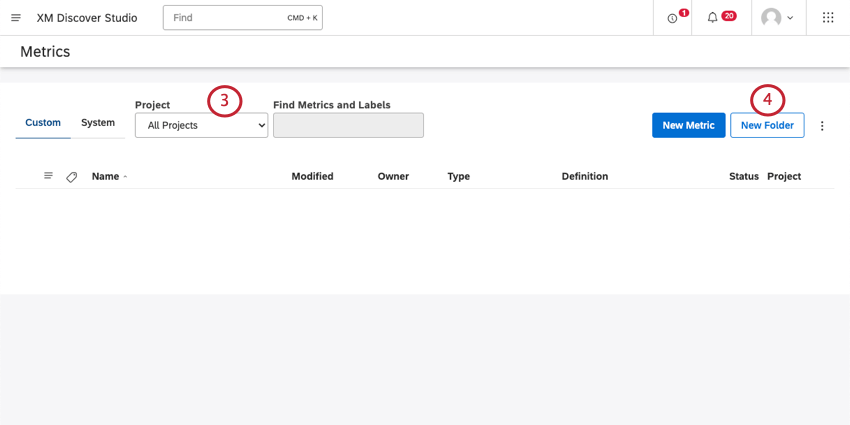
Qtip: You can leave your folder on All Projects to make it available to all projects. Otherwise, you will only be able to use the folder with metrics from a specific project.

Qtip: You may also need to choose an account and a content provider, depending on what you have access to.
Click the New Folder button.
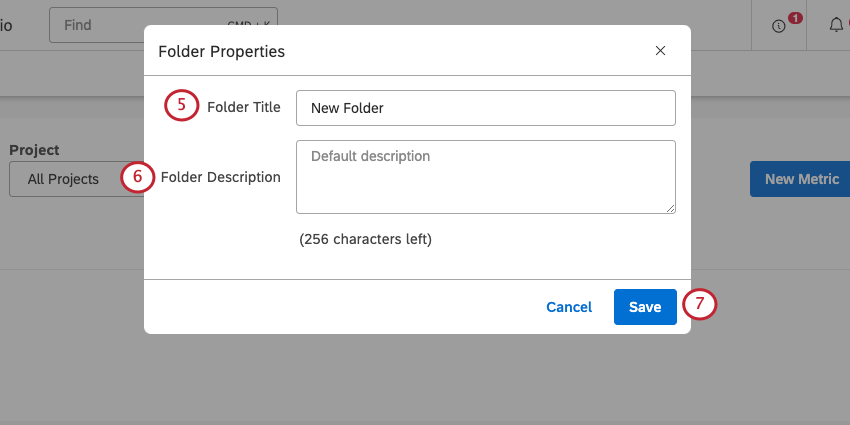
Name the folder.
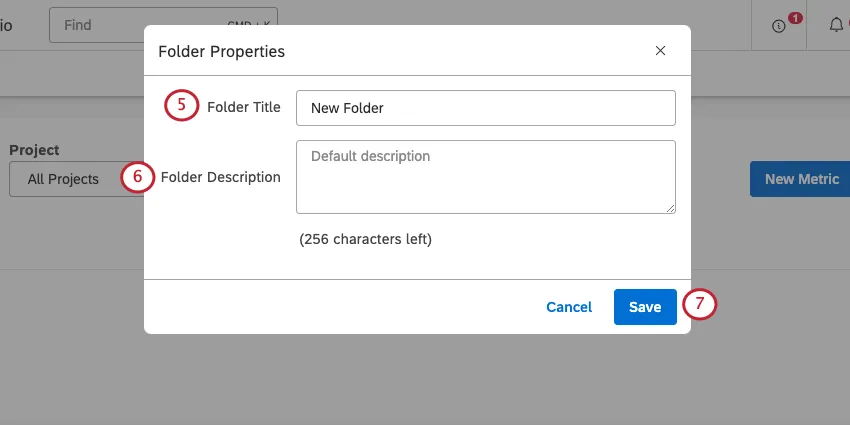
Qtip: Each folder must have a unique name.
Add a description for the folder (optional).
Click Save.
Moving a Metric to a Folder
After you have created a folder, you can move your metrics to that folder.
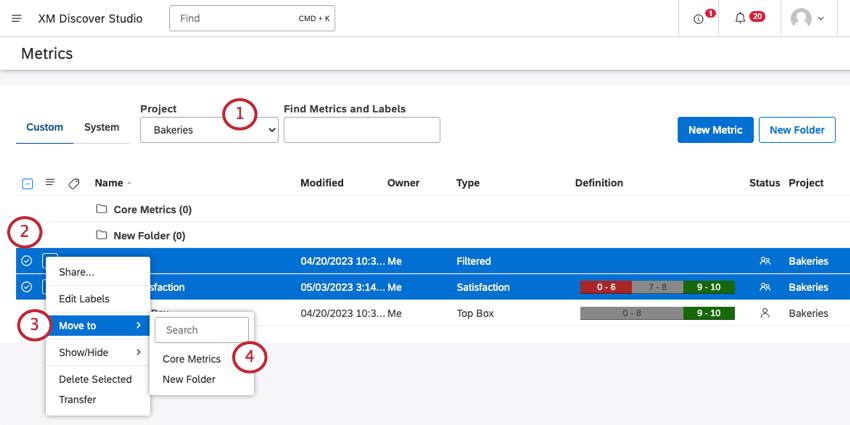
Choose a project the folder belongs to.
Qtip: You may also need to choose an account and a content provider, depending on what you have access to.
Select multiple metrics you want to move (optional).
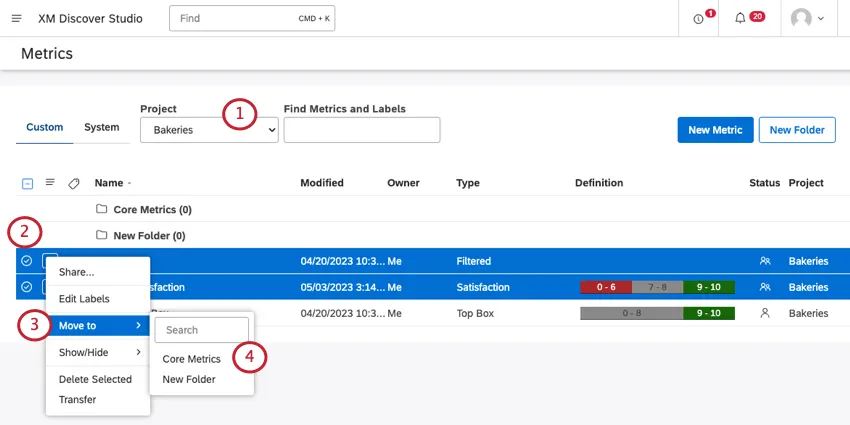
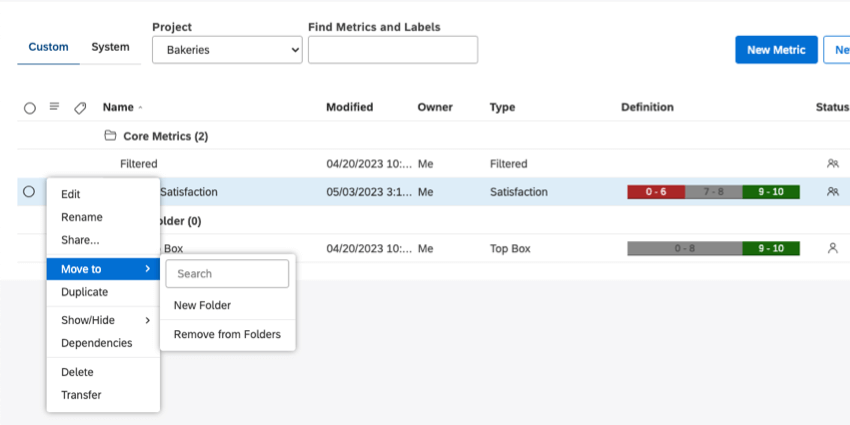
Click the dropdown next to one of the metrics you want to move and select Move to.
Select the folder.
To expand the folder, click it.
Each metric can only be in one folder at a time.
Removing a Metric from a Folder
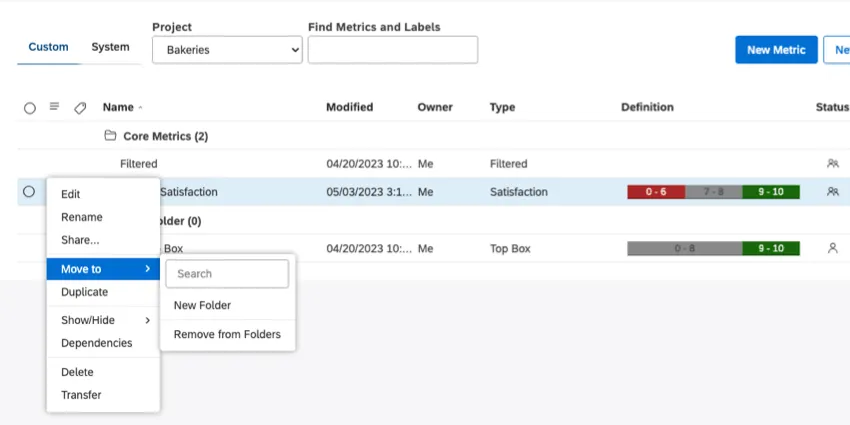
Click on a metric’s menu, select Move to, then select Remove from Folders.
Managing Folders
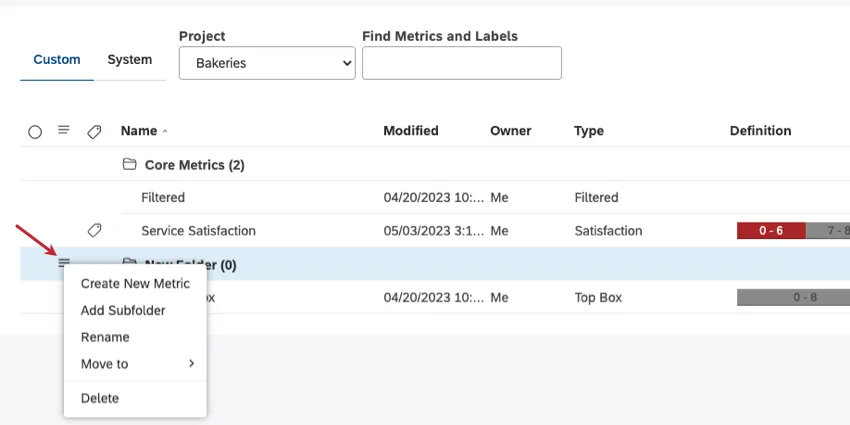
Once a folder is created, you can expand the actions menu next to it and perform the following actions:
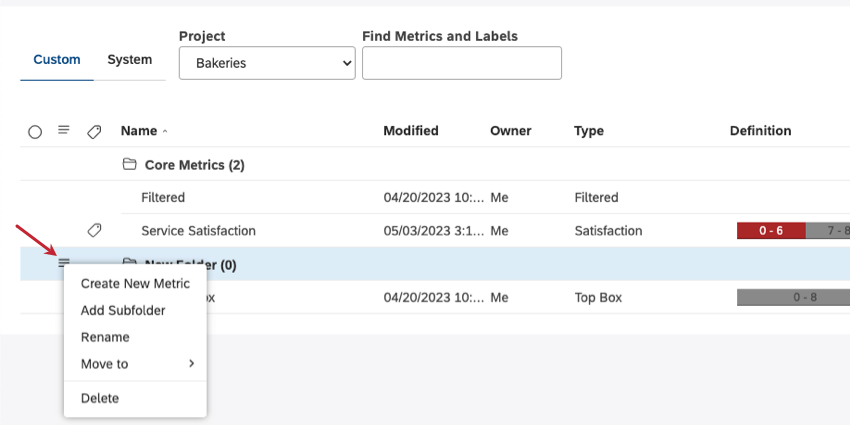
- Create New Metric: Create a new metric inside this folder.
- Add Subfolder: Add a folder inside this folder.
- Rename: Rename the folder.
- Move to: Move the folder inside of another folder, or remove it from a folder.
- Delete: Delete the folder.
Qtip: When a folder is deleted, the metrics that were in it are not deleted, just removed from the folder.
That's great! Thank you for your feedback!
Thank you for your feedback!