

Course Evaluations Overview
What's on this page
Qtip: You may have previously heard this feature called QClassroom.
About Course Evaluations
Attention: Course evaluations are typically set up by a third-party implementations partner. If you have questions about your implementation or if this feature is available for your license, please reach out to your Qualtrics account team.

Course Evaluations allow organizations to evaluate the quality of teaching sessions to determine strengths, weaknesses, and opportunities to improve student experience over time. This includes both feedback on specific courses as well as feedback on specific instructors. Evaluations can be distributed via email or displayed within your learning management system (LMS).
Within Course Evaluations you can upload students and instructors to your directories, create evaluations for individual courses in your organization, and distribute these evaluations to students from your directory. Evaluations can be distributed manually, or can be automated to distribute on a regular basis.
You can also connect your Qualtrics account to your Learning Management System (LMS) software. This gives you the ability to embed course evaluations directly within your learning management site.
Accessing Course Evaluations
Course Evaluations can be accessed from the login screen after entering your Qualtrics credentials, or from the app switcher menu once you are logged in. See App Switcher for more information on this menu.
Navigating Course Evaluations
There are 3 main tabs within Course Evaluations:
- Evaluations: Create new evaluations, view existing evaluations, and send evaluation reminders.
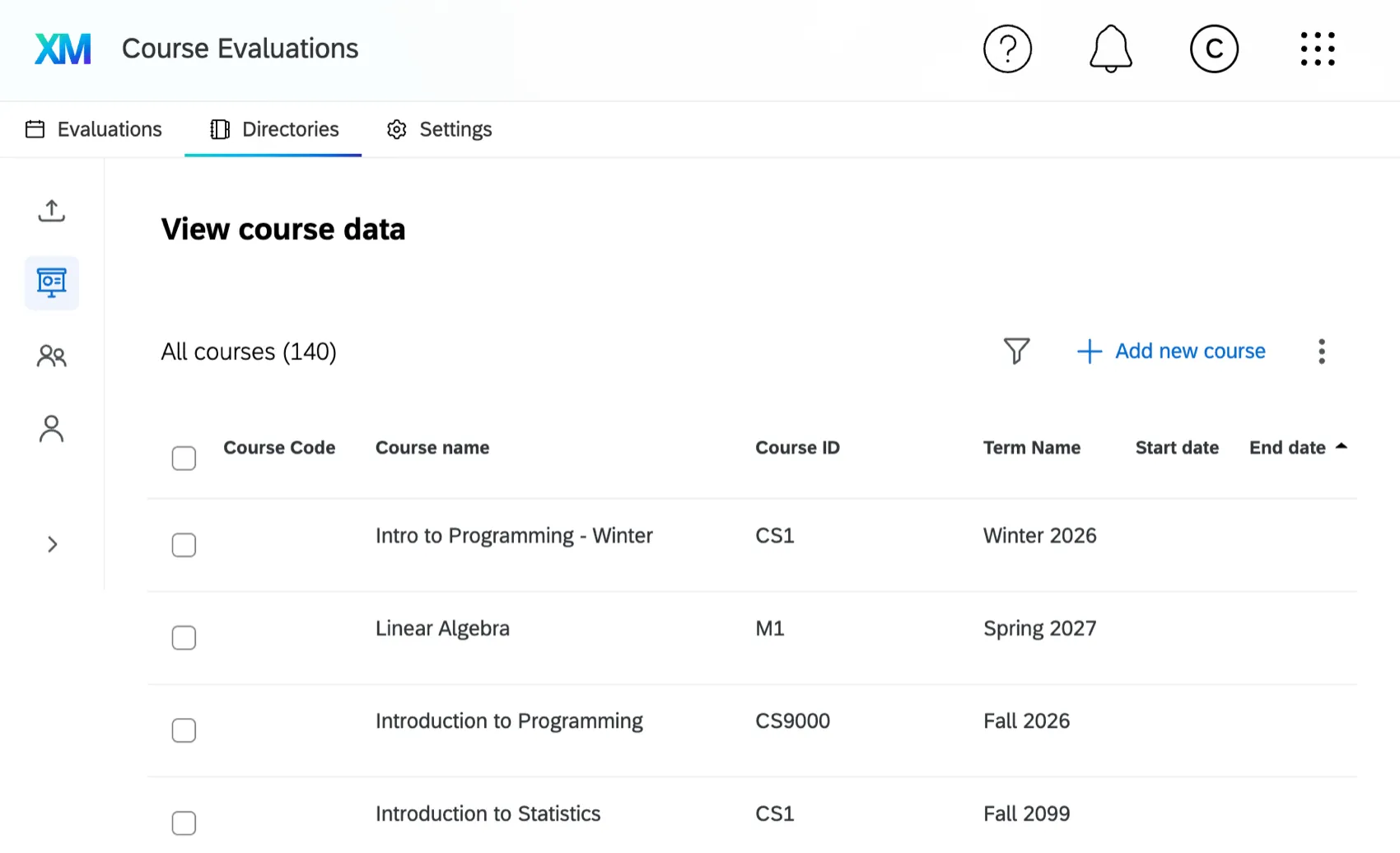
Directories: Upload and manage instructors and students, and view and manage courses.

Qtip: You can set up an SFTP connection to automatically import student and instructor data into Course Evaluations.
- Settings: View and manage options that apply to all course evaluations in your organization. You can also connect your Qualtrics account with your Learning Management System (LMS) software, edit how the evaluations portal will appear to your students, and give instructors the ability to create their own questions.
Required Permissions
When Course Evaluations is enabled for your organization, it will be available only for Brand Admins. To use Course Evaluations, Brand Admins can enable the Use QClassroom - Course Evaluations permission in the general section of the permissions window to allow individual users or user types to access Course Evaluations. For more information on managing permissions, see User, Group, & Division Permissions.
That's great! Thank you for your feedback!
Thank you for your feedback!