

Dashboard AI Settings (EX)
What's on this page
About EX Dashboard AI Settings
Attention: This page describes functionality that is only available to the following Employee Experience projects: Engagement and Frequent Pulse projects.

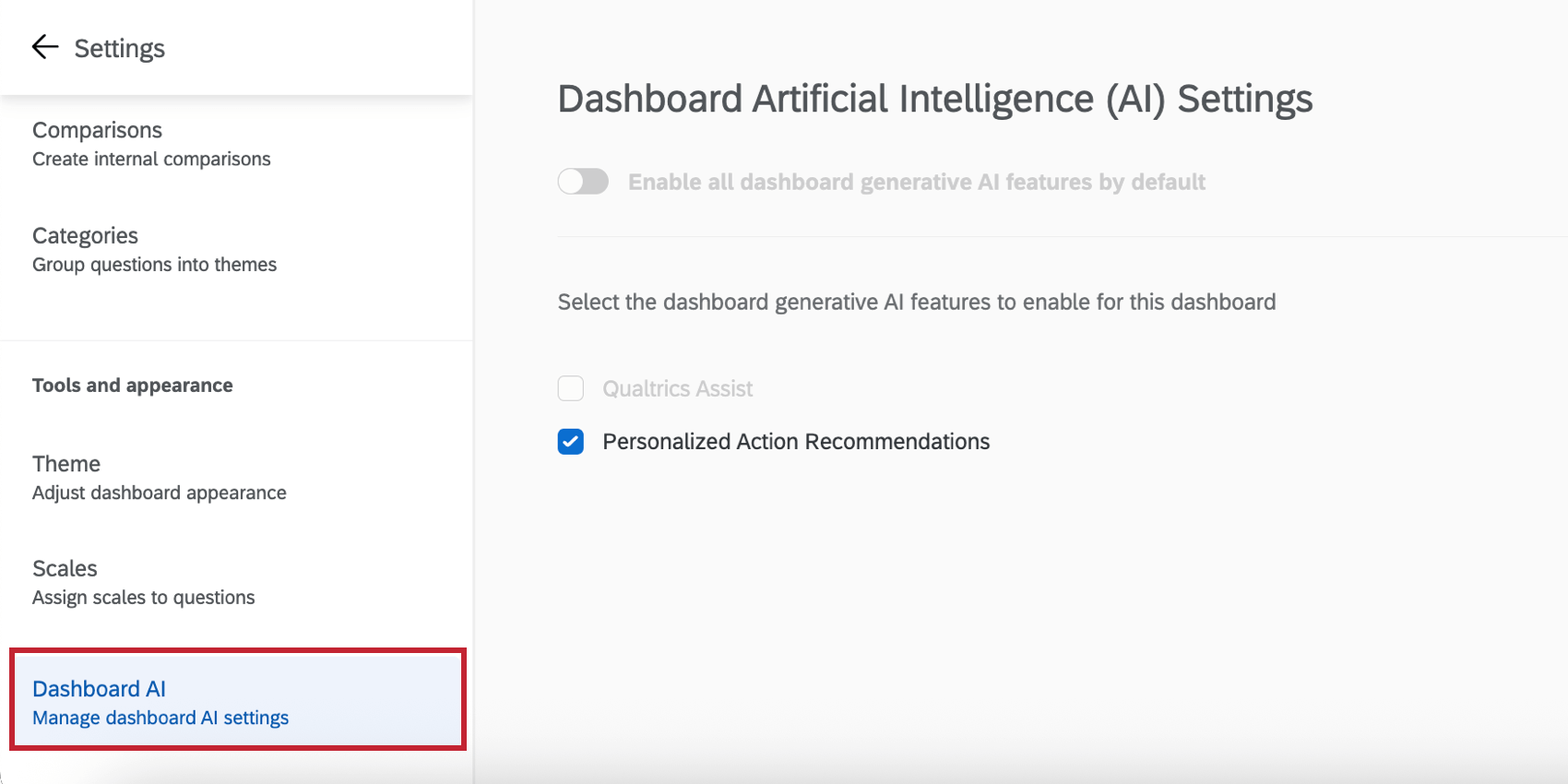
The Dashboard AI section of your dashboard settings enables you to control the AI capabilities of your dashboard. Each feature can be individually enabled or disabled to customize the AI features available to your dashboard users.
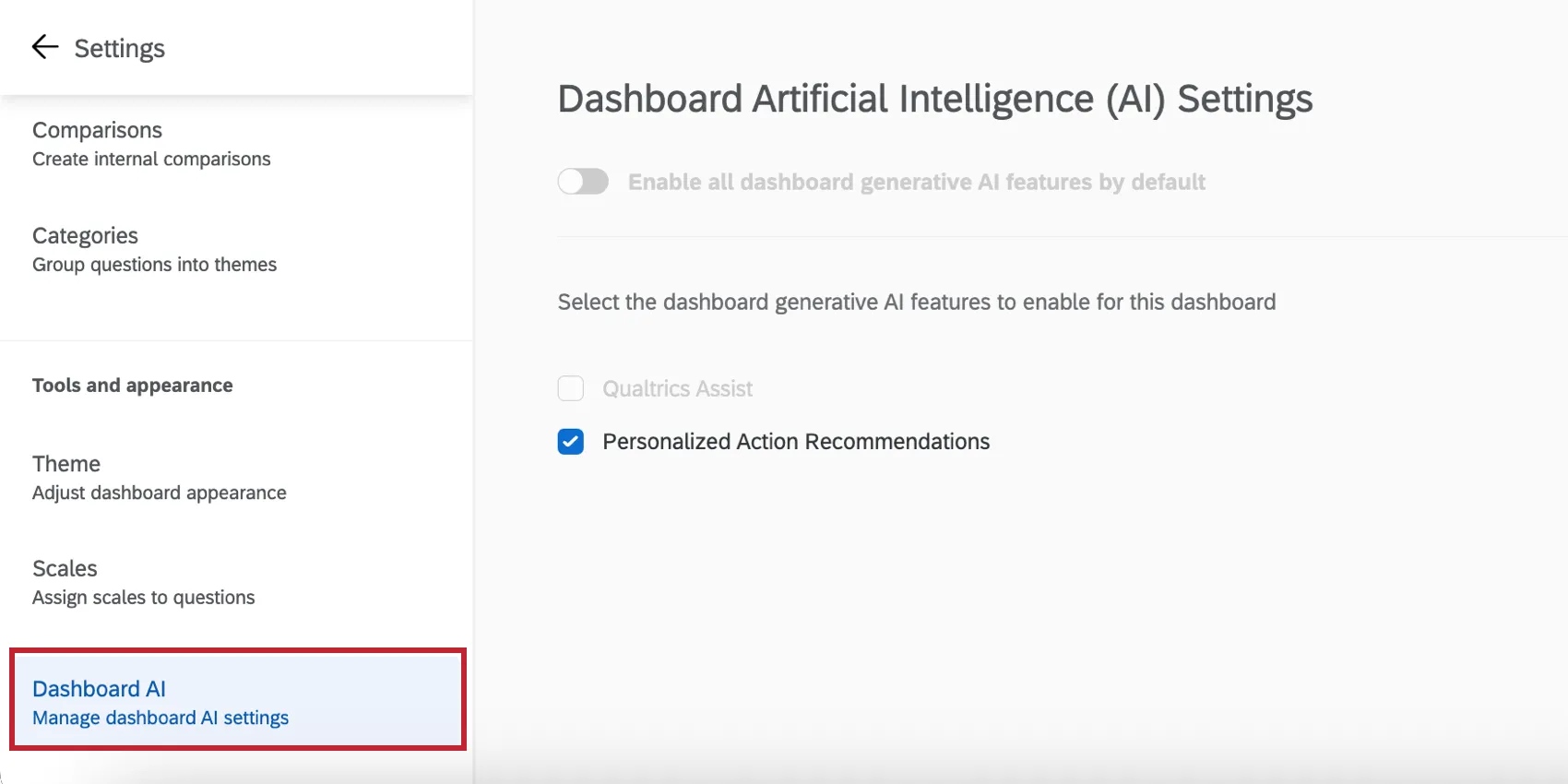
Enabling EX Dashboard AI Capabilities
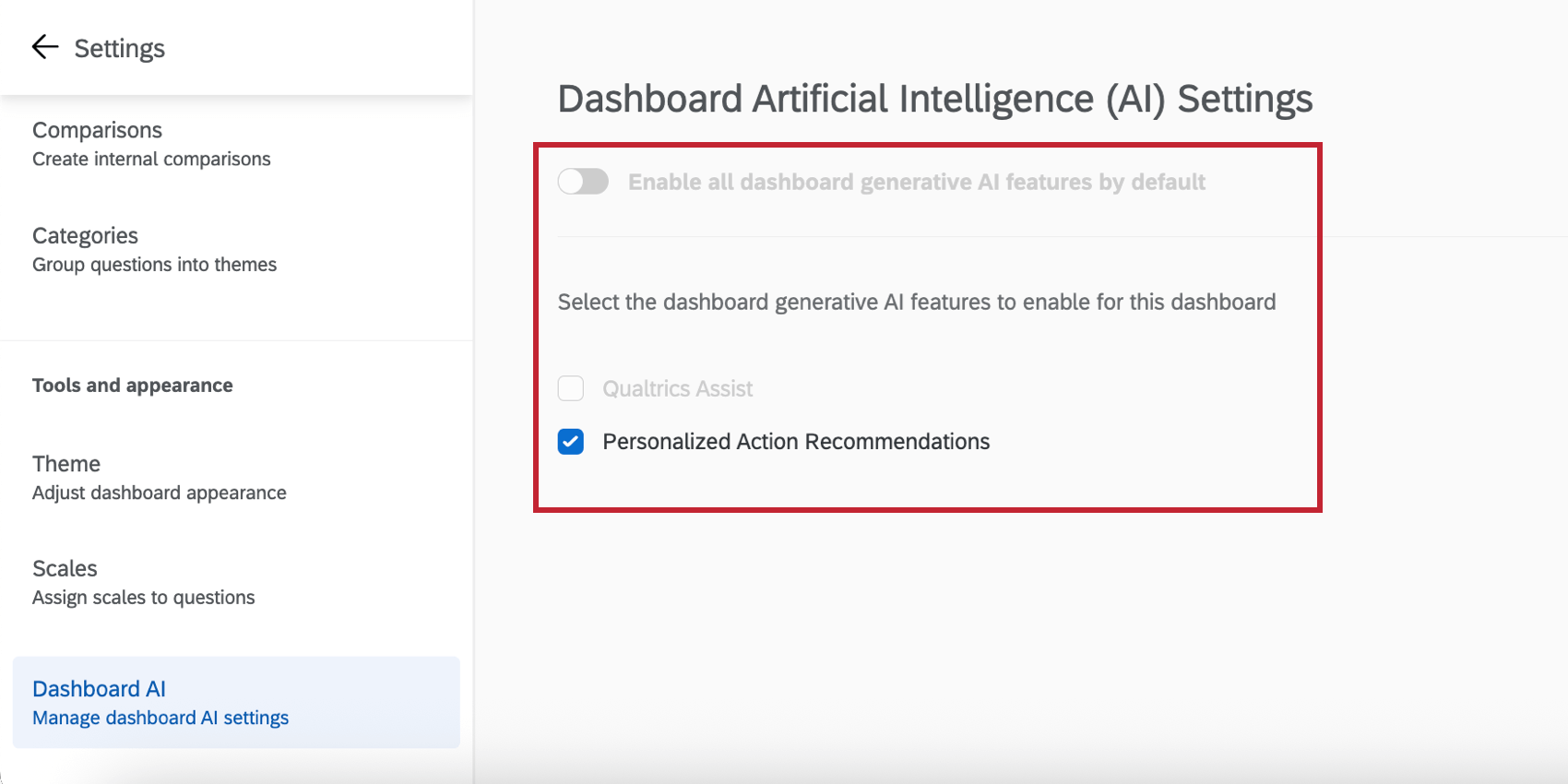
You can enable and disable the following AI features in your dashboard:
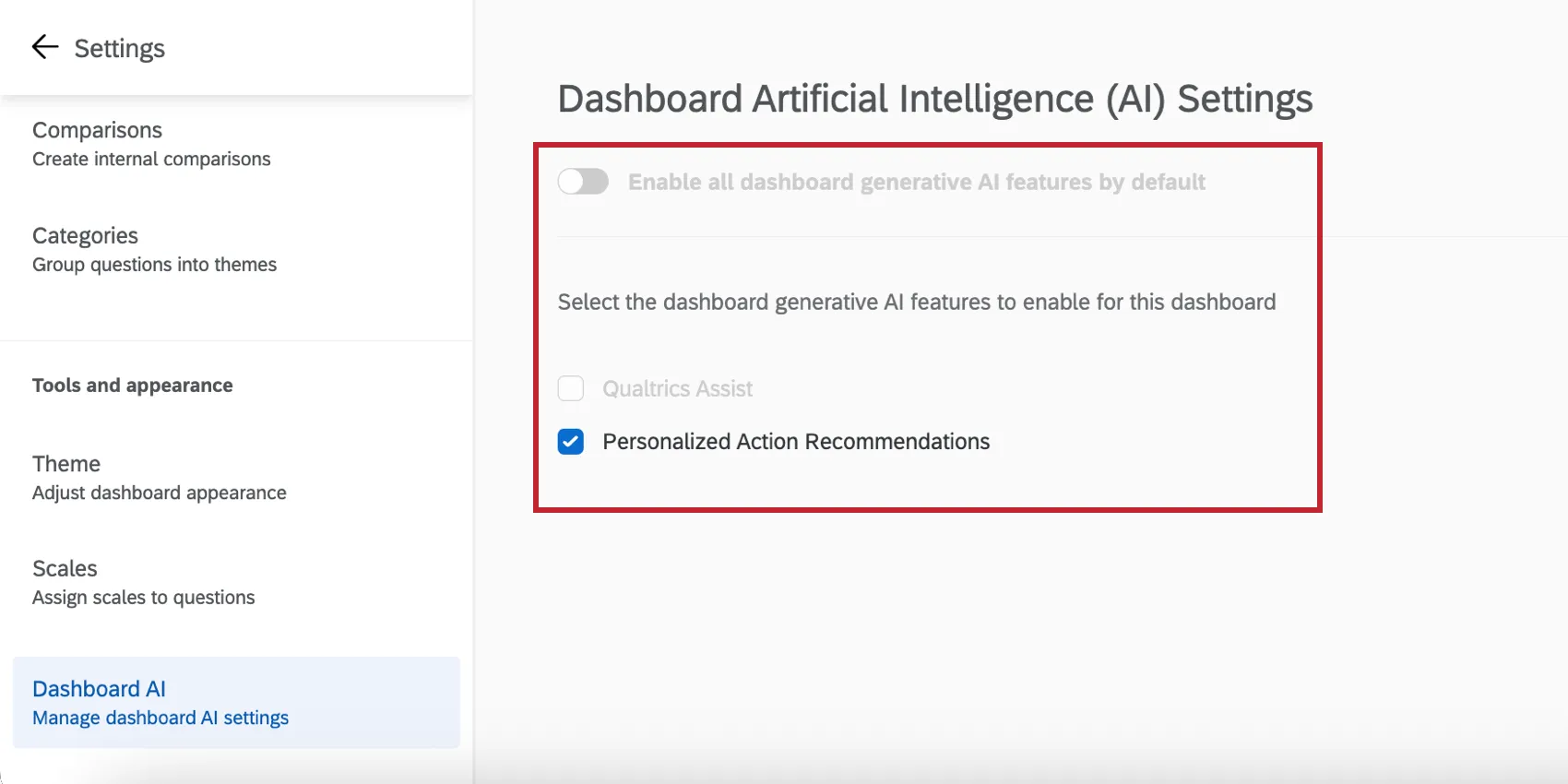
Qtip: If desired, you can turn on Enable all dashboard generative AI features by default. All features will be enabled and any future ones will be automatically enabled. You can only select this option if you have access to every AI feature listed here. If your user permission for a feature is disabled, then you will not be able to enable it here.

Qtip: Access to the AI-powered comment summaries widget is controlled at the organization-level instead of at the dashboard-level.
Qualtrics Assist
Qualtrics Assist is a dashboard assistant that uses AI to guide managers, HR analysts, and company leaders through every stage of results analysis.
See the Qualtrics Assist (EX) support page for in-depth information on how to use Qualtrics Assist in an EX dashboard.
Personalized Action Recommendations
Have you ever received EX results and been unsure about how to make a meaningful impact? Personalized action recommendations use AI to help managers and leaders identify areas of improvement, take action, and understand the impact on their team. This is accomplished by analyzing survey scores, open-text comments, and profile information to deliver data-driven suggestions specific to each team’s context. Additionally, personalized action recommendations leverage your organization’s established practices and resources already within your dashboard’s Guided Action Planning to provide highly relevant and tailored suggestions that align with your company’s strategy.
See Using Personalized Action Recommendations for step-by-step instructions.
That's great! Thank you for your feedback!
Thank you for your feedback!