

API Usage Threshold Event
Suite
Customer Experience
Strategy & Research
Product
Qualtrics
What's on this page
About the API Usage Threshold Event
The API usage threshold event allows you to monitor your brand’s API usage and trigger a workflow when the usage meets critical levels. You can monitor for general API usage across your brand, or narrow down the monitoring to specific API request types, errors, and users.
Setting up an API Usage Threshold Event
Follow the linked instructions to create an event-based workflow. This event is only available from the stand-alone workflows page.
For the event, choose API usage threshold.
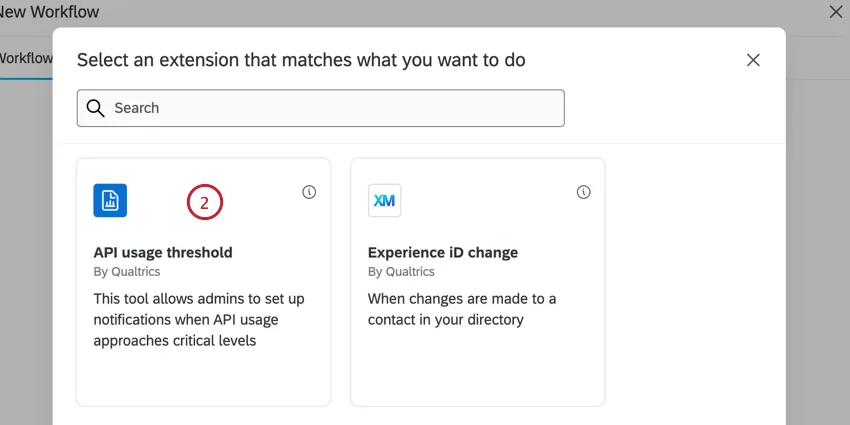
Select what you’d like to be notified about:
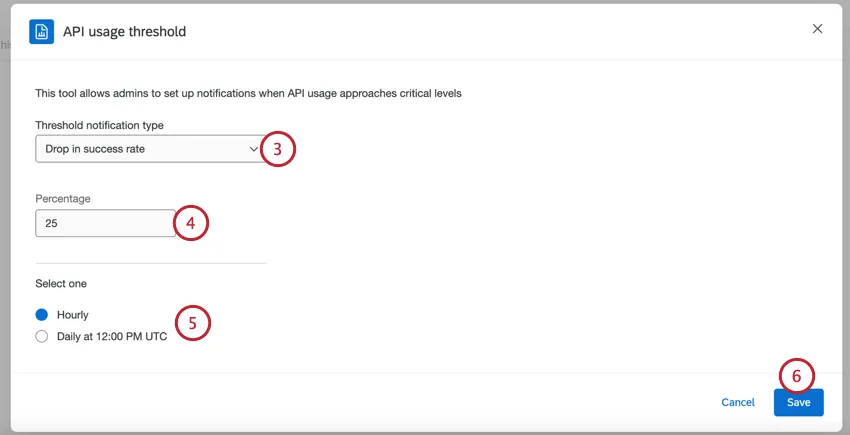
- Drop in success rate: Trigger the workflow if a certain percentage of requests fail.
- Failed Authentication attempts (HTTP 401): Trigger the workflow is a certain number of requests fail authentication with a 401 error.
- Hitting brand-wide Rate Limit: Trigger the workflow when a certain number or percentage of your brandwide’s rate limit has been met.
- Hitting endpoint API limit (429 errors found): Trigger the workflow when a certain number or percentage of requests to a specific endpoint are failing with a 429 error.
- Spike of Total Calls for a User: Trigger the workflow when a specific user in your license sends a certain number of requests.
- Spike of 200s successes: Trigger the workflow when a certain number or percentage of requests are succeeding with a 200 message.
- Spike of 400s/500s (excluding 401s and 429s): Trigger the workflow when a certain percentage of requests are failing with 400s or 500s errors, excluding 401 and 429 errors.
Set the threshold for your notification. What you enter here will be different depending on the type of notification you selected.
Choose how often you’d like your threshold to be checked:
- Hourly: Every hour, 15 minutes after the top of the hour.
- Daily at 12:00 PM UTC
Click Save.
Add a task to your workflow. This will be the task that creates the notification.
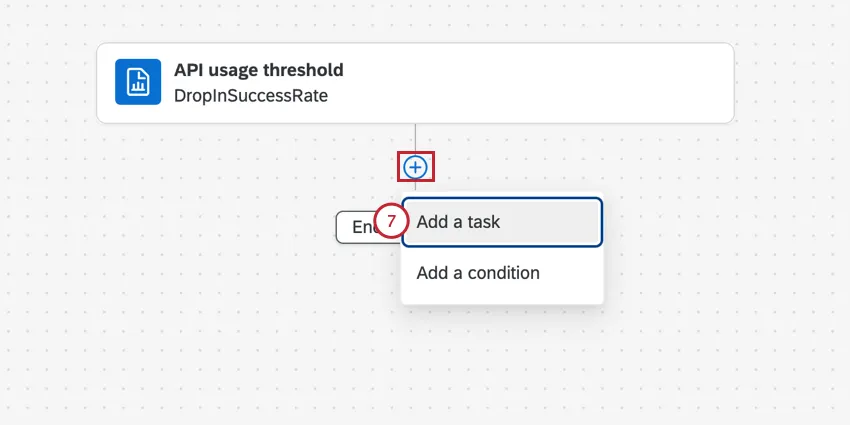 Common tasks include:
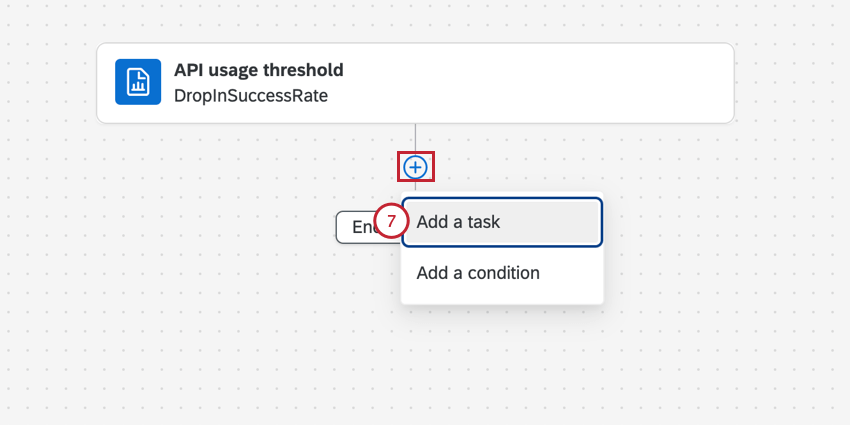
- Notifications feed task: Create a Qualtrics notification when the workflow is triggered.
- Email task: Send an email when the workflow is triggered.
When setting up your subsequent task, you can use piped text to pull in information from the trigger:
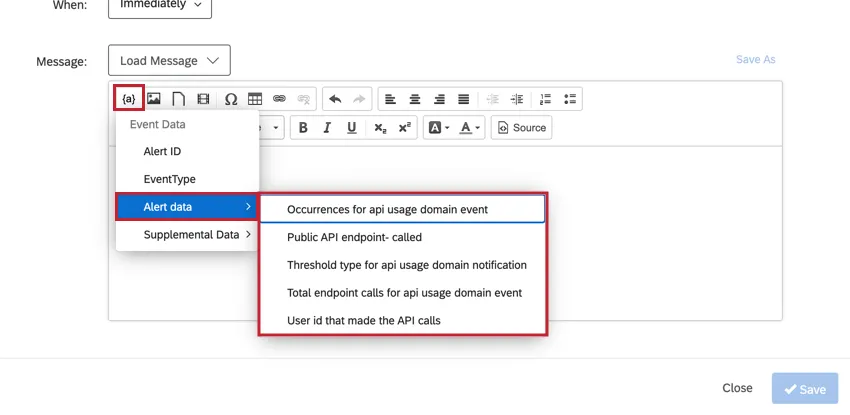
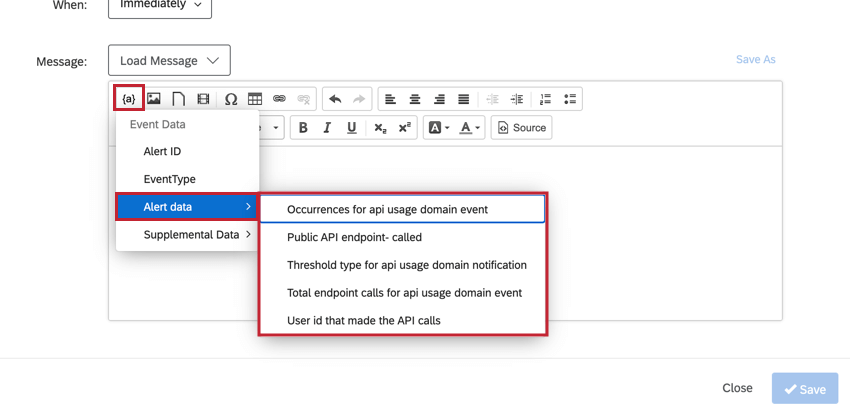
- Occurrences for api usage domain event: The total number of times your chosen notification type occurred Example: If “Spike of 400s” was selected, the piped text would contain the number of 400 errors.

- Public API endpoint – called: Displays the specific API endpoint that was called.
- Threshold type for api usage domain notification: Displays the type of threshold notification you selected.
- Total endpoint calls for api usage domain event: If monitoring a certain API endpoint, this is the total number of calls made to that endpoint.
- User id that made the API calls: The User ID of the user that made the API requests.
That's great! Thank you for your feedback!
Thank you for your feedback!