

Kiosk Mode (CX)
What's on this page
About Kiosk Mode
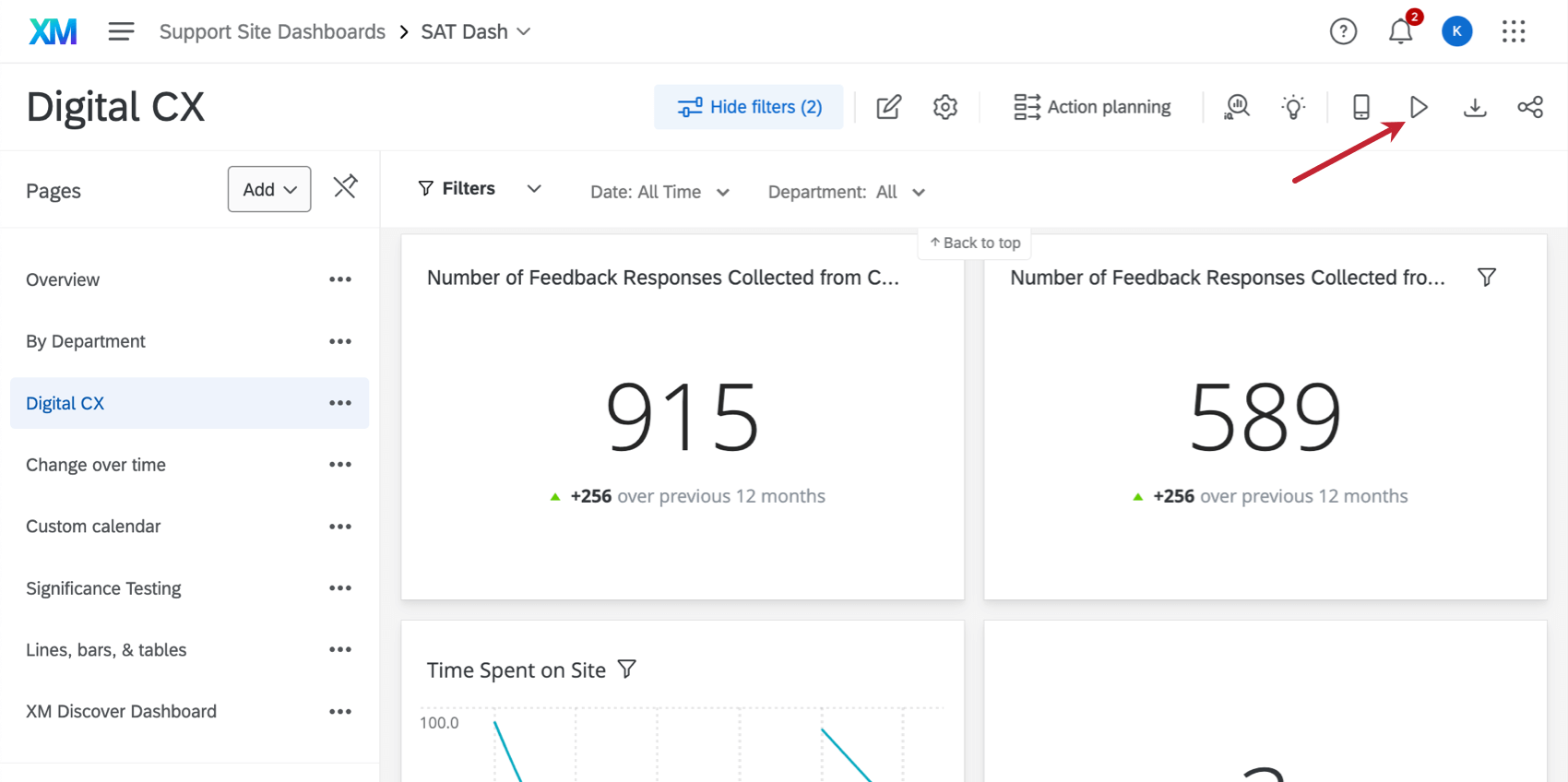
CX Dashboards are commonly used as a display on television screens or projectors. In kiosk mode, CX Dashboards will automatically rotate through your pages after 30 seconds or so. There currently is not a way to change the amount of time spent on each page. Your data will be refreshed every time a page is loaded. As such, you need at least two pages in your dashboard if you want your data to refresh automatically. Additionally, scrolling is disabled in kiosk mode, so ensure that all of your widgets will show up on the screen without scrolling.
Types of Compatible Dashboards
Qualtrics has a few types of dashboards available. This feature can be found in the following dashboards:
- Dashboard projects (i.e., CX Dashboards)
- Brand Experience
Please note that not all licenses include this feature or all of these types of dashboards.
Enabling Kiosk Mode
That's great! Thank you for your feedback!
Thank you for your feedback!