

Embedding Studio Dashboards in Third Party Applications
What's on this page
About Embedding Dashboards in Third Party Applications
Qtip: This action requires a Report Creator license.

You can embed Studio dashboards in third party applications. This allows you to view experience data alongside your daily workstreams.
Steps to Complete in Studio
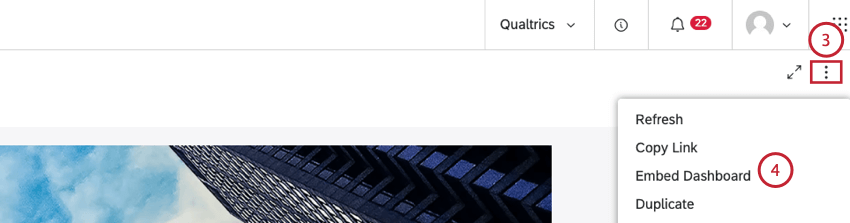
Before you can embed your dashboard in a third party application, you must retrieve the code for your dashboard from Studio.
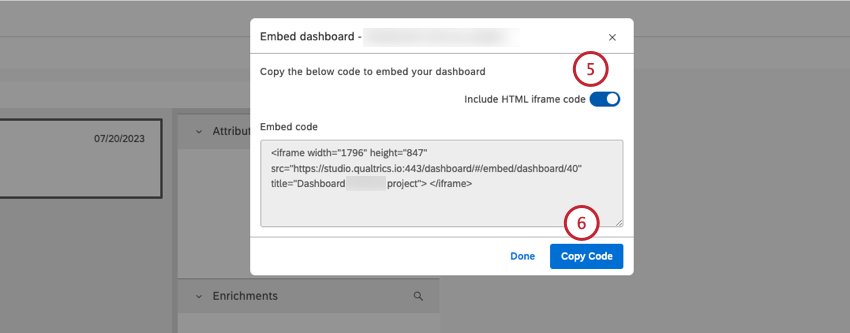
Qtip: Turn off the Include HTML iframe code toggle if you want to copy a link and embed it using an embed option in a third party application.
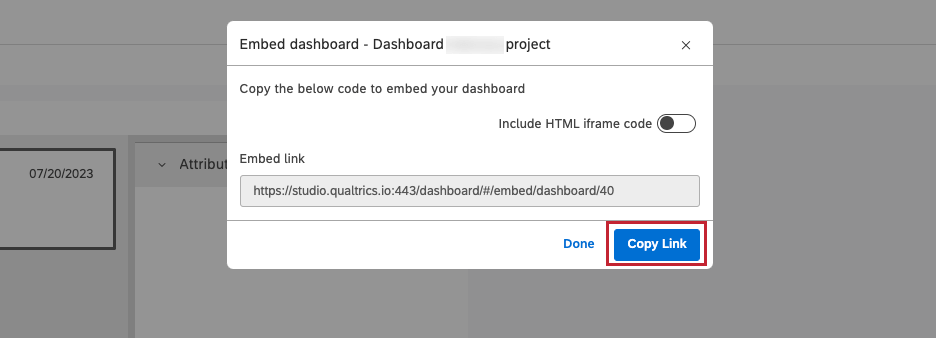
Qtip: If you disabled Include HTML iframe code, this button will say Copy Link instead.
You can then add the embed code or link to the third party application to embed the dashboard.
Steps to Complete in Third Party Application
Attention: Custom coding features are provided as-is and require programming knowledge to implement. Discover Technical Support does not offer assistance or consultation on custom coding. You can always try asking our community of dedicated users instead. If you’d like to know more about our custom coding services, please contact your Discover Account Executive.

The steps for embedding a dashboard vary depending on the third party application. For information on embedding the code or link in specific third party applications, see the third party application documentation. If you’re having trouble, you may need to work with your IT team.
Viewing Studio Dashboards in Third Party Applications
Qtip: To view a dashboard embedded in a third party application, you must have access to the dashboard and you must be signed in to XM Discover.
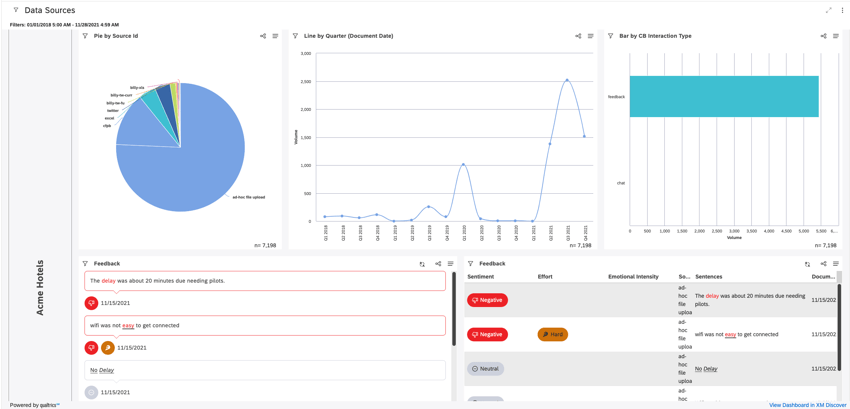
Once a dashboard is embedded in a third party application, you can access the dashboard in view mode only. The same level of functionality, data access and personalization are available to you as when viewing the dashboard from Studio, based on permissions and license type.
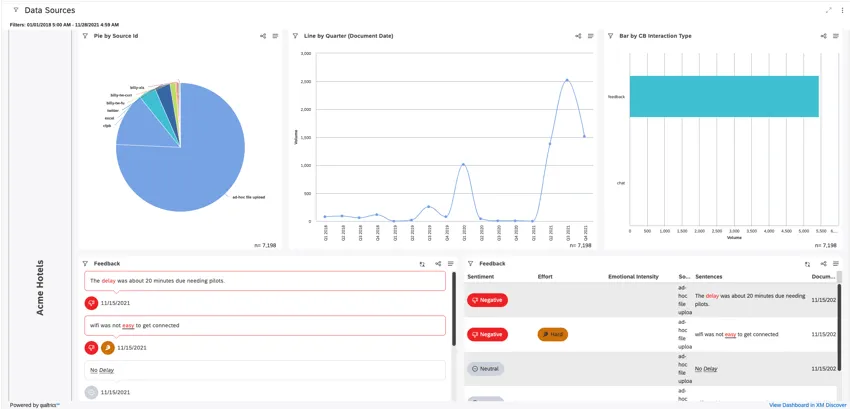
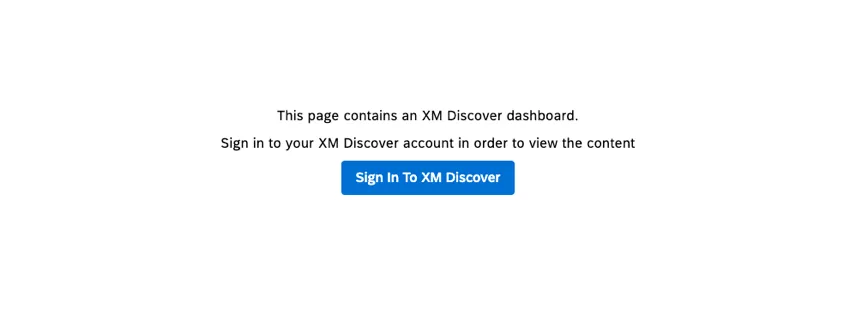
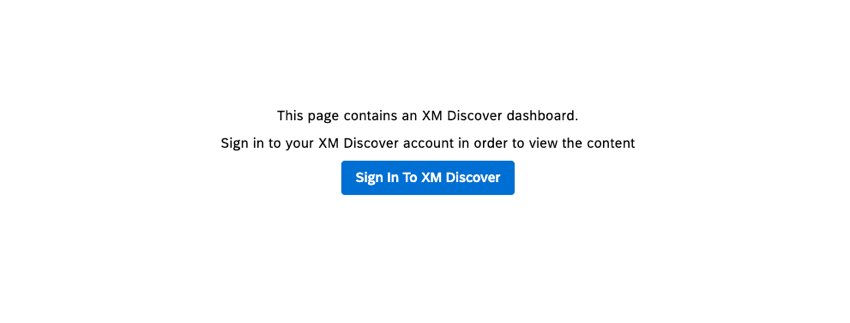
If you don’t have an open Studio session, click the Sign In To XM Discover button to view the embedded dashboard.
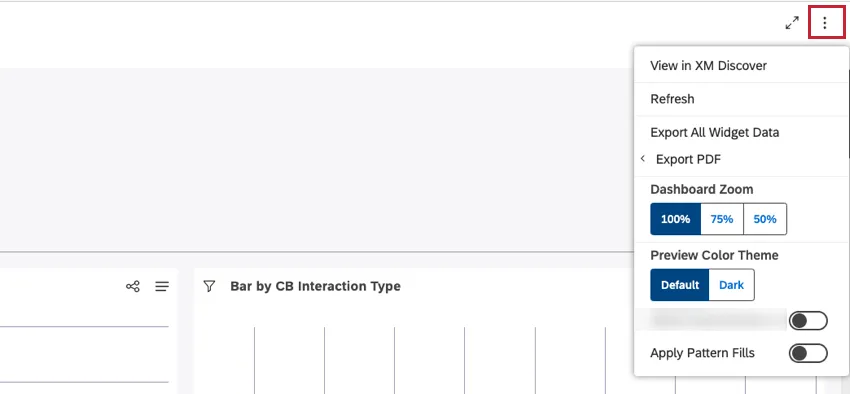
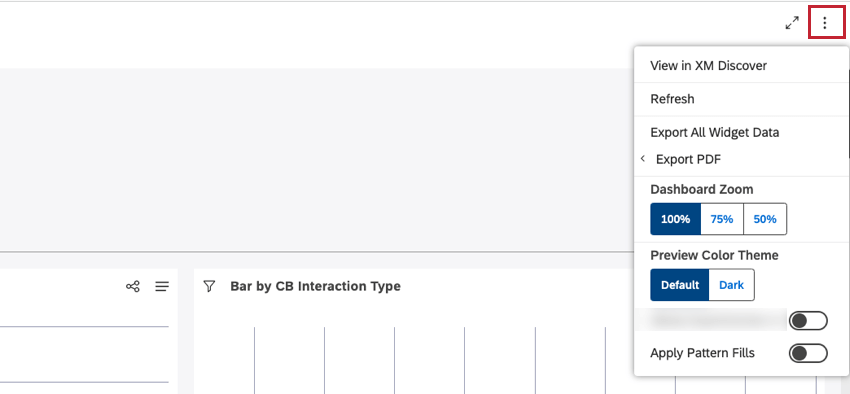
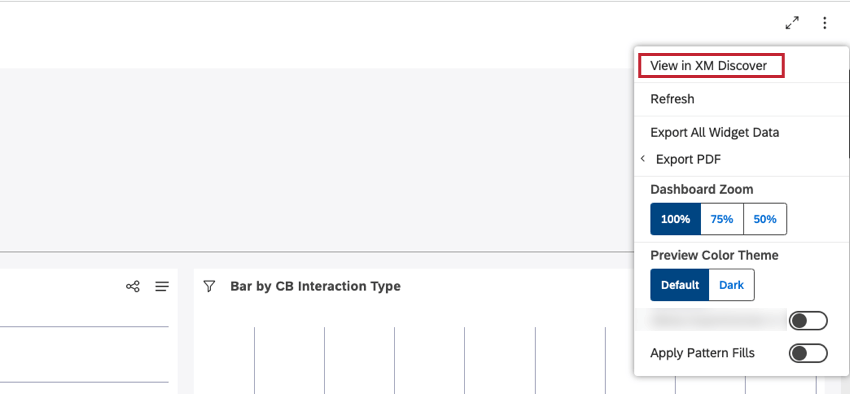
You can open the options menu to access the available options for the dashboard, based on permissions.
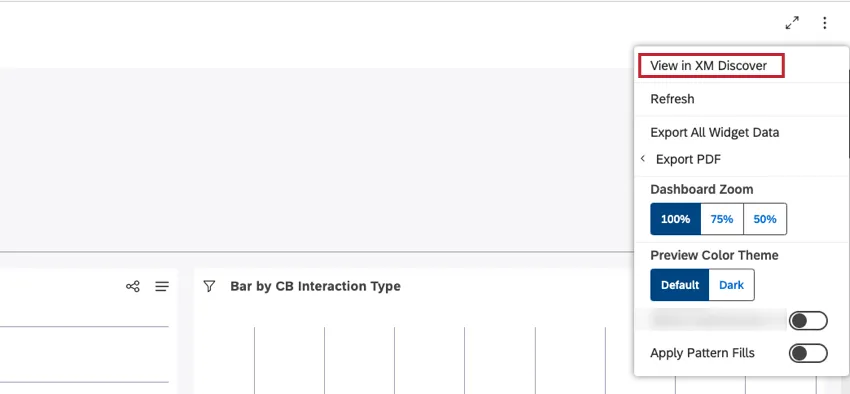
Select View in XM Discover from the options menu to be brought back to Studio to view the original dashboard.
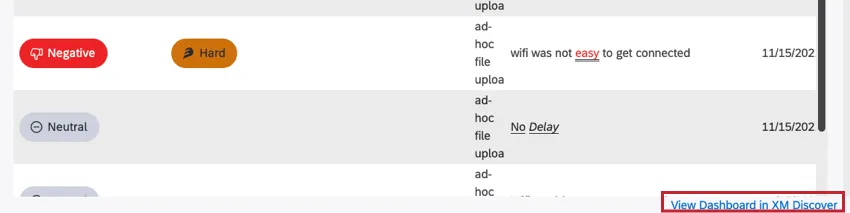
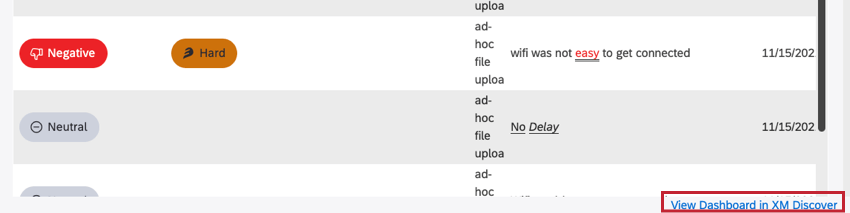
Qtip: You can also click View Dashboard in XM Discover at the bottom-right of the dashboard to view the dashboard from Studio.
That's great! Thank you for your feedback!
Thank you for your feedback!