

Enabling Rubrics
Suite
Customer Experience
Product
Qualtrics
What's on this page
About Enabling a Rubric
After you create a rubric, you need to enable it before you can use intelligent scoring.
Attention: Once a rubric is enabled, all new documents that get categorized into the scoring model going forward will get an intelligent score and with additional Intelligent Scoring artifacts.

Enabling a Rubric
Select a project.
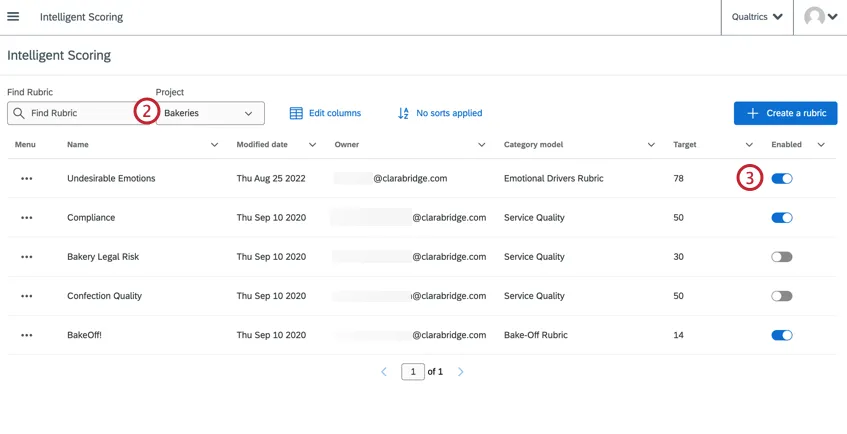
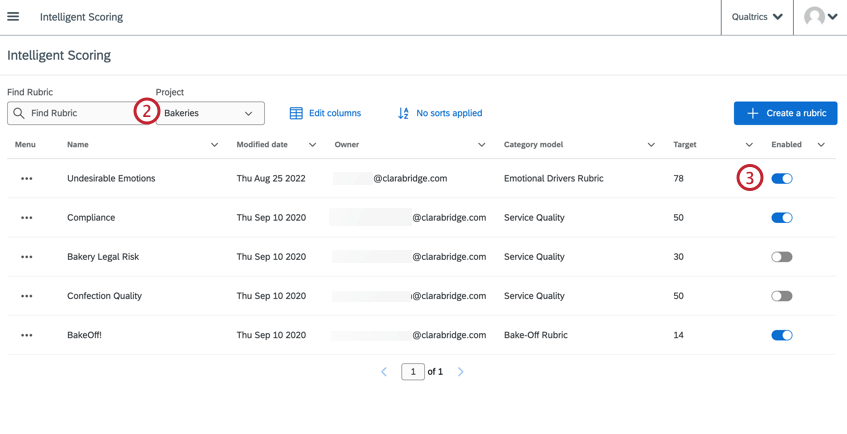
Under Enabled, turn the switch on next to your rubric.
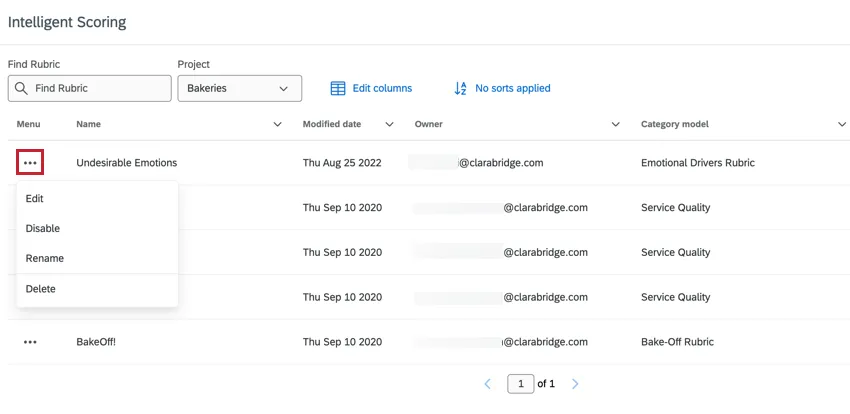
Qtip: You can also use the dropdown menu next to a rubric to enable or disable it.

Disabling a Rubric
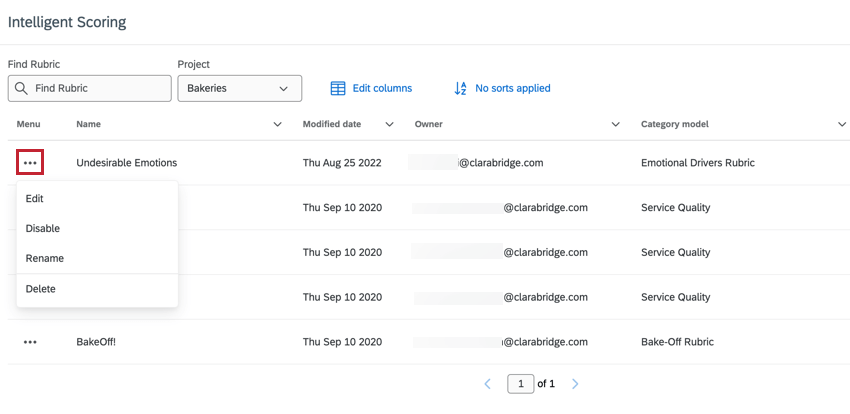
To disable a rubric, turn off the Enabled switch, or expand the menu and select Disable.
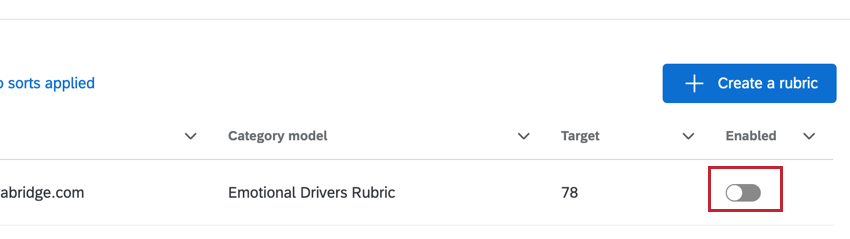
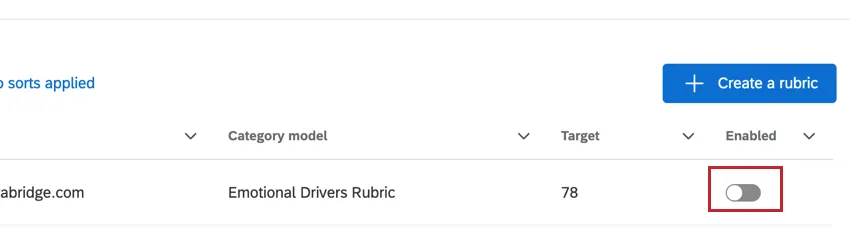
Disabled rubrics cannot be used in reports and do not generate intelligent scoring artifacts.
Disabled rubrics remain in Studio and can be re-enabled any time. However, you can also delete a rubric if you no longer need it.
That's great! Thank you for your feedback!
Thank you for your feedback!