

Directories Tab (Course Evaluations)
What's on this page
About The Directories Tab
In the Directories tab you can import instructors and students and add new courses. This tab is where you add all the relevant course data and recipients that will later be used when distributing your evaluations.
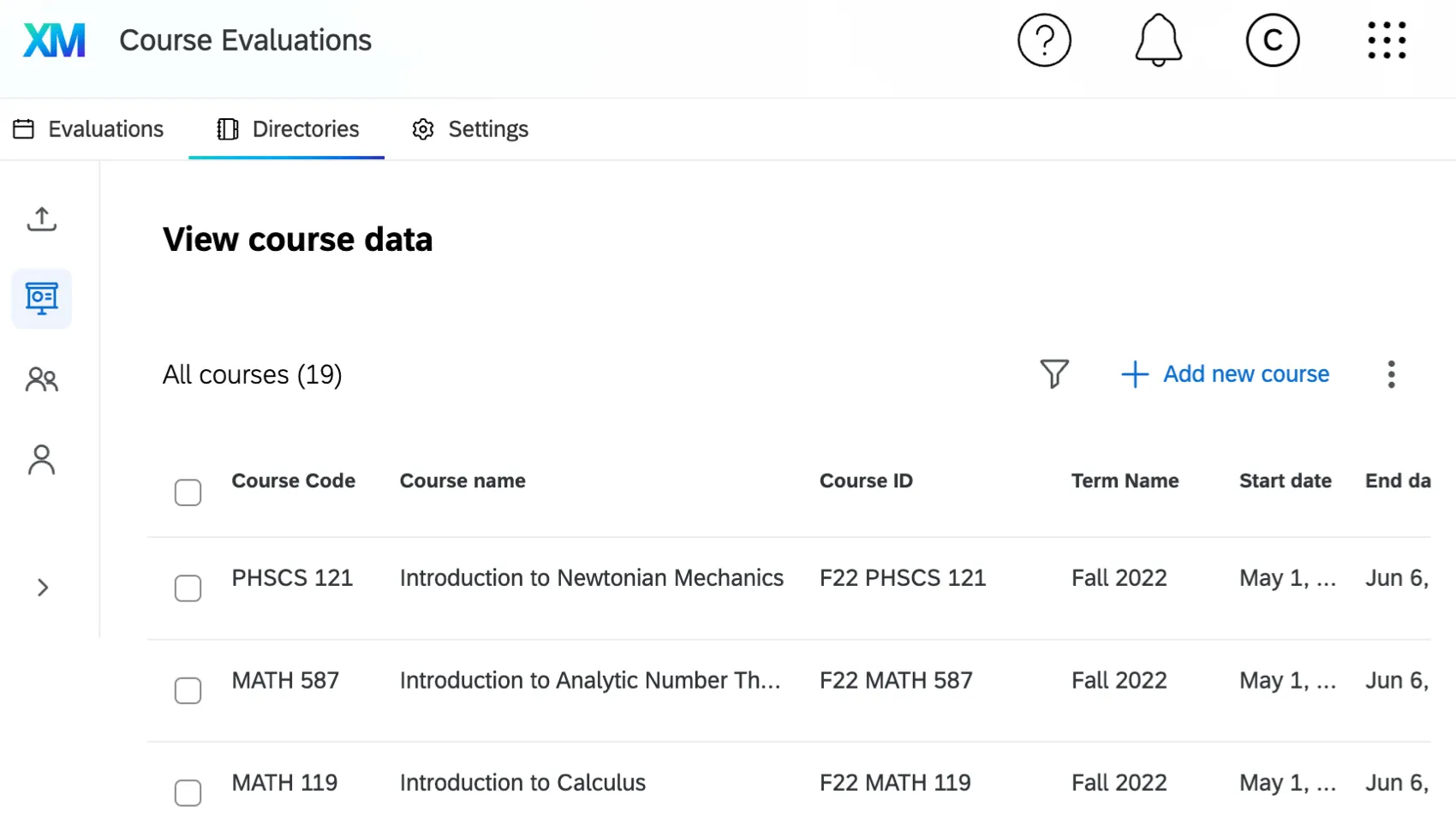
For more information on Course Evaluations, see Course Evaluations Overview.
Imports
In the Imports section of the Directories tab you can populate your Course Evaluations directory with imported student and instructor data. Imports can either be imported in bulk using a CSV, automated to pull directly from your learning management system, or pulled from another server using SFTP.
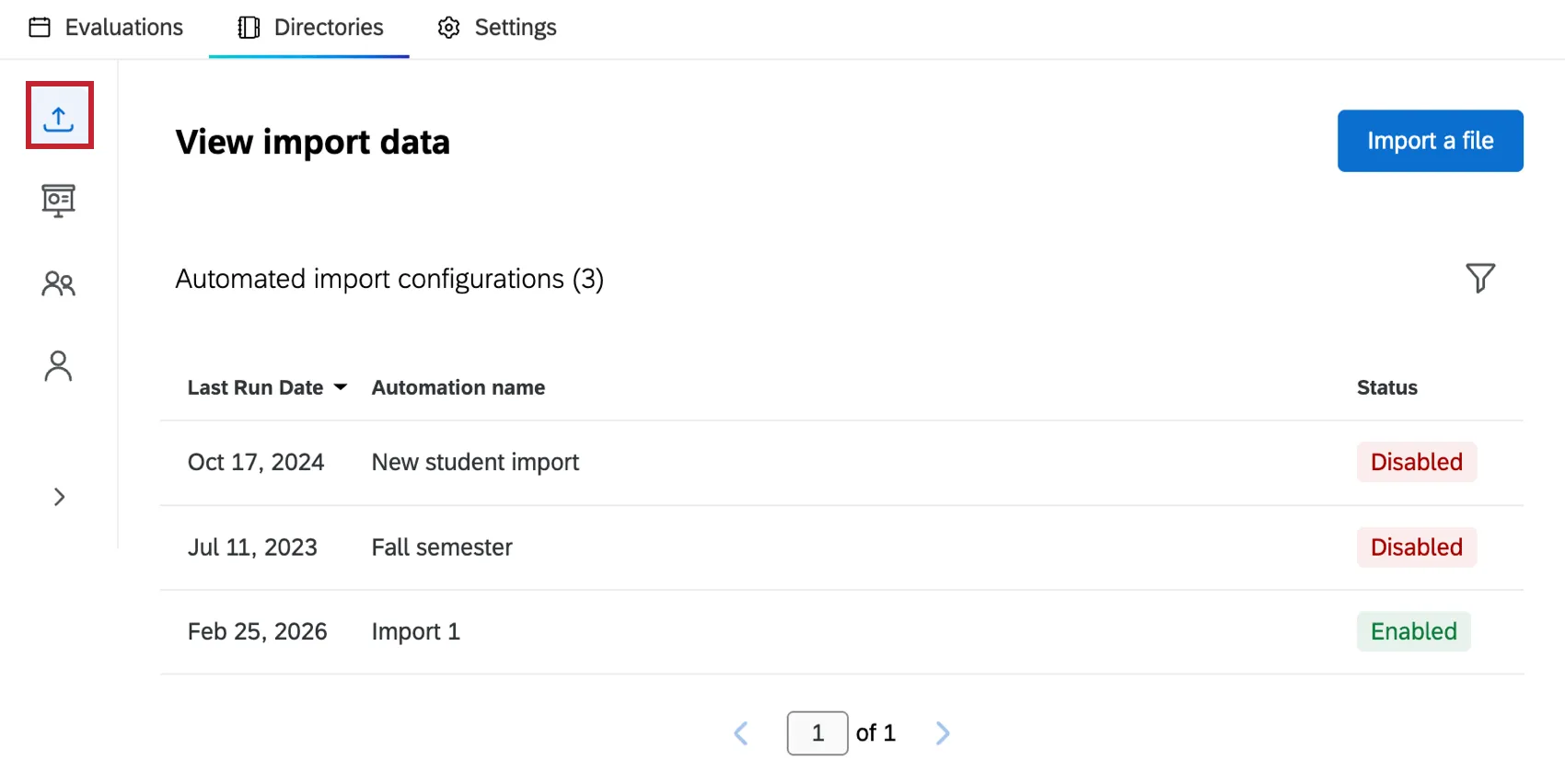
For more information and instructions on importing students and instructors, see Imports (Course Evaluations).
Courses
In the Courses section of the Directories tab you can view and manage courses for your institution, create new courses, edit course data, and more.
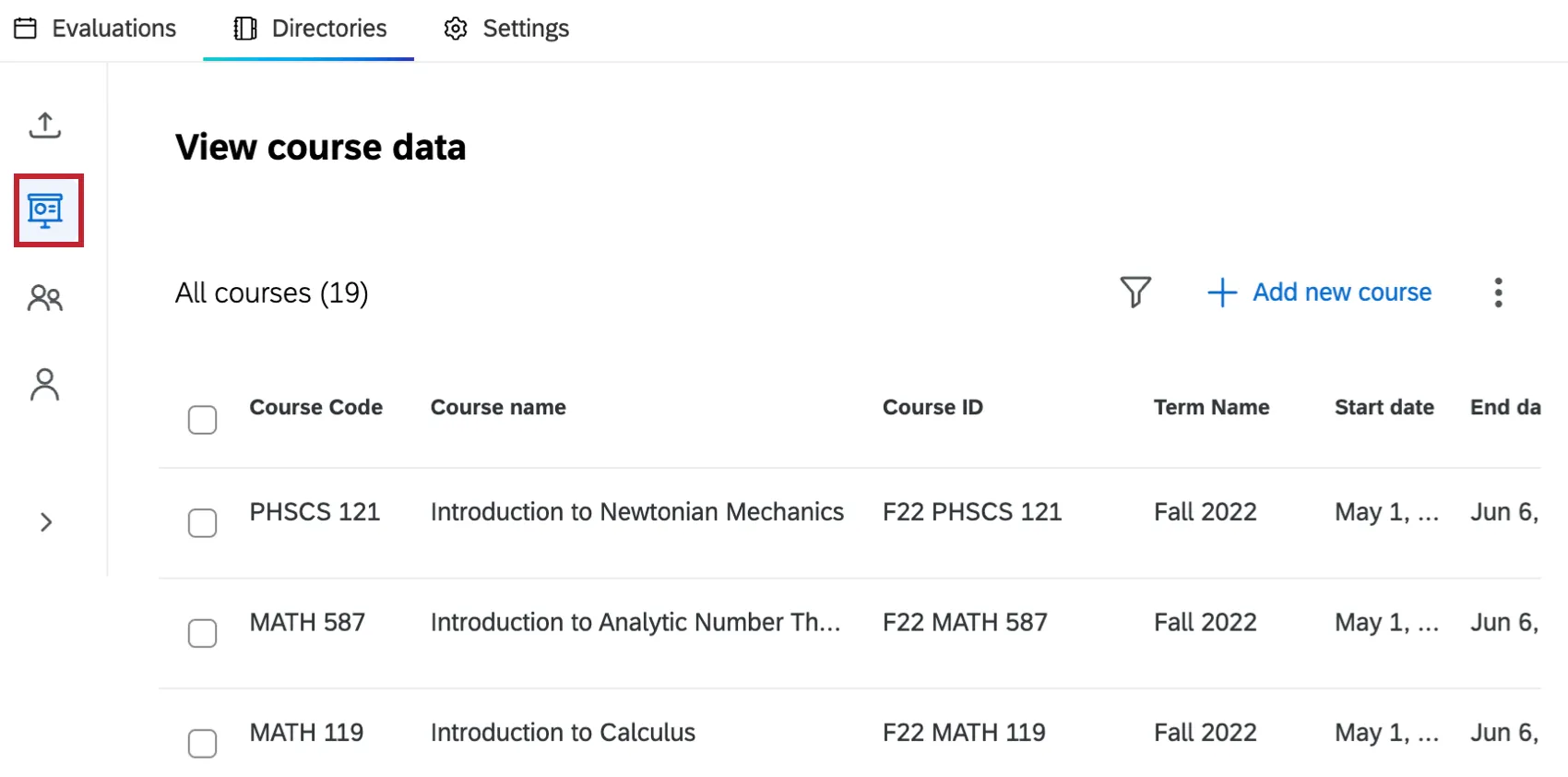
For more information and instructions on viewing and managing courses, see Courses (Course Evaluations).
Students
In the Students section of the Directories tab you can view and edit student data, view individual student portals, and add new students.
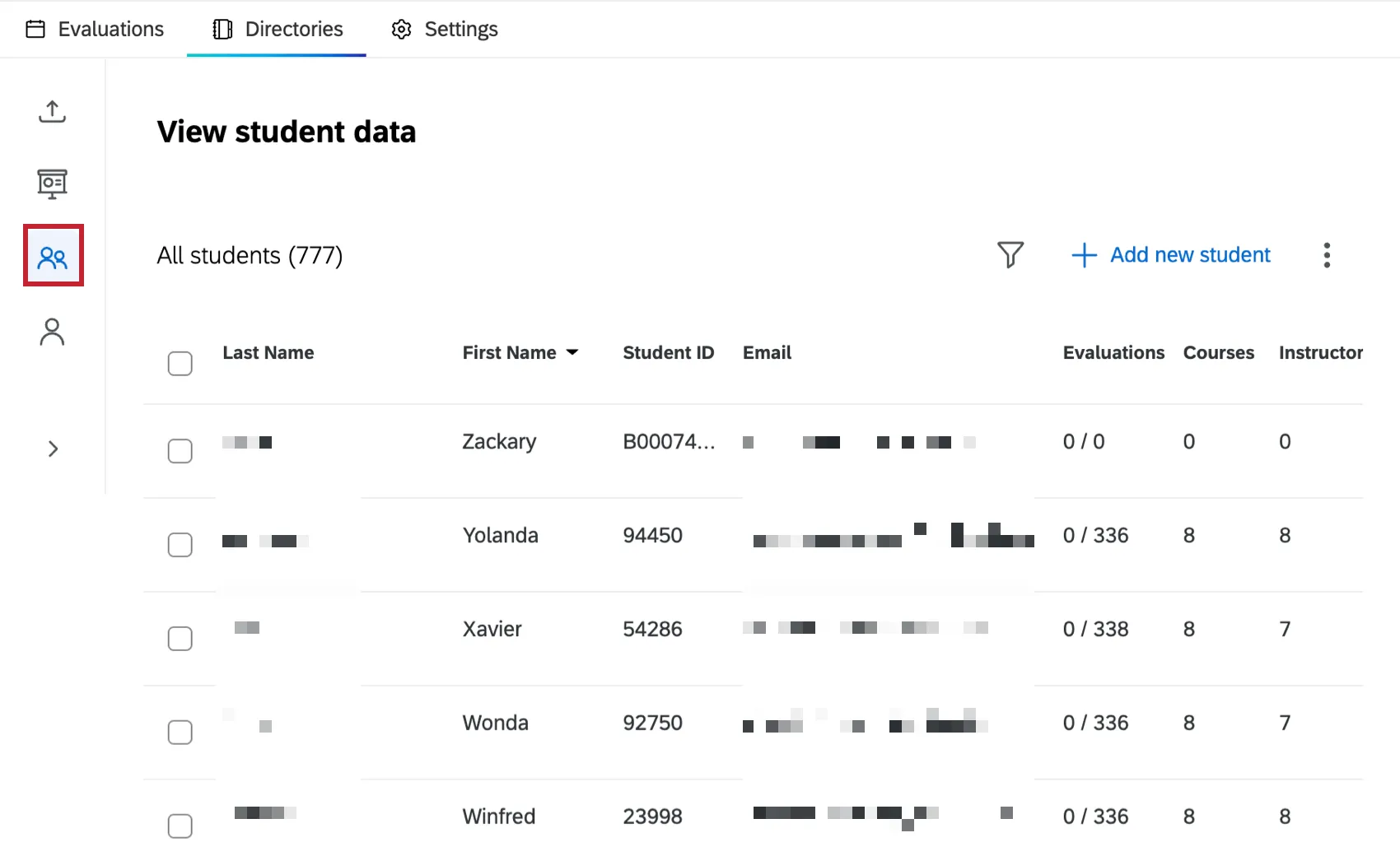
For more information and instructions on viewing and managing students, see Students (Course Evaluations).
Instructors
In the Instructors section of the Directories tab you can view instructor data, edit instructor data, and add new instructors.
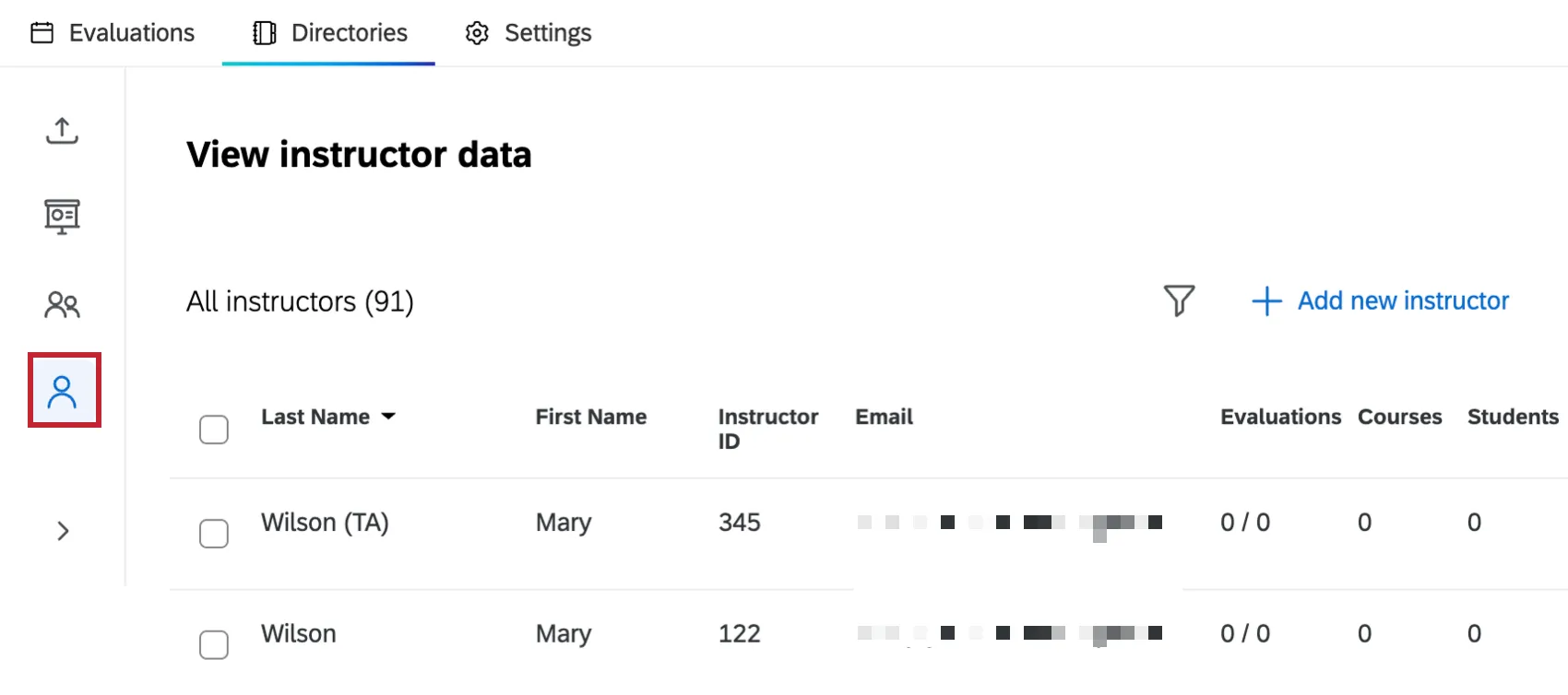
For more information and instructions on viewing and managing students, see Instructors (Course Evaluations).
That's great! Thank you for your feedback!
Thank you for your feedback!