

Students (Course Evaluations)
What's on this page
About Students in Course Evaluations
In the Students section of the Directories tab within course evaluations, you can view and edit student data, view individual student portals, and add new students. You can then distribute evaluations to these students.
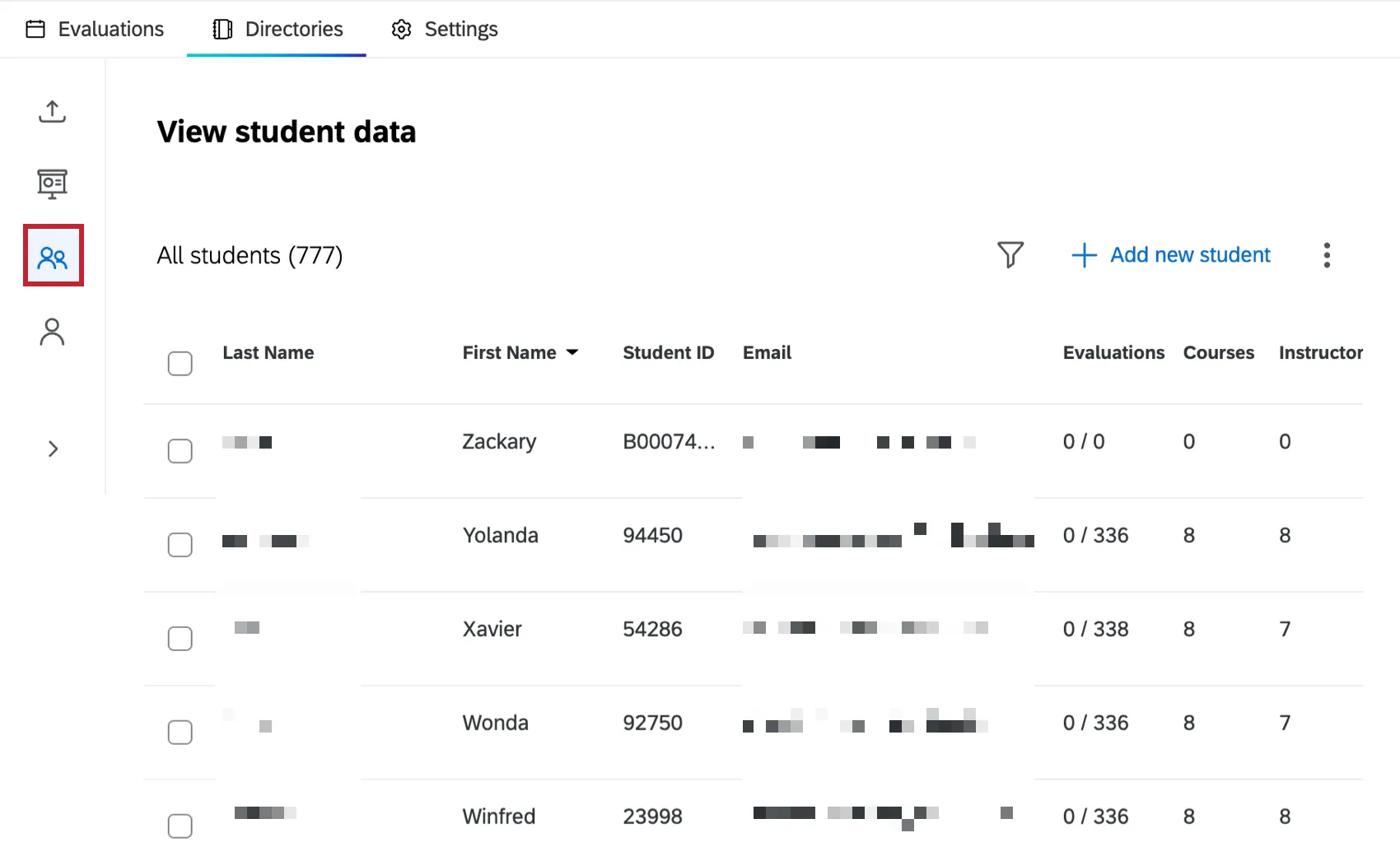
For more information on the Directories tab, see Directories Tab (Course Evaluations). For a course evaluations overview, see Course Evaluations Overview.
Adding New Students
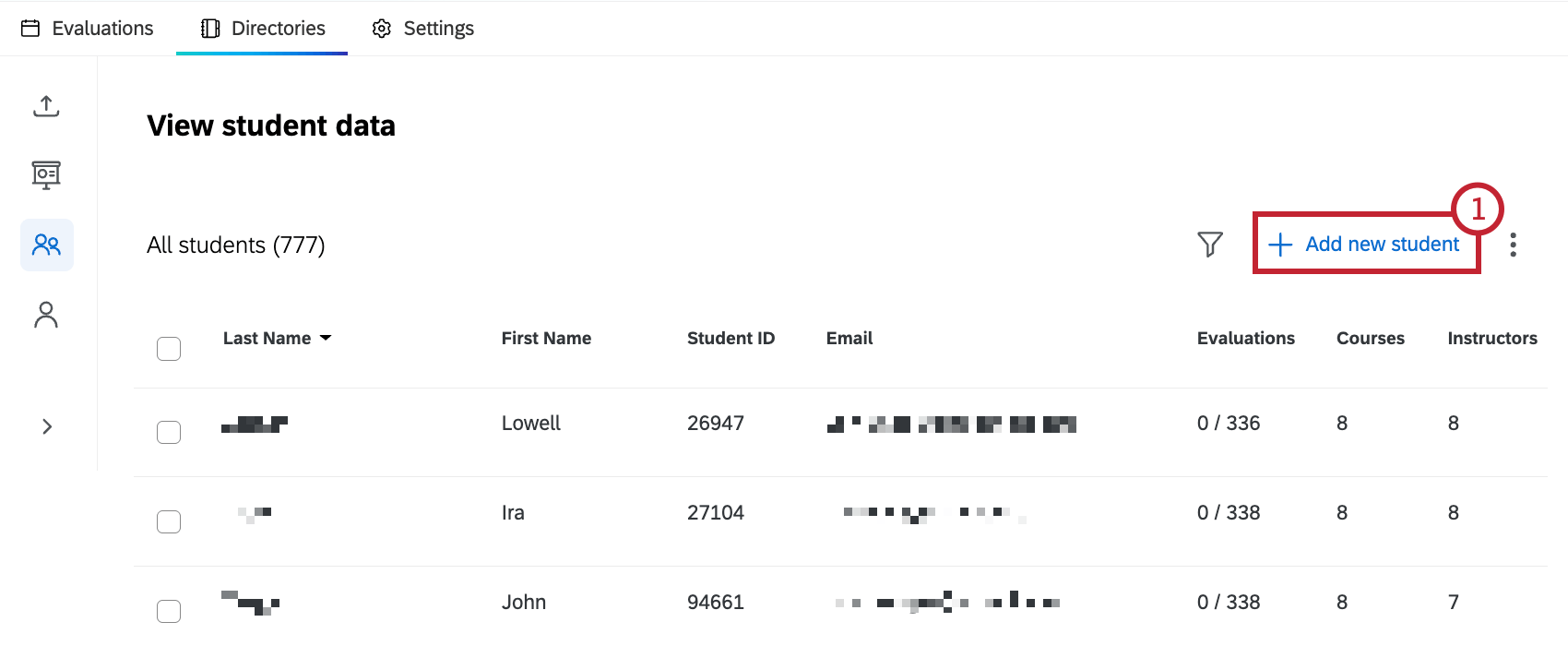
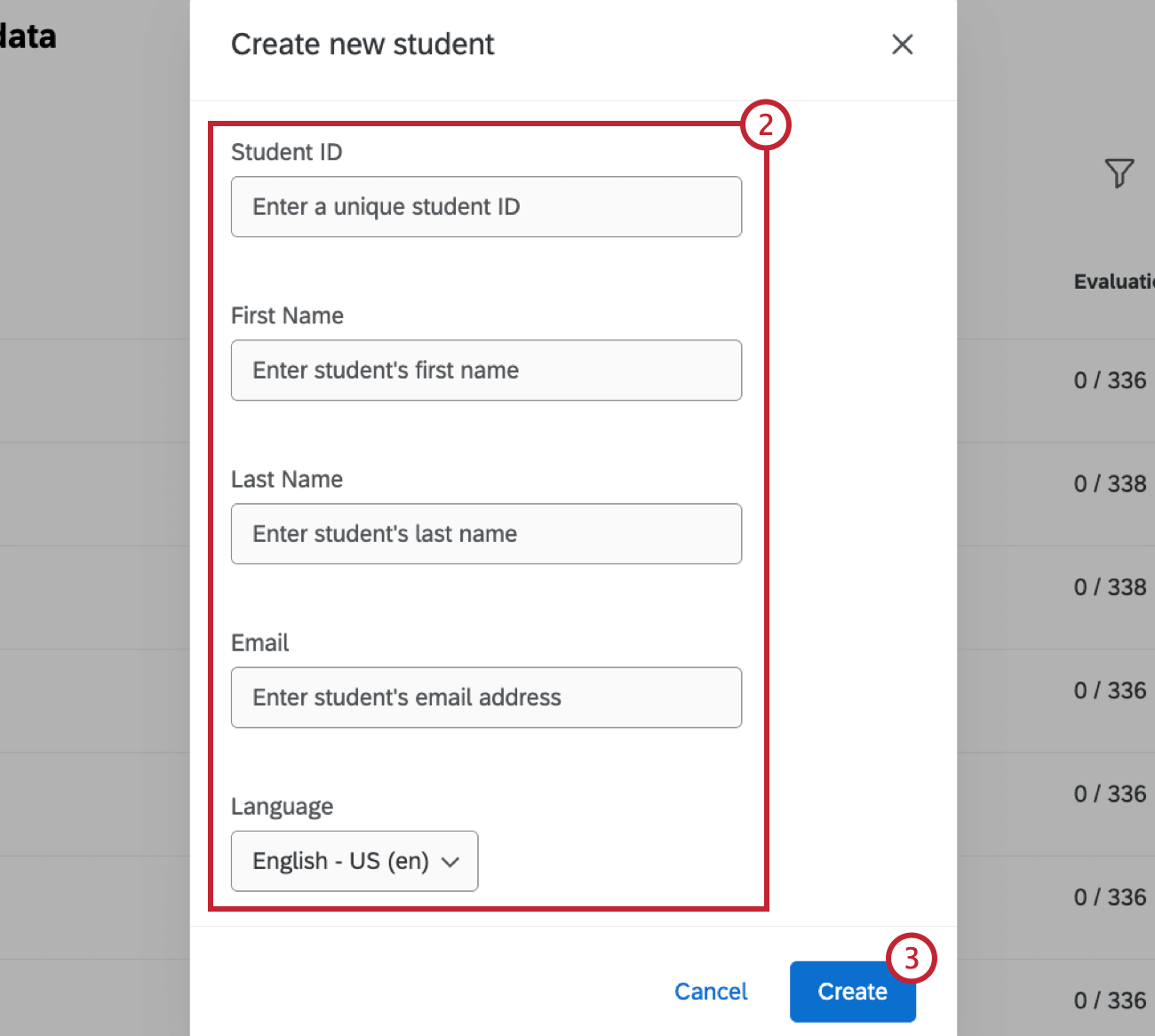
Managing Existing Students
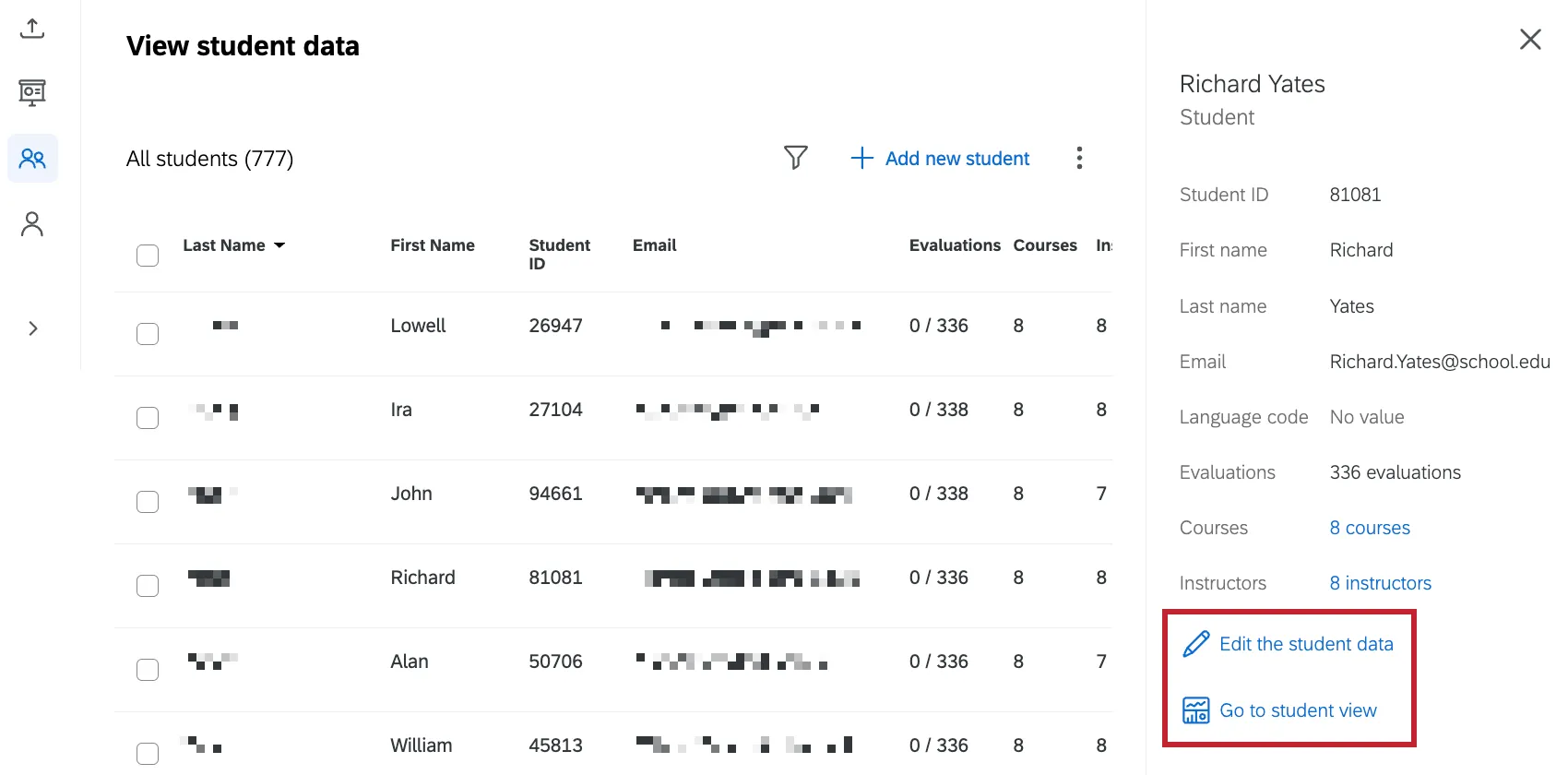
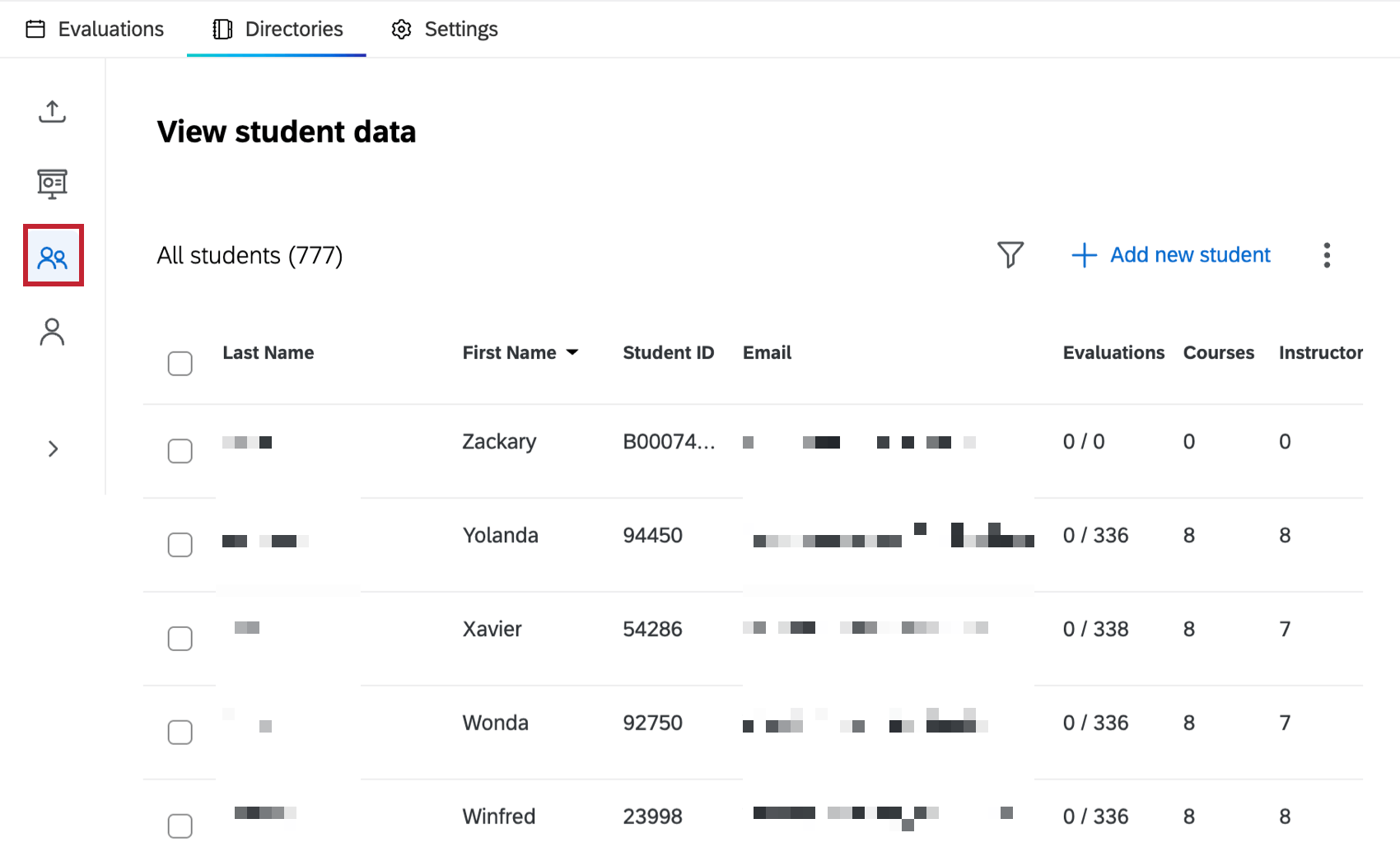
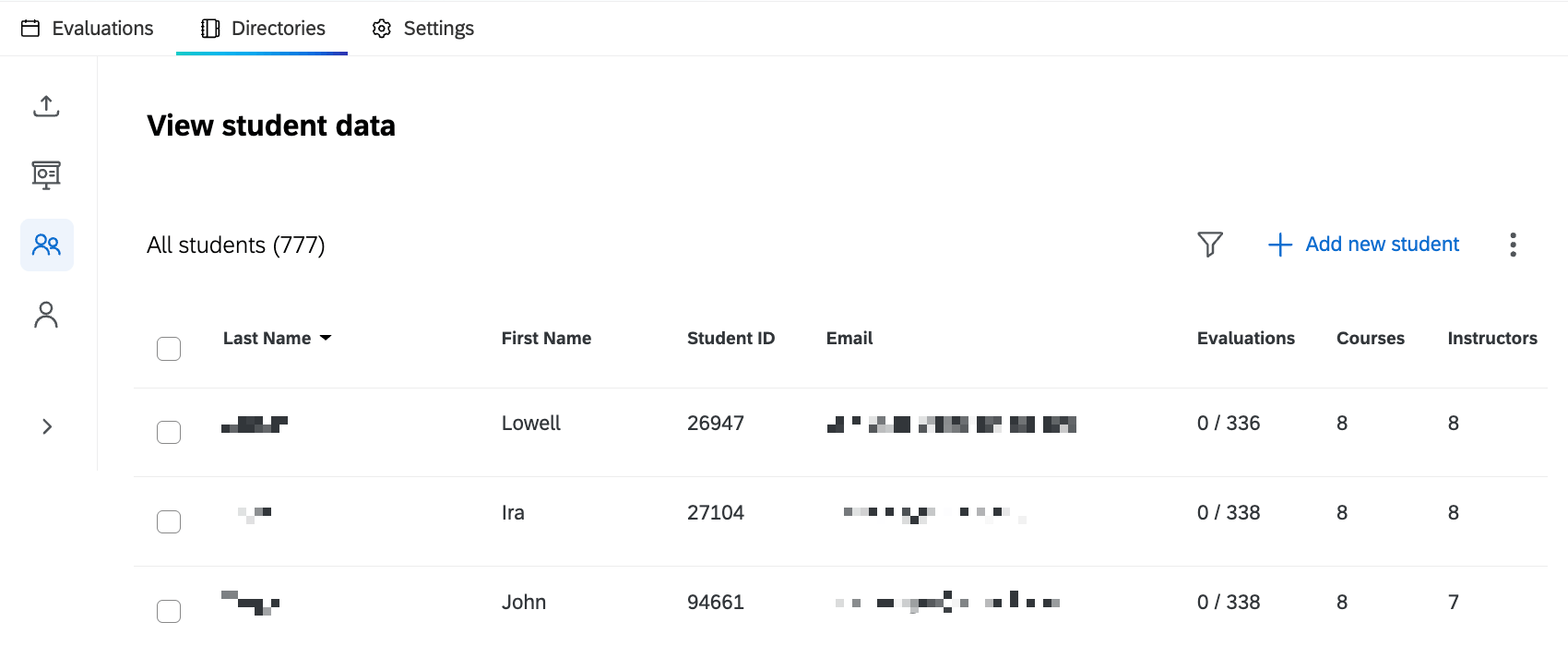
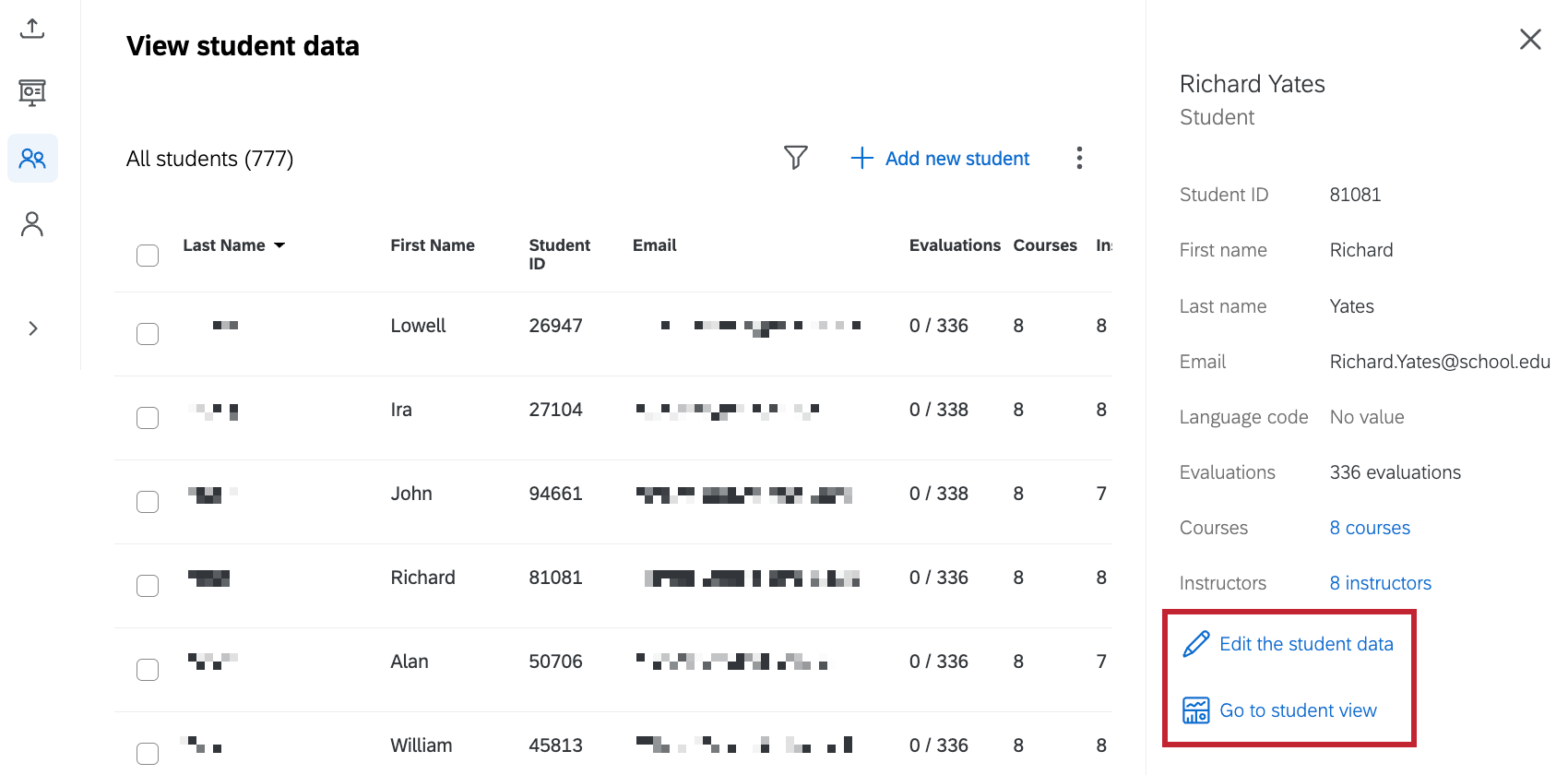
Once you’ve added students, you can search, view, and edit their data within the View student data table. Click on a student within the table to view more information about them.
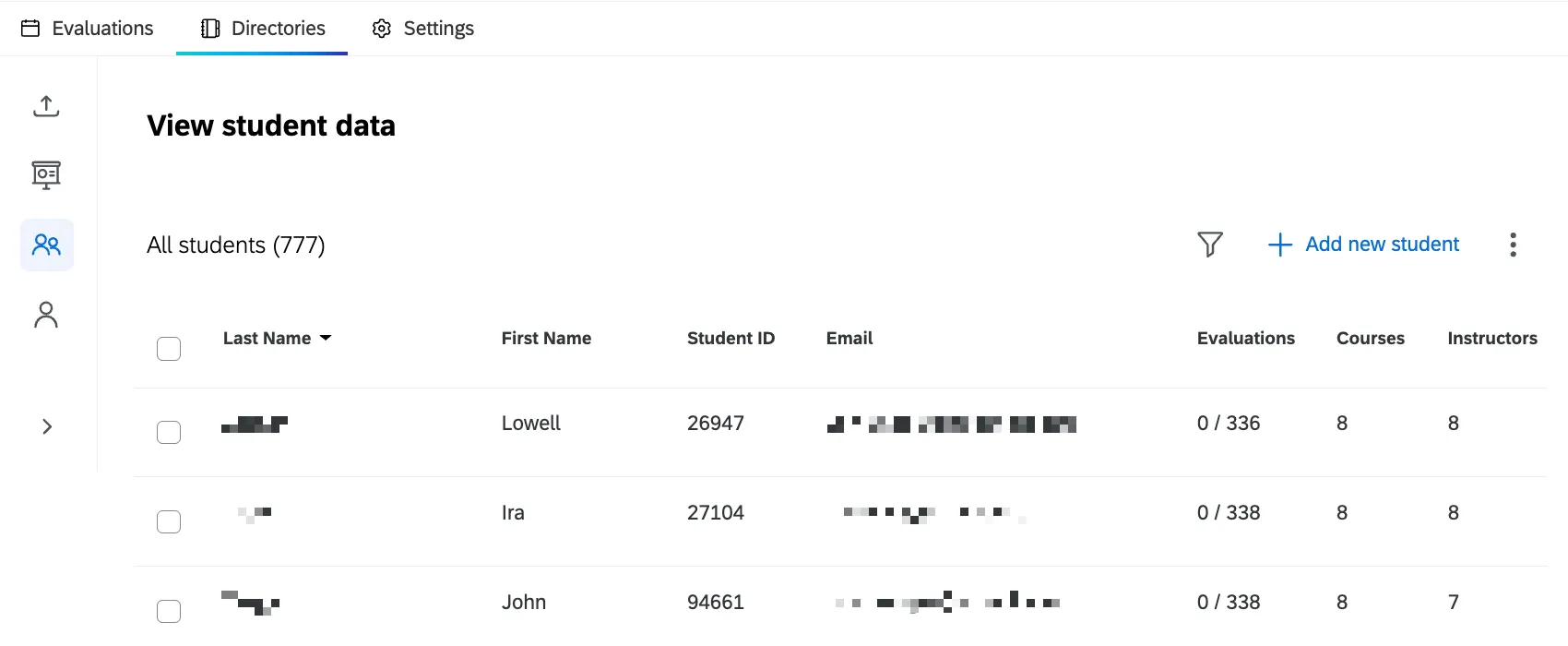
To edit student data, click Edit the student data underneath their information. In the pop-up window you can edit their first name, last name, email and language. To edit embedded data, upload an enrollment file with updated information for the student.
You can also preview a student’s course evaluation portal by clicking Go to student view. This will open the student view in a new tab.
Searching and Filtering Students
Click the filter icon to filter students based on specific criteria. You can either filter by a single criteria or create condition groups to combine multiple criteria. For more information on creating conditions, see Condition and Condition Sets.
Qtip: Condition sets are the same thing as condition groups.

You can filter students by the following fields:
- Student ID: Unique ID assigned to each student.
- Email: Student email.
- First Name: Student first name.
- Last Name: Student last name.
- Course Count: Number of courses a student is assigned to.
- Teacher Count: Number of teachers a student is assigned to.
- Evaluation Count: Number of evaluations a student has been sent.
- Completed Evaluation Count: Number of evaluations a student has completed.
That's great! Thank you for your feedback!
Thank you for your feedback!