

Results vs. Reports
What's on this page
Attention: On October 1, 2026, Legacy Results-Reports will no longer be available, and you will only be able to use Results-Dashboards. While some reports will be automatically migrated, custom content will need to be saved or moved over manually before this date. See the migration guide.

Qtip: There is a new version of Results available. To opt in to the new Results Dashboards, navigate to the Results tab and click Try it now.


About Results vs. Reports
Qtip: If you do not have the Results or Reports tab available to you and the survey has been shared with you, contact the survey owner to request that they give you permission to access the survey’s reports. If you own the survey and don’t have the tab available, contact your Brand Administrator so they can enable the permission on your account.
You can build reports under the Results tab or the Reports tab, each with a separate purpose:
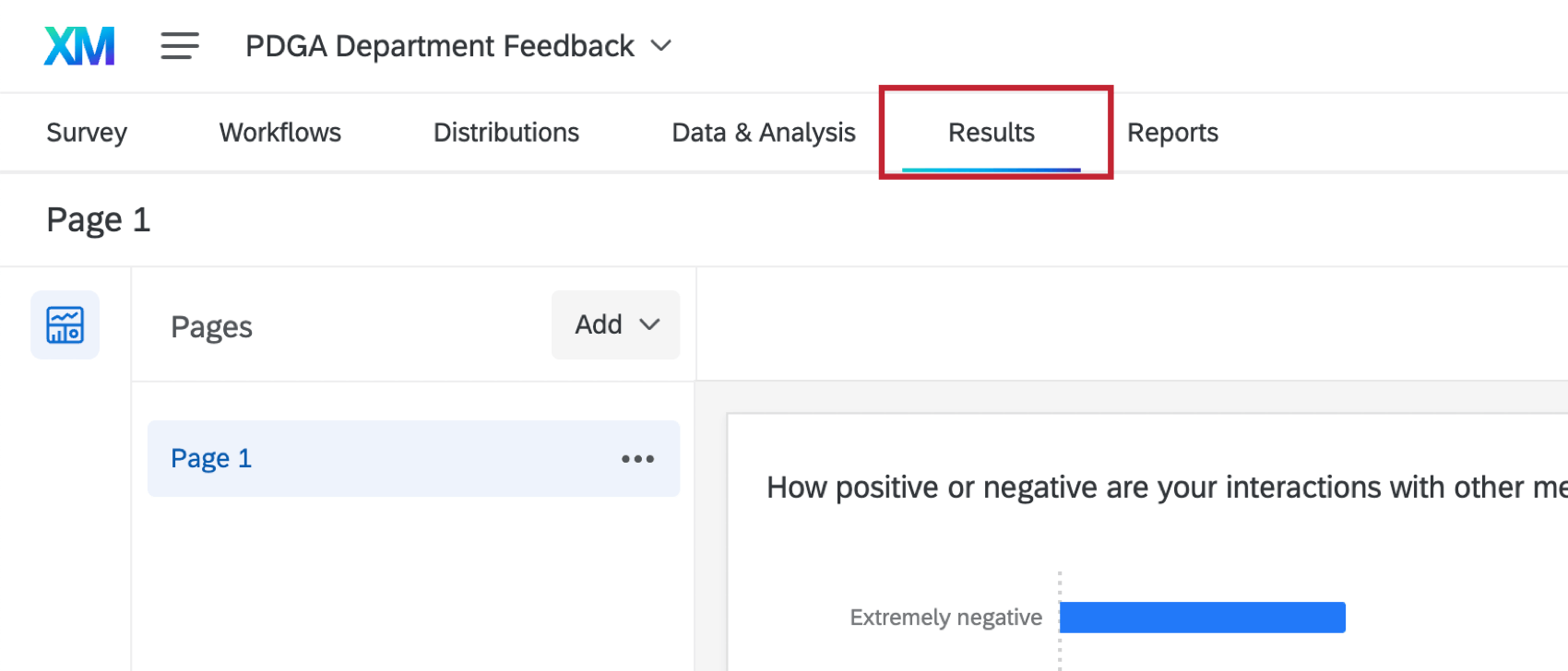
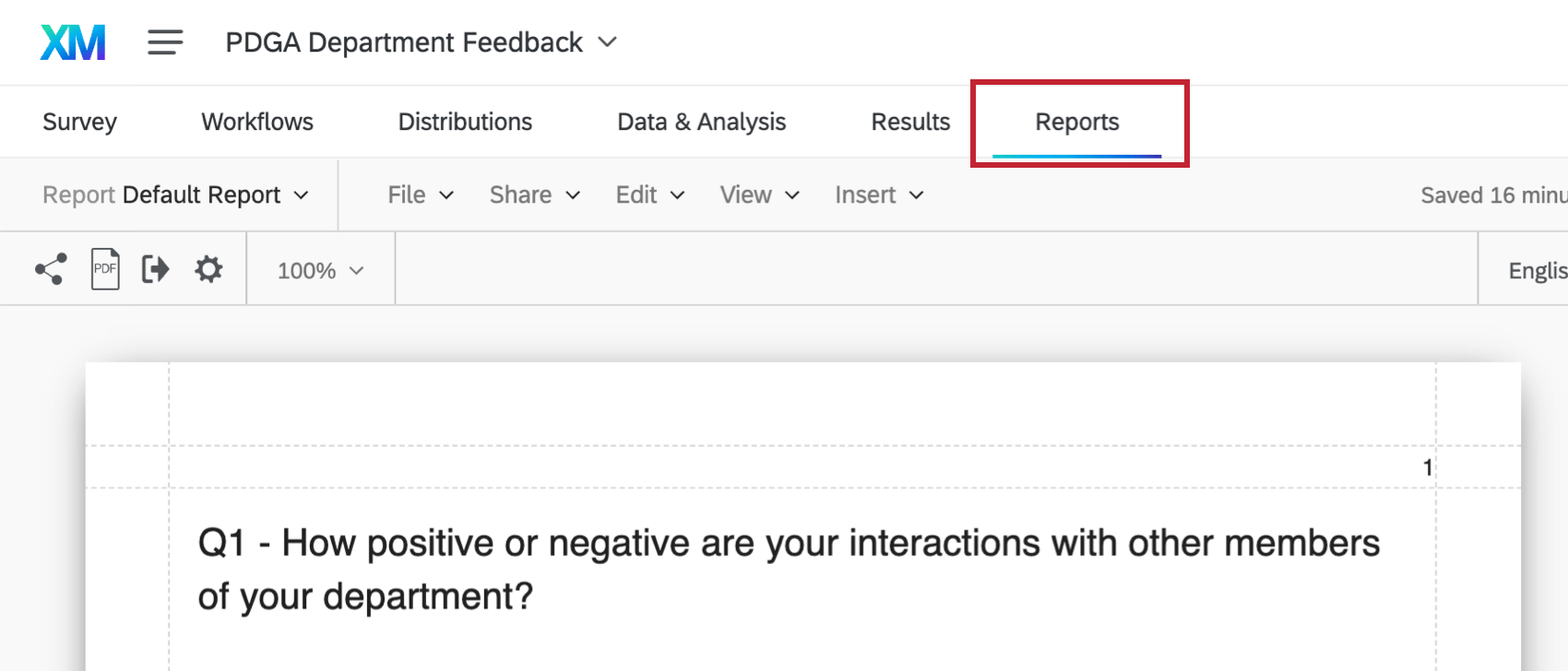
We’ll address each choice in separate Basic Overviews:
Example: Results are great for at-a-glance reporting. For example, say you asked about which products your customers use. You want to know which ones are the most popular. Results provides easy-to-read tables and graphs that provide this kind of basic information.

Example: If you want to create and distribute data with company logos, specific letterheads, and more customizable tables and graphs, Reports is the better tool.
Qtip: If you are new to Qualtrics or are less than familiar with Reporting, start with the Results-Reports Basic Overview.
FAQs
When will I lose access to Results-Reports?
When will I lose access to Results-Reports?
- November 1, 2026: You can no longer create new Legacy Results-Reports, for either existing or new survey projects. Existing Legacy Results-Reports will still be viewable and editable.
- March 17, 2027: You can no longer edit existing Legacy Results-Reports. Existing Legacy Results-Reports will still be viewable.
- April 1, 2027: Question pages automatically move to Results Dashboards. Legacy Results-Reports is completely removed from Qualtrics, and old reports are no longer accessible.
Qualtrics may, in its sole discretion and without liability, change the timing of any product feature rollout, change the functionality for any in preview or in development product feature, or choose not to release a product feature or functionality for any reason or for no reason.
That's great! Thank you for your feedback!
Thank you for your feedback!