

Exporting Results-Reports
Suite
Strategy & Research
Product
Qualtrics
What's on this page
Qtip: There is a new version of Results available. To opt in to the new Results Dashboards, navigate to the Results tab and click Try it now.


About Exporting Results-Reports
Qualtrics gives you a number of different options for exporting material created in your Results section. You can export your entire results-report, a single page, or individual visualizations to a variety of formats.
Exporting a Results-Report
You can export all your custom pages and question pages at once to a PDF, Word, Powerpoint, or CSV document. You can also view previous exports you’ve completed and download them again.
Qtip: To print this report, export it to PDF. From there, you can open the file on your computer to print it.
To export your results-report
Navigate to the Results section.
Click Share Report.
Select the type of file you would like to export to.
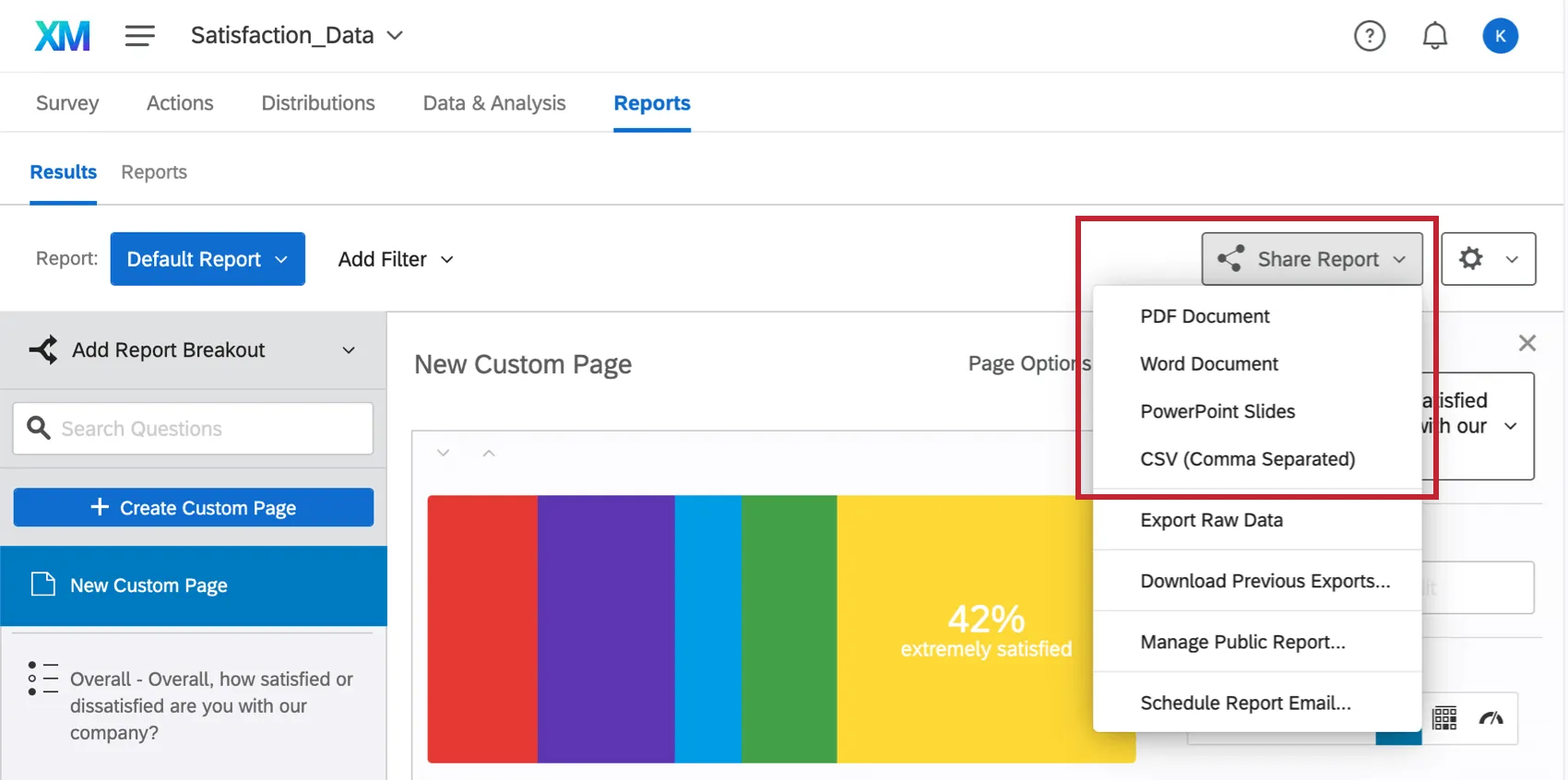
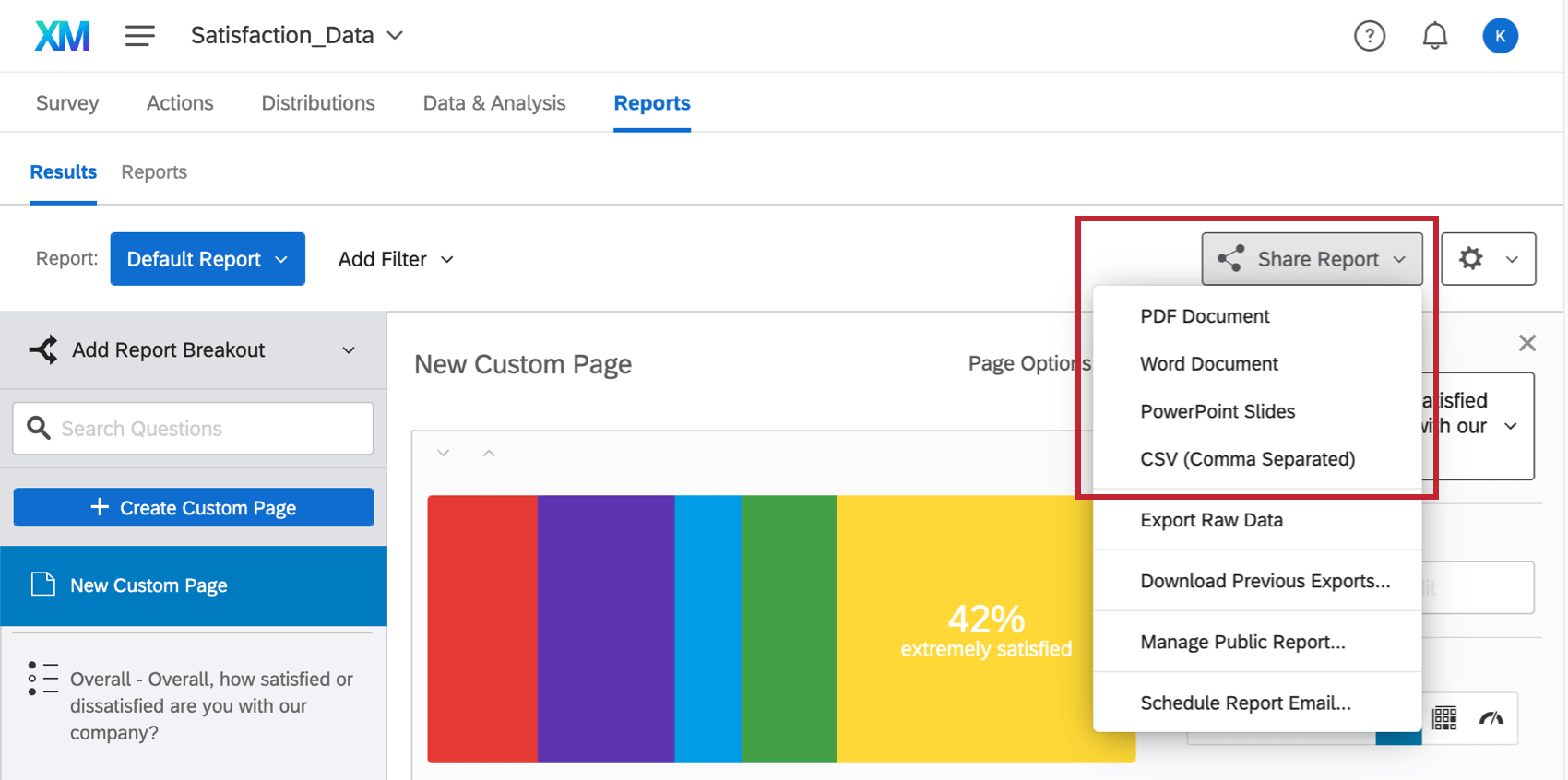
Qtip: Selecting Export Raw Data will take you to the Data & Analysis tab, where you can export every single survey response in a spreadsheet, instead of downloading your aggregate results-reports.
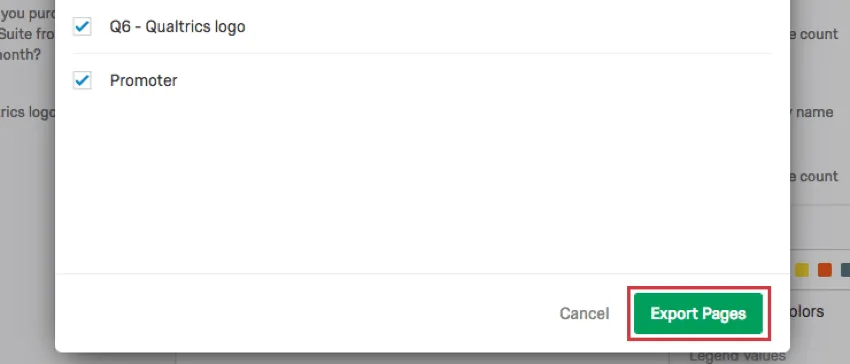
Select which custom pages and pages from your report you would like to export (by default, all are selected).
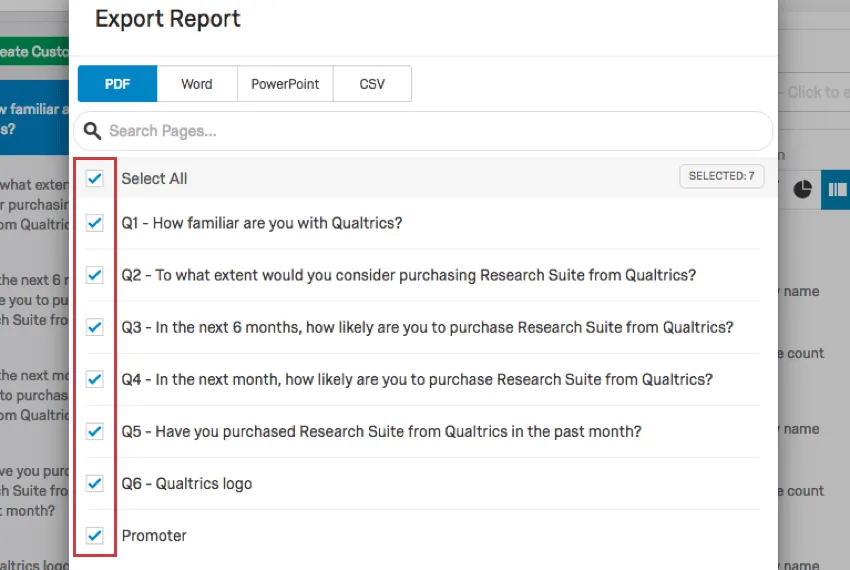
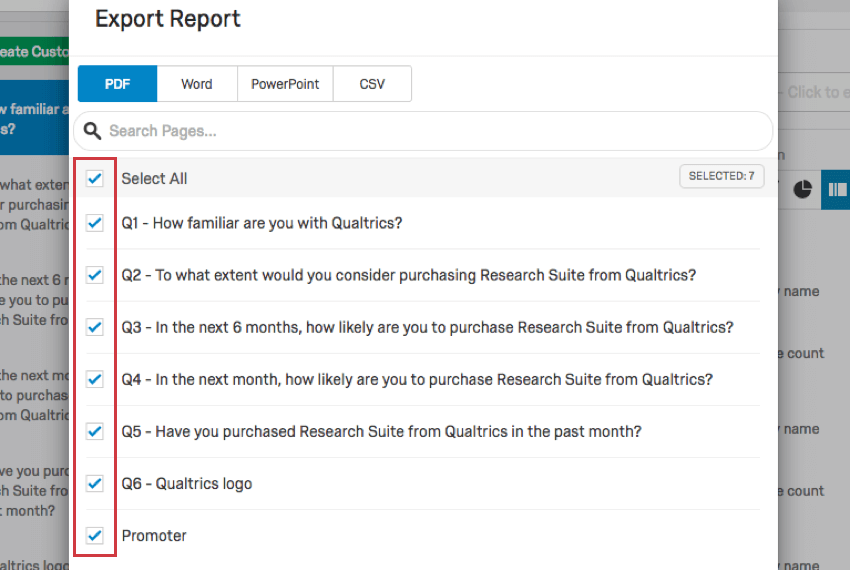
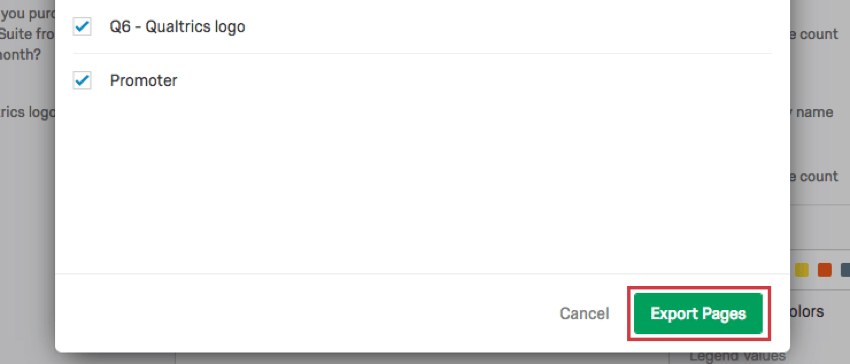
Click Export Pages.
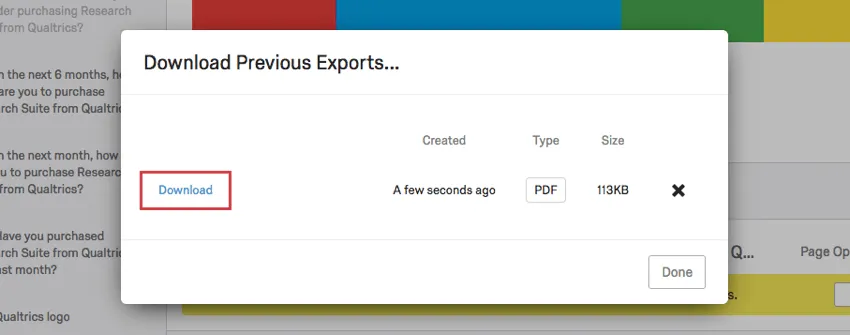
Click Download to the left of your export.
To download previous exports
If you recently downloaded your results-report and want to save some time, you can find the export and re-download it.
Navigate to the Results section.
Click Share Report.
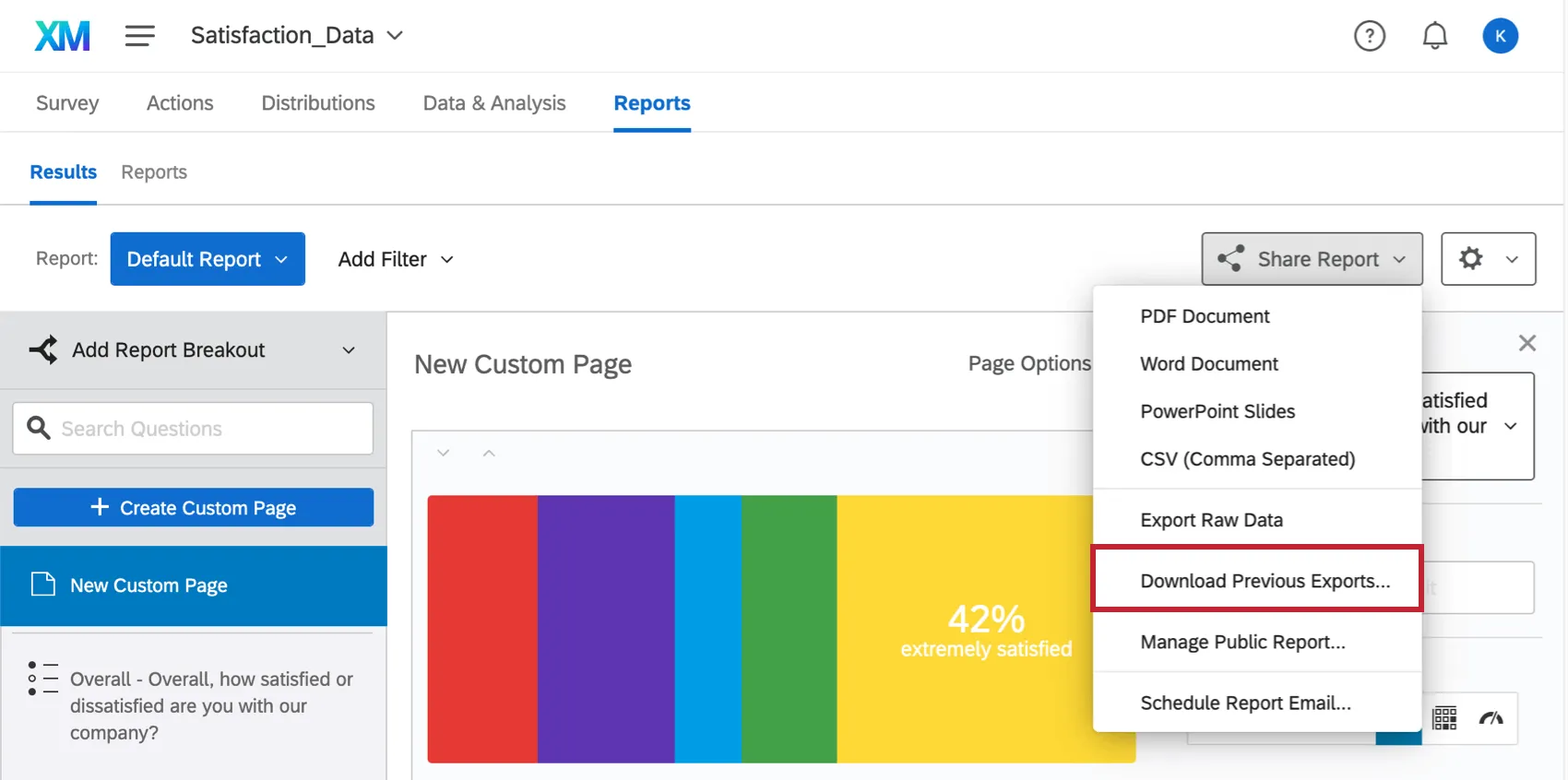
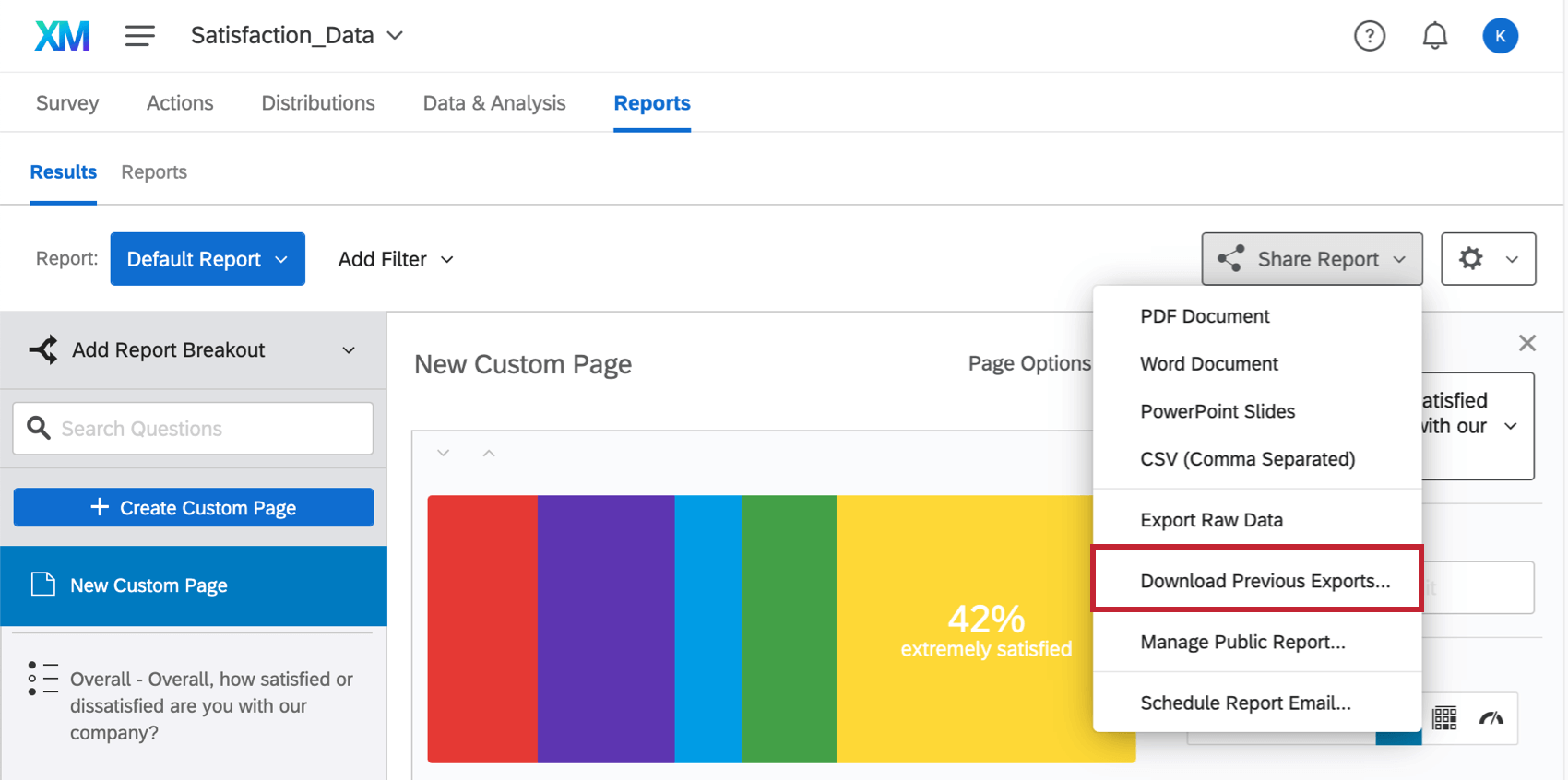
Select Download Previous Exports.
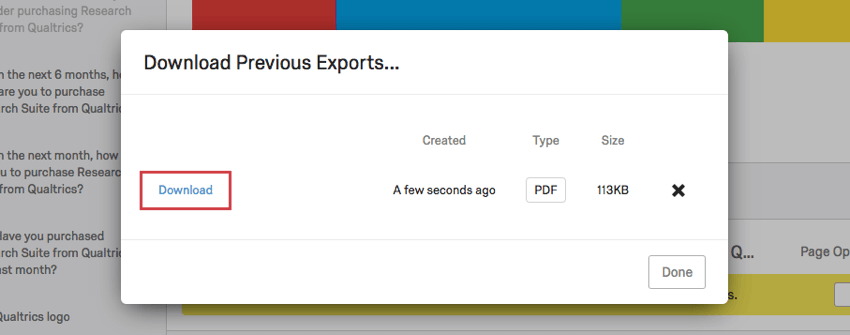
Click Download for the export you want to retrieve.
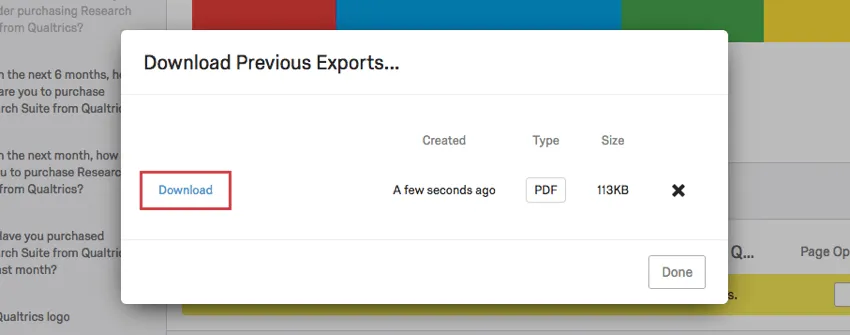
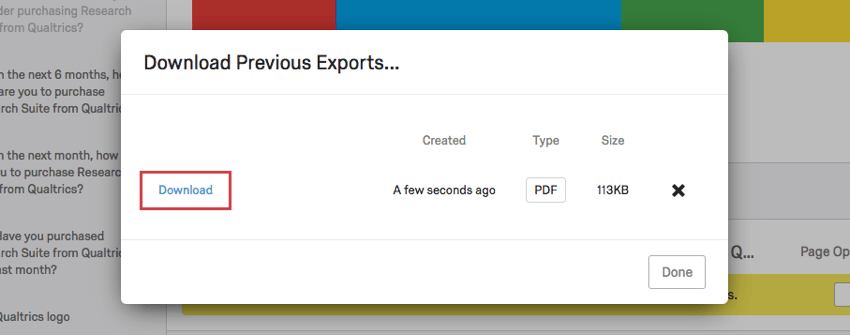
Qtip: This export will only include data that existed at the time the export was generated, and it will not reflect any changes you’ve made to your results-report since that time.
Exporting a Page
On the navigation sidebar, find the page you want to export. Click it to go there quickly.
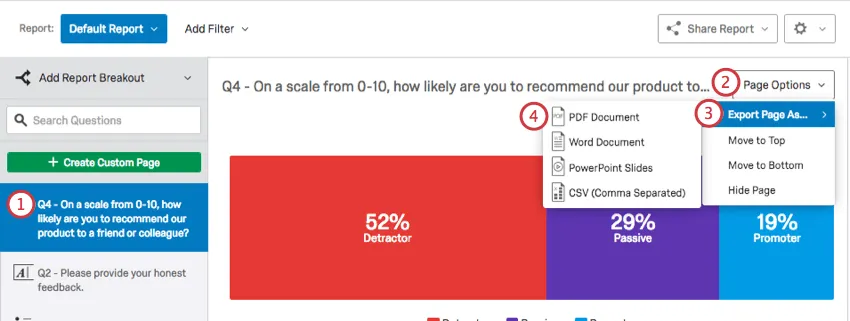
Click Page Options.
Select Export Page As and select the type of file you would like to export to.
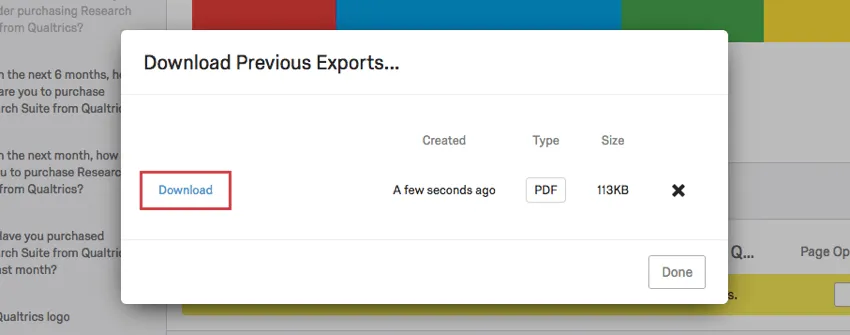
Click Download to the left of your export.
Exporting a Visualization
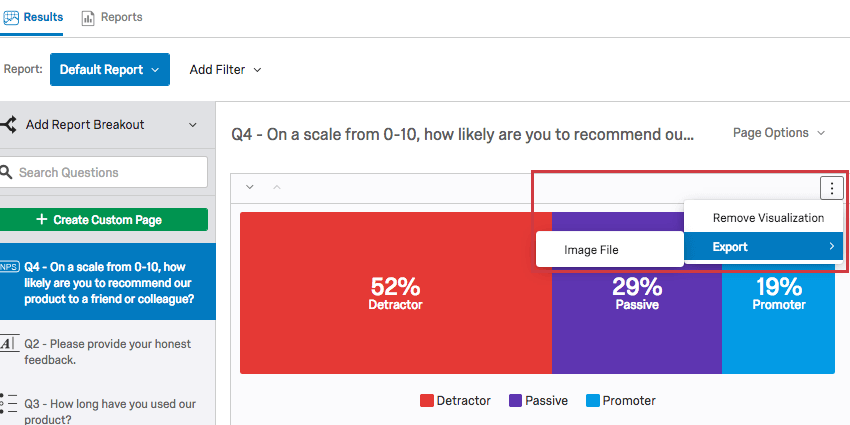
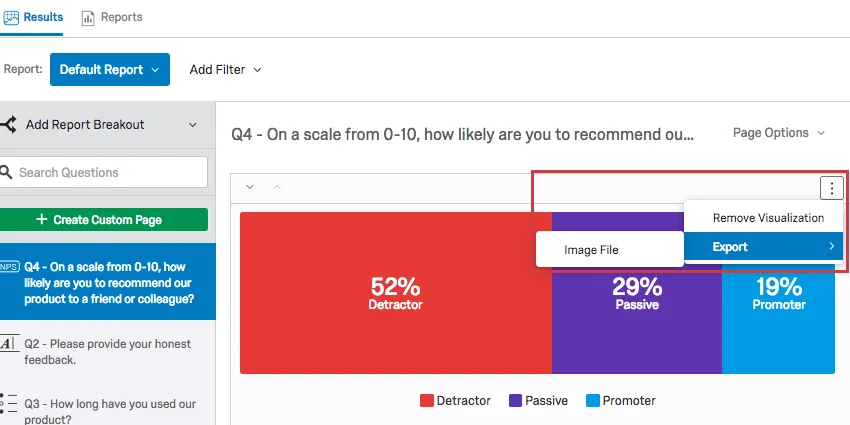
After clicking this option, your visualization will be automatically downloaded to your computer as a PNG file.
FAQs
That's great! Thank you for your feedback!
Thank you for your feedback!