

Image Slideshow Widget (CX)
What's on this page
About Image Slideshow Widgets
The image slideshow widget allows you to show a series of static images in your dashboard.
Types of Dashboards
This widget can be used in a few different types of dashboard. This includes:
Field Type Compatibility
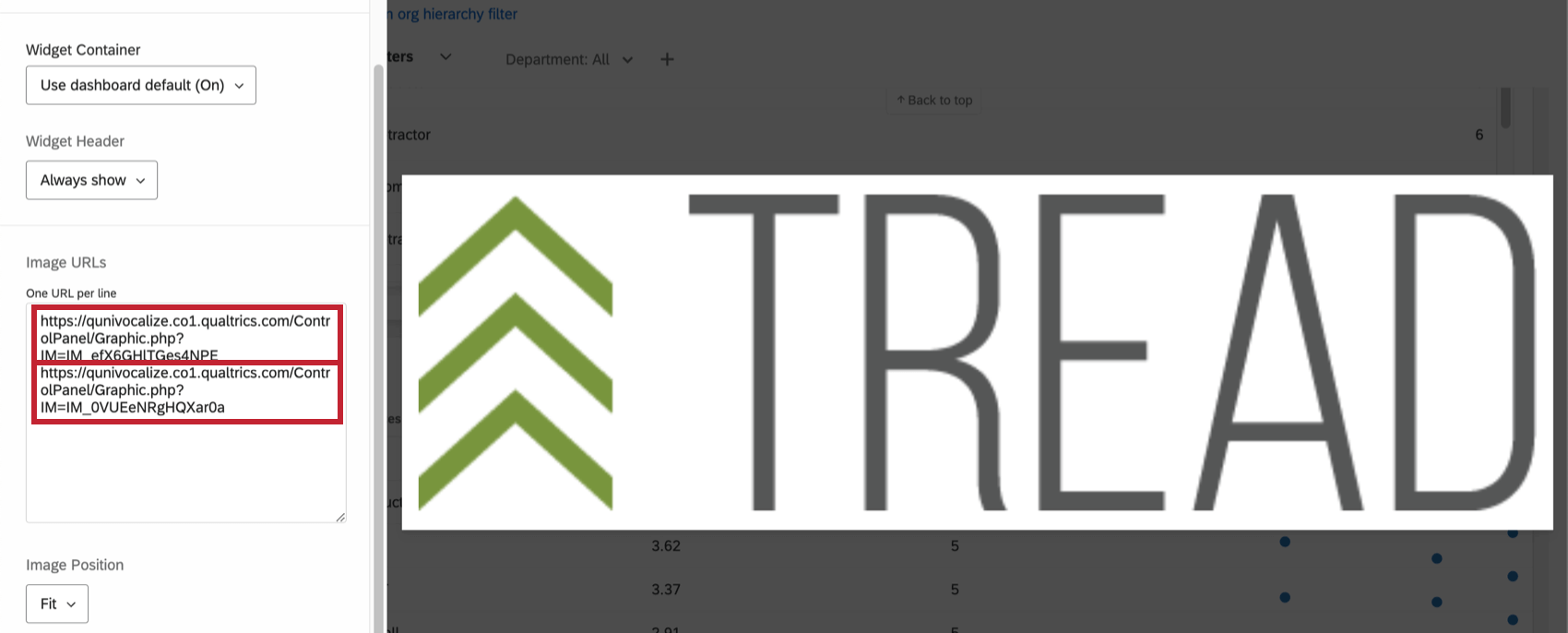
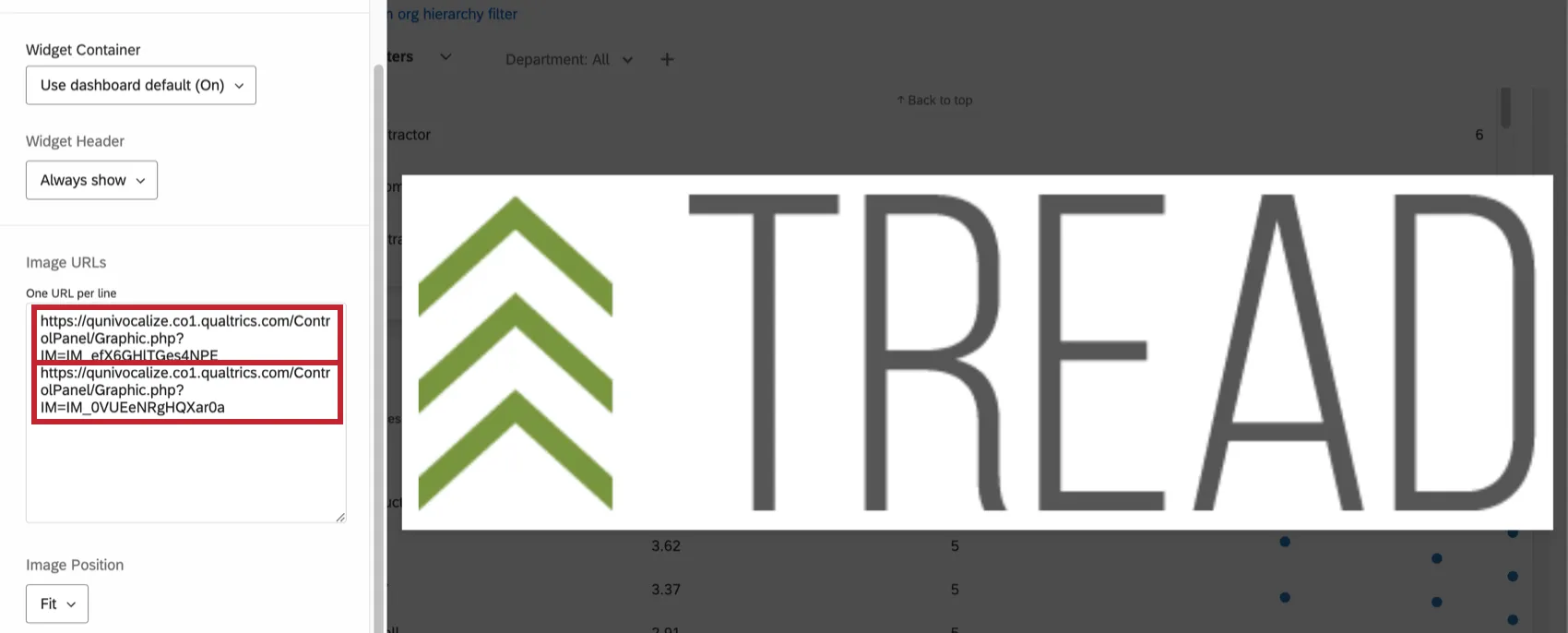
The image slideshow widget requires a URL to display an image. Once you have the image URL, paste it into the Image URL box located in the widget editing pane. To add another image, press the Enter or return key on your keyboard and paste in the next image.
Widget Customization
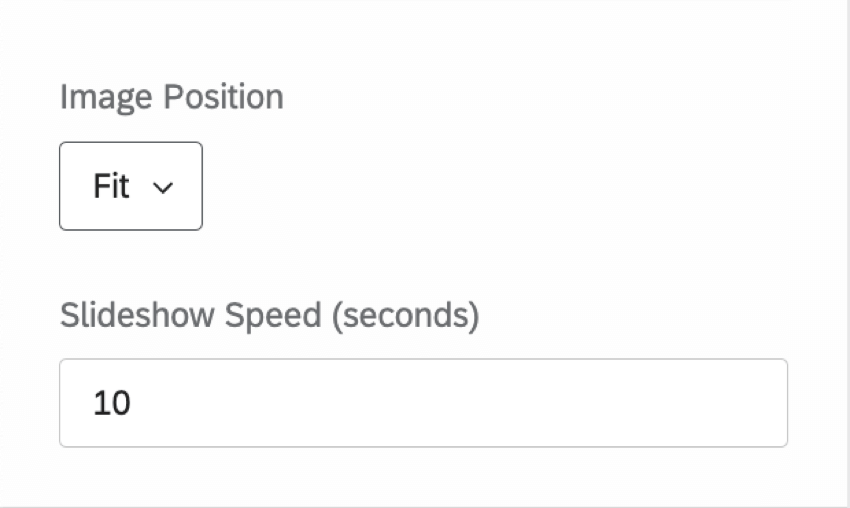
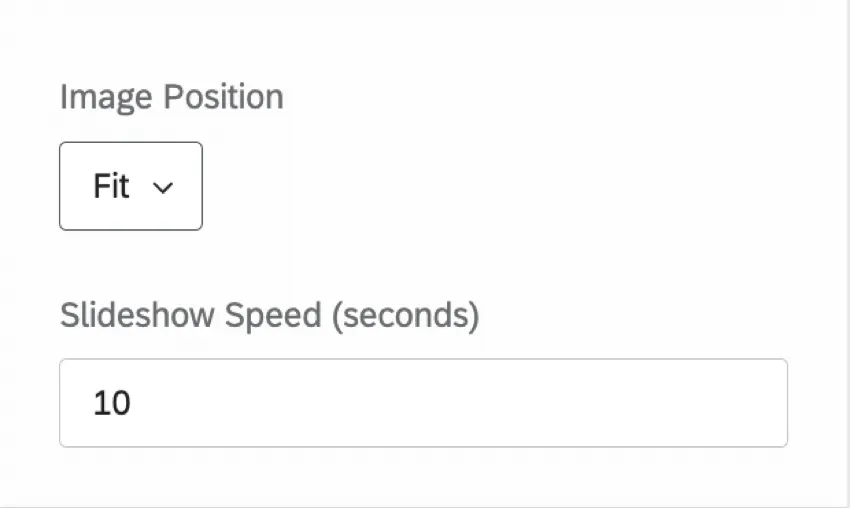
You can customize the image slideshow widget’s Title and Description, just like other widgets. Additionally, you can adjust the Image Position and the Slideshow Speed (in seconds).
FAQs
My image is not hosted online, but I have it saved on my computer. Can I add the image to my Rich Text Editor, Image Slideshow, and Image widgets from a file location on my computer?
My image is not hosted online, but I have it saved on my computer. Can I add the image to my Rich Text Editor, Image Slideshow, and Image widgets from a file location on my computer?
That's great! Thank you for your feedback!
Thank you for your feedback!