

Full-Screen Mode (Studio)
Suite
Customer Experience
Product
Qualtrics
What's on this page
About Full-Screen Mode
You can open a dashboard or a book in full-screen. This can be especially useful if you want to project your dashboard onto a large screen at an office or company event.
When a dashboard or book is in full-screen:
- The header is minimized, and the navigation options are hidden.
- You can still switch between book tabs.
- Reports are refreshed automatically, at an interval of your choice.
- You will not be logged out of your Studio account for the duration of full-screen mode.
Attention: For security purposes, we recommend running full-screen mode by a Report Consumer license. Don’t forget to share the dashboard or book with this user.

Putting a Dashboard or Book in Full-Screen
Open your dashboard or book.
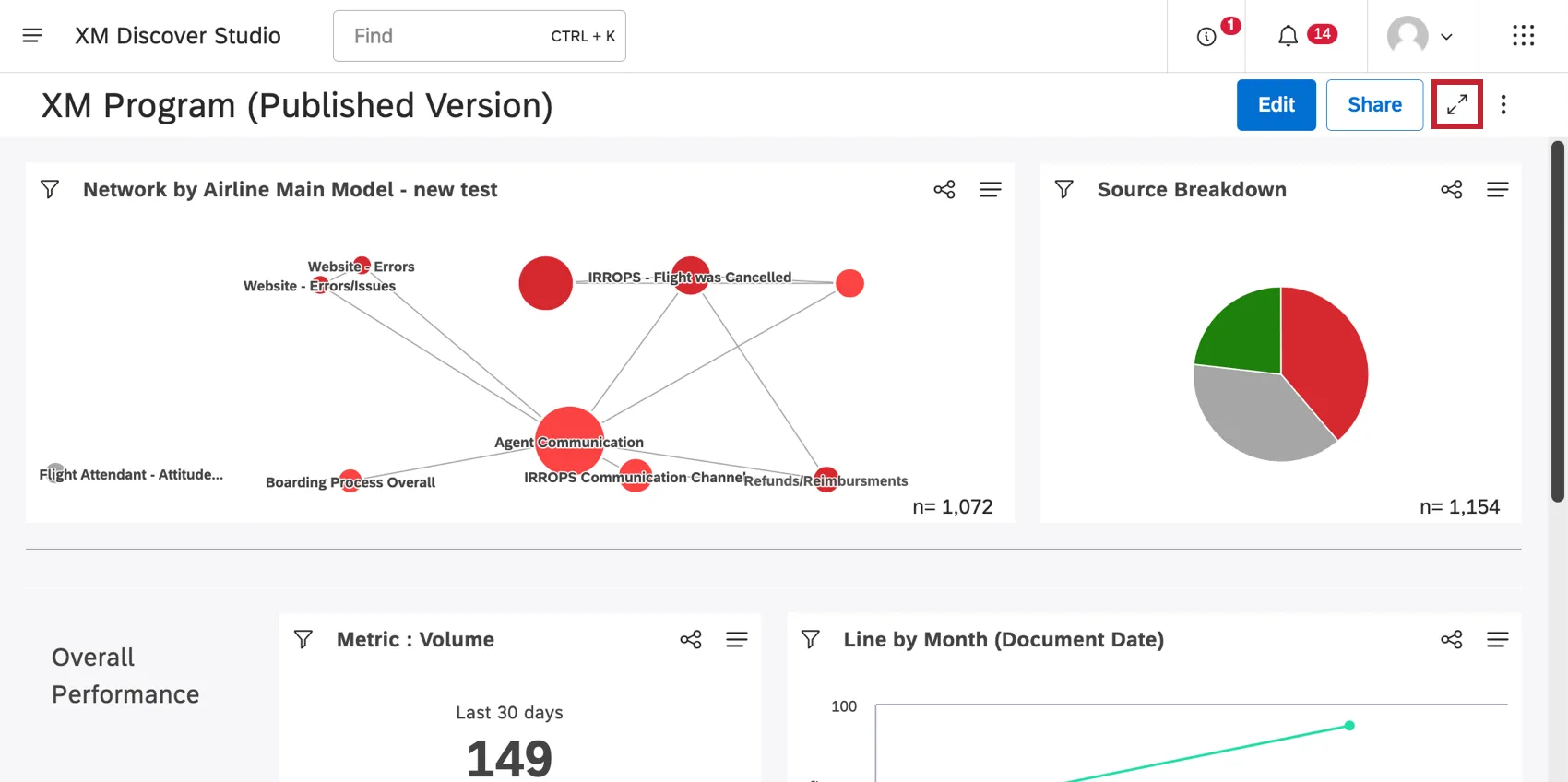
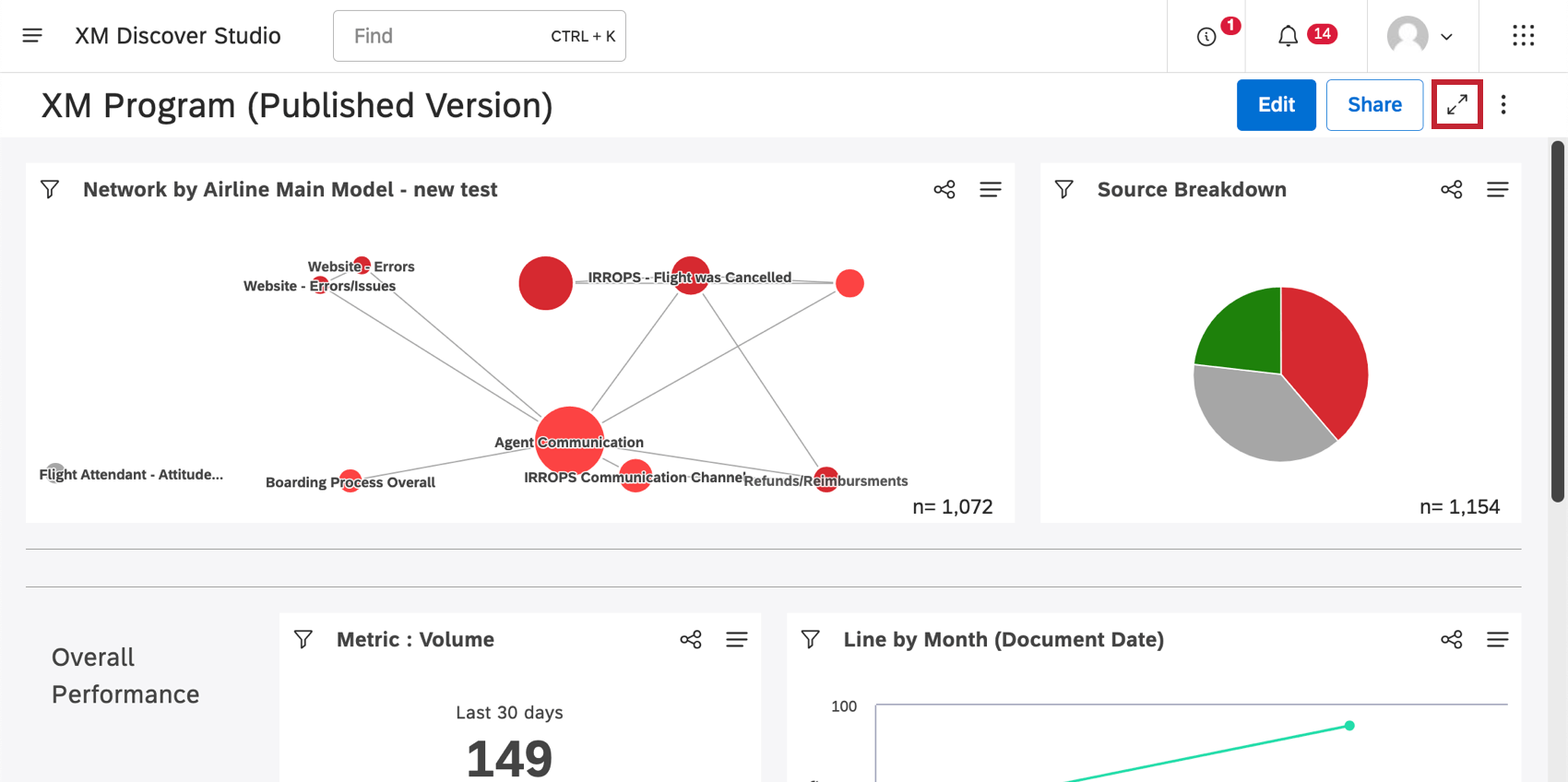
Click the full-screen button.
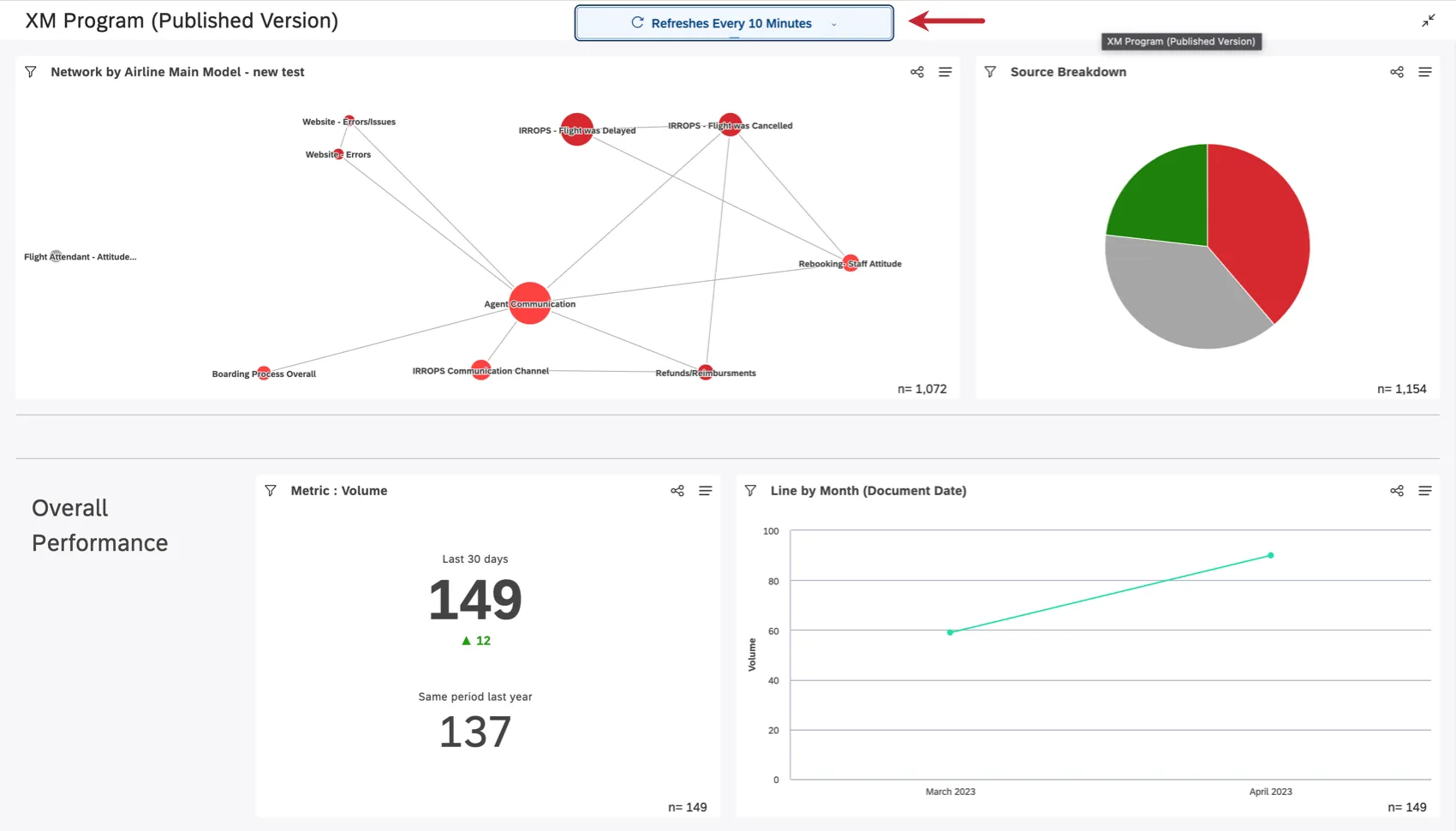
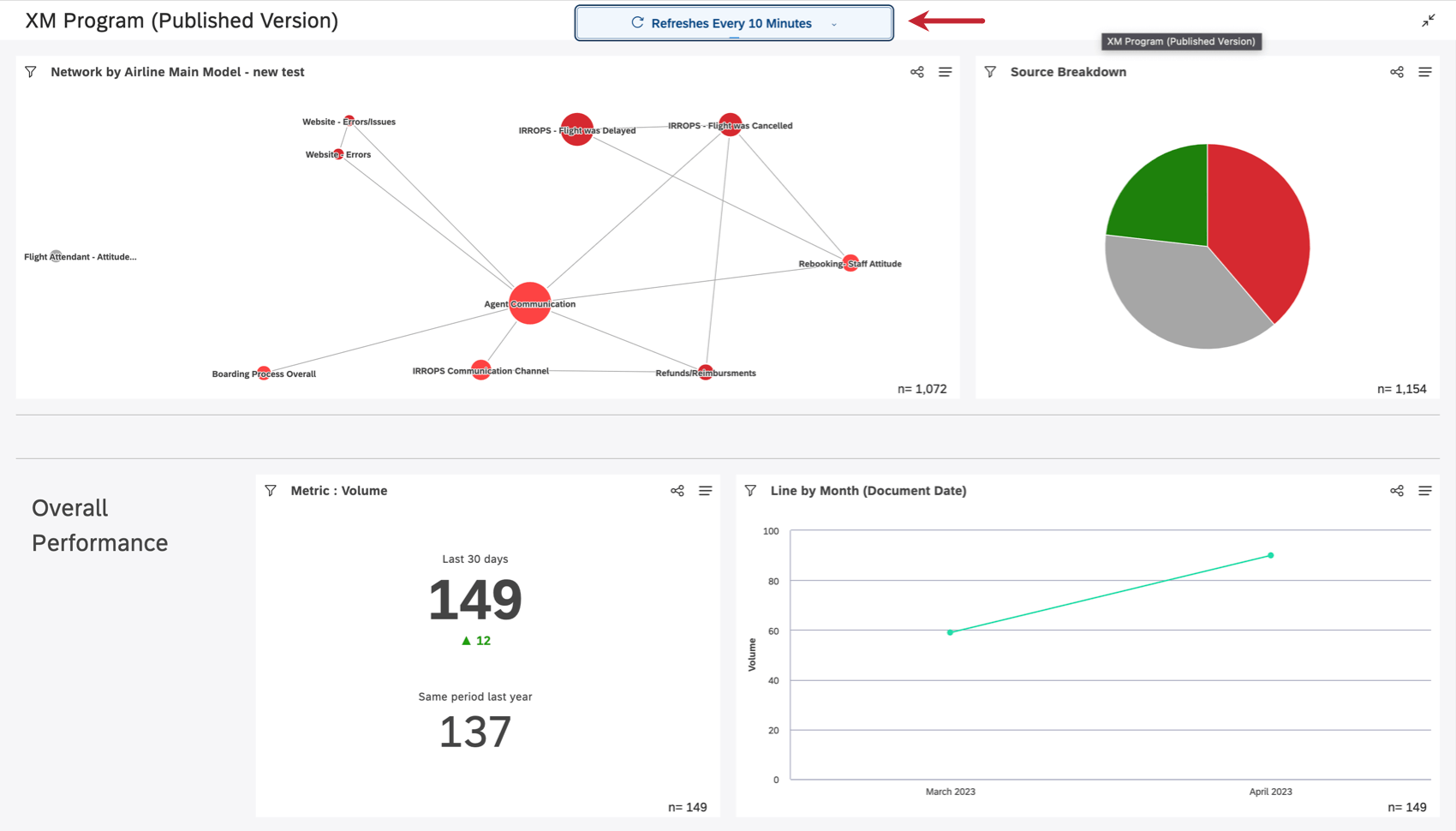
Choose how often the dashboard should refresh its data. You can set the reports to refresh every 5, 10, 30, or 60 minutes.
Qtip: Regular scheduled refreshes are ignored in full-screen mode.

To exit full screen, click the button one more time, or press the Escape key.
That's great! Thank you for your feedback!
Thank you for your feedback!