

Branded Themes
What's on this page
About Branded Themes
Do you need your surveys to match your organization’s branding? Qualtrics makes it easy! Simply brand a survey yourself or request help with customization from the Qualtrics design team.
There are 2 types of branded themes:
Qtip: If you’ve created a dynamic theme or requested a static theme and your request has been completed, you can apply the theme in the Look and feel menu. See Survey Theming for more information on using your custom theme.

Dynamic Themes
Brand Administrators can create dynamic themes the whole brand can use, or they can create dynamic themes for specific user types and divisions. If you’re a Brand Administrator, check out the Themes tab to start building!
Example Dynamic Themes
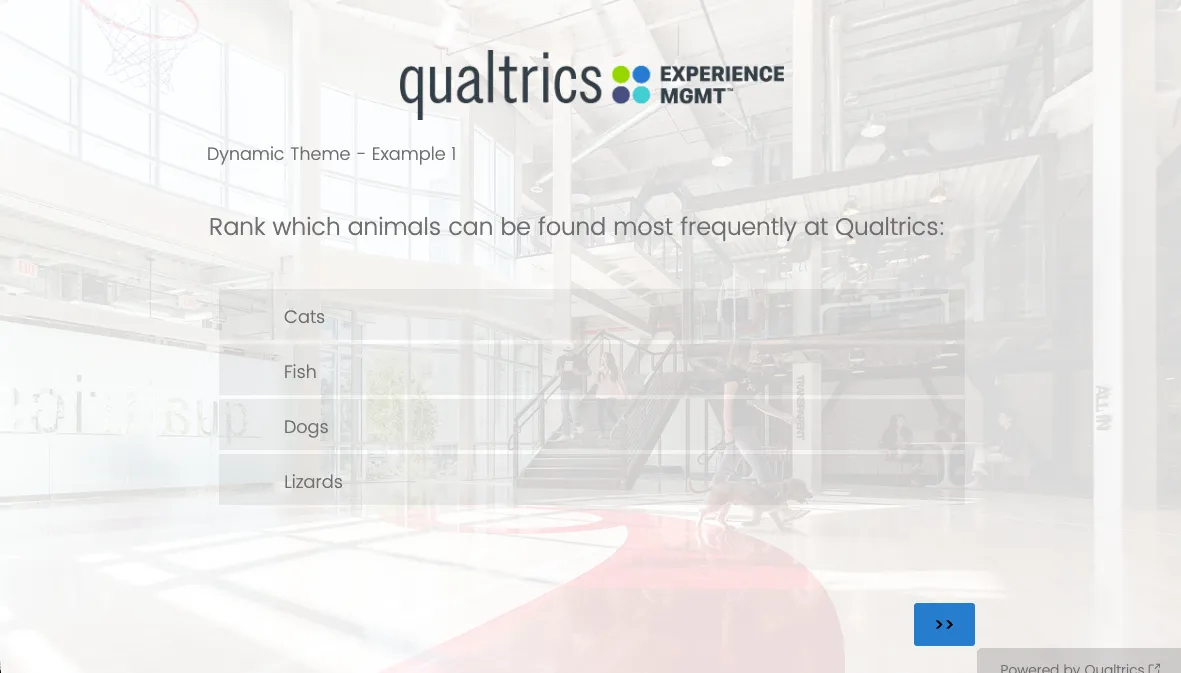
View example 1 theme here.
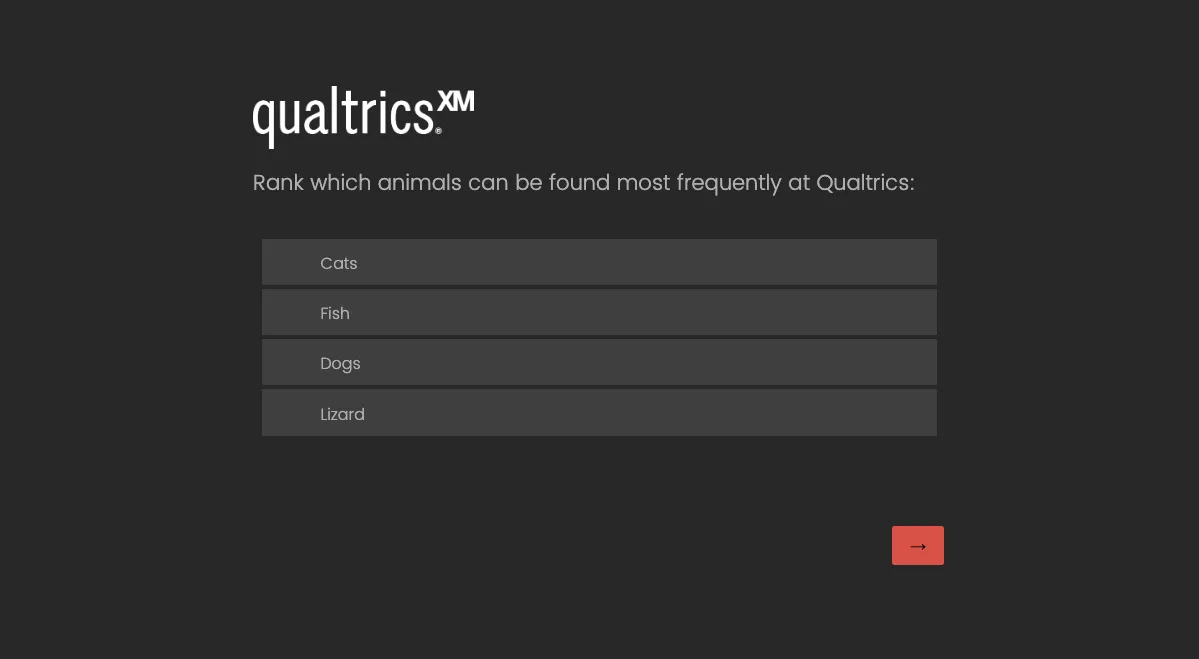
View example 2 theme here.
Qtip: If you need help creating a dynamic theme, reach out to technical support and select Survey Platform.
Qtip: Dynamic themes also allow custom CSS styling. Unfortunately, Qualtrics Support cannot provide assistance with custom coding. However, you can always consult the Developer Corner on the Qualtrics Community if you have any questions about custom CSS.
Static Themes
Attention: Attention: Static themes are going away! No new static themes can be created and no updates can be made to existing static themes starting on December 31, 2026. Existing static themes will continue to work, but will become read-only. Please create a dynamic theme or use custom CSS instead of this method.

If you have a static theme, we recommend updating it to a dynamic theme to take advantage of accessibility support and compatibility with features like new question types, Experience Agents, and fraud detection enhancements.
Attention: If you are not a Brand Administrator, you will not have access to the Custom Theme Request / Update tile in the Customer Success Hub. If you would like to request a dynamic theme, update your existing theme, or report an issue with a theme we’ve built for you, you will need to reach out to your Brand Administrator.
Custom Projects with Engineering Services
Need something more custom? Our Engineering Services team would love to help. Contact Account Services to learn more.
Example Engineering Services Survey
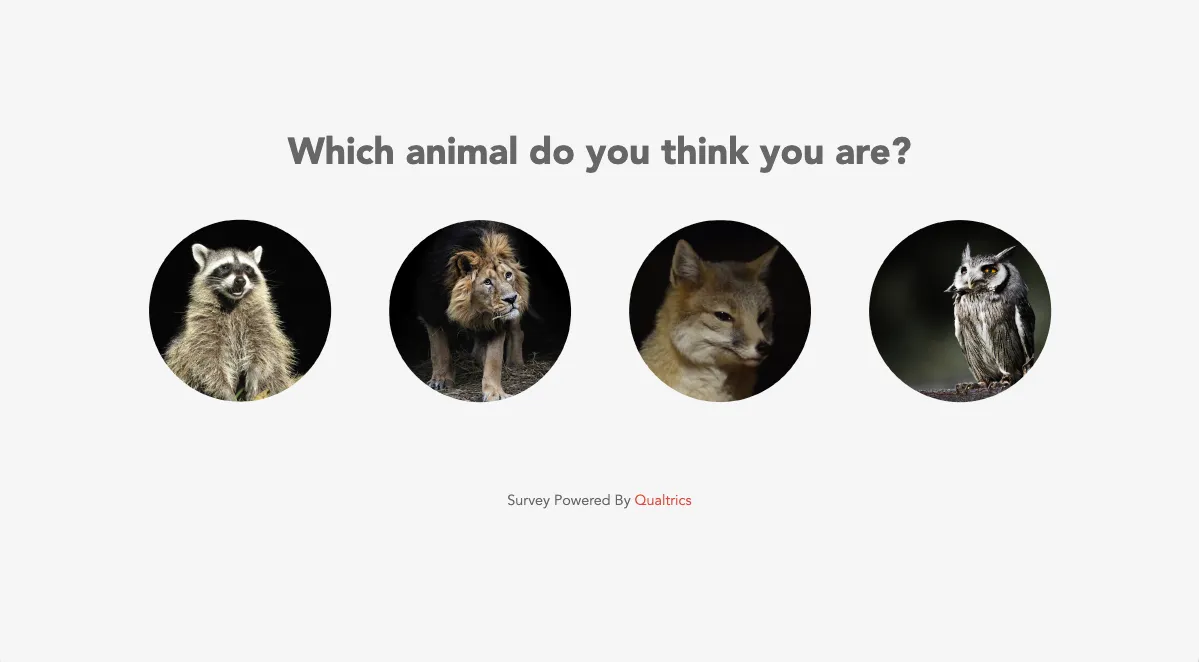
View example 1 theme here.
FAQs
How do I request a new theme or change a current one?
How do I request a new theme or change a current one?
Who can request a branded theme?
Who can request a branded theme?
How many branded themes can I request?
How many branded themes can I request?
How long will my Static theme request take?
How long will my Static theme request take?
Can I see some examples of branded themes?
Can I see some examples of branded themes?
Can we include custom CSS and JavaScript in the branded survey theme?
Can we include custom CSS and JavaScript in the branded survey theme?
Who will be able to see and use the branded theme?
Who will be able to see and use the branded theme?
How do I update or report problems with static themes?
How do I update or report problems with static themes?
How are Static themes different from Dynamic themes?
How are Static themes different from Dynamic themes?
- Are free
- Can be created and updated by a Brand Administrator
- Up to Accessibility standards (WCAG 2.1)
- Support custom logos, background images, and Google fonts
- Allow you to add your own CSS
- Are compatible with the simple layout
- Are paid (If you'd like to purchase a static theme, reach out to your Account Executive
- Must be created and updated by the Qualtrics Design Team
- Support custom logos, background images, and Google fonts, and custom font files
- Not compatible with simple layout
The Look and feel editor will also allow you to make further adjustments for both Static and Dynamic themes that will only apply to the survey you're working in. Feel free to include Custom CSS in the Style tab (just note that the Qualtrics Support team cannot assist with custom code)!
That's great! Thank you for your feedback!
Thank you for your feedback!