

Recycle Bin (Studio)
Suite
Customer Experience
Product
Qualtrics
What's on this page
About the Recycle Bin
The Recycle Bin lets you restore a dashboard, book, metric, filter, or mobile app configuration up to 30 days after deleting it.
Viewing the Recycle Bin
You can access the Recycle Bin by clicking the Spaces menu, then Recycle Bin.
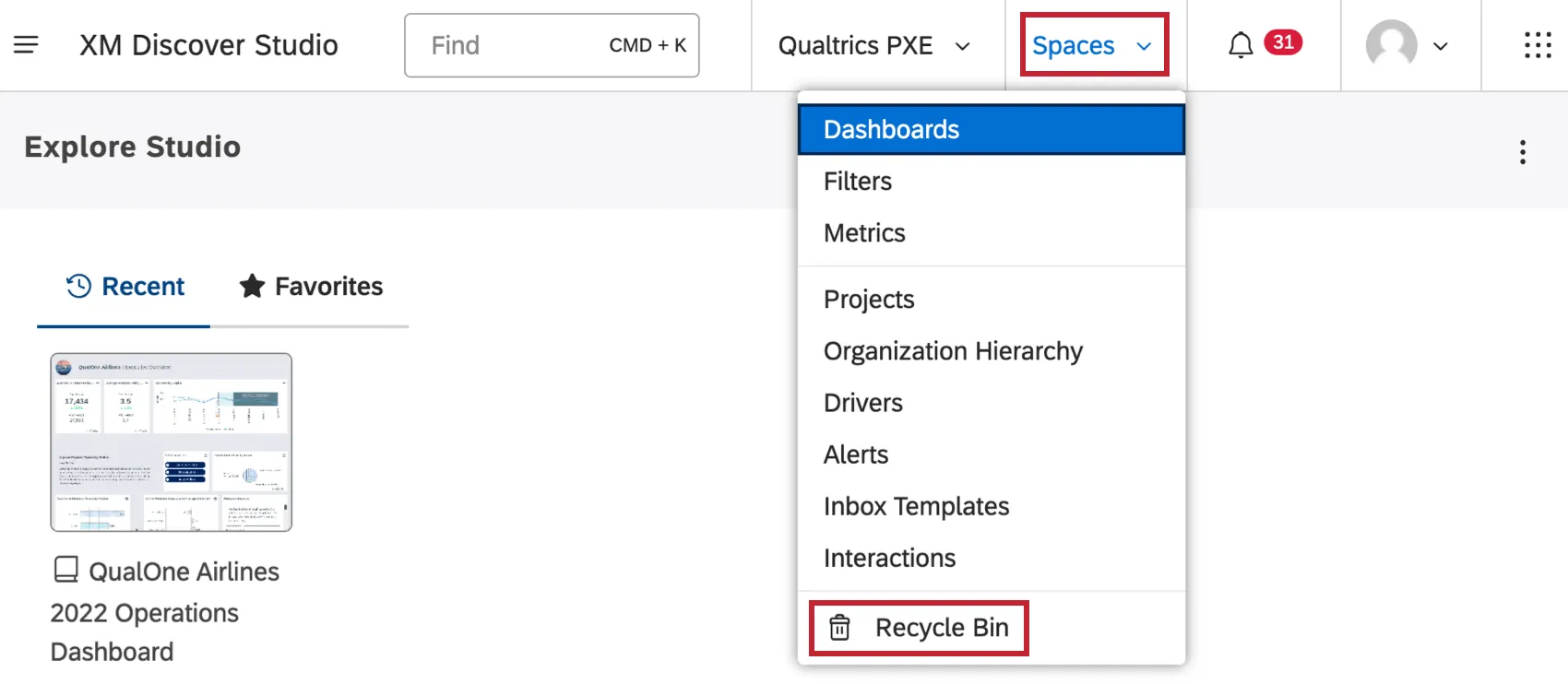
The Recycle Bin table provides the following information for each object:
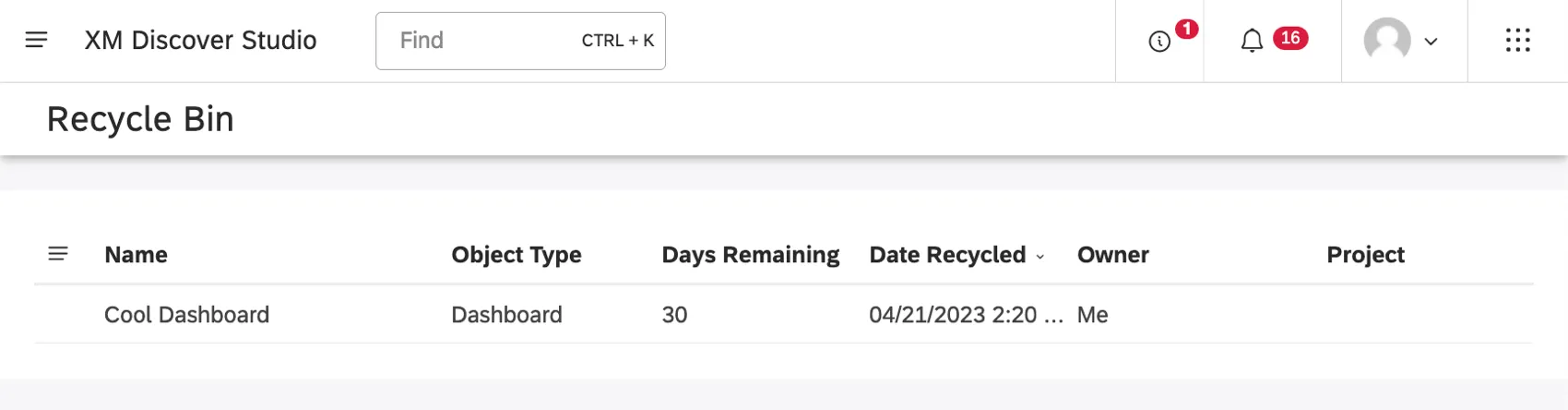
- Name: The name of the object.
- Object Type: The type of object. Possible values:
- Days Remaining: The number of days remaining until the object is deleted permanently.
- Date Recycled: The date and time the object was deleted.
- Owner: The current owner of an object.
- Project: The project the object refers to, if applicable.
Qtip: To sort the deleted objects by one of the columns, click the column header. To change between ascending and descending sorting, click the same header again.

Restoring a Deleted Object
Deleted objects remain in the recycling bin for 30 days. During this period you can restore a deleted object.
When an object is restored, it is shared with the same users it was originally shared with.
Warning: Unless you restore an object, it gets deleted permanently once 30 days have passed.

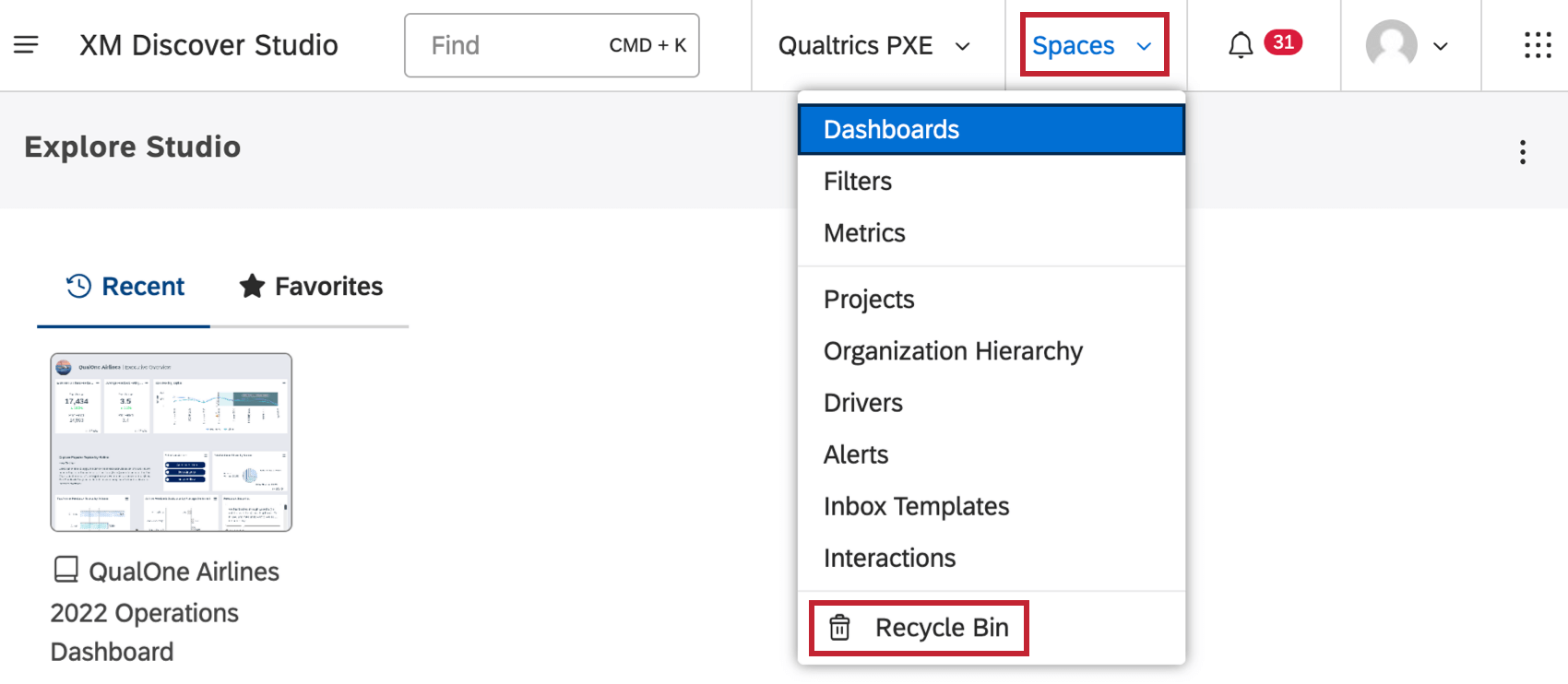
Click the Spaces menu.
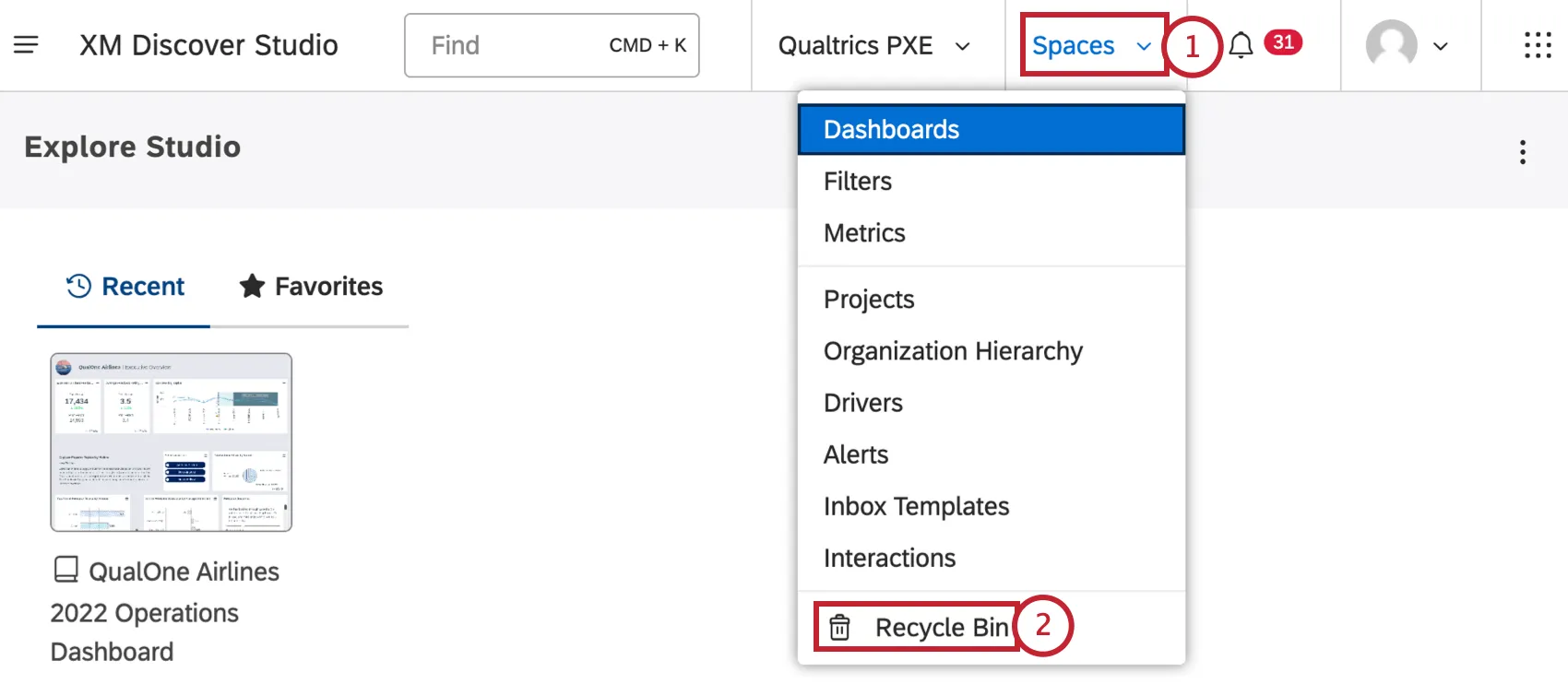
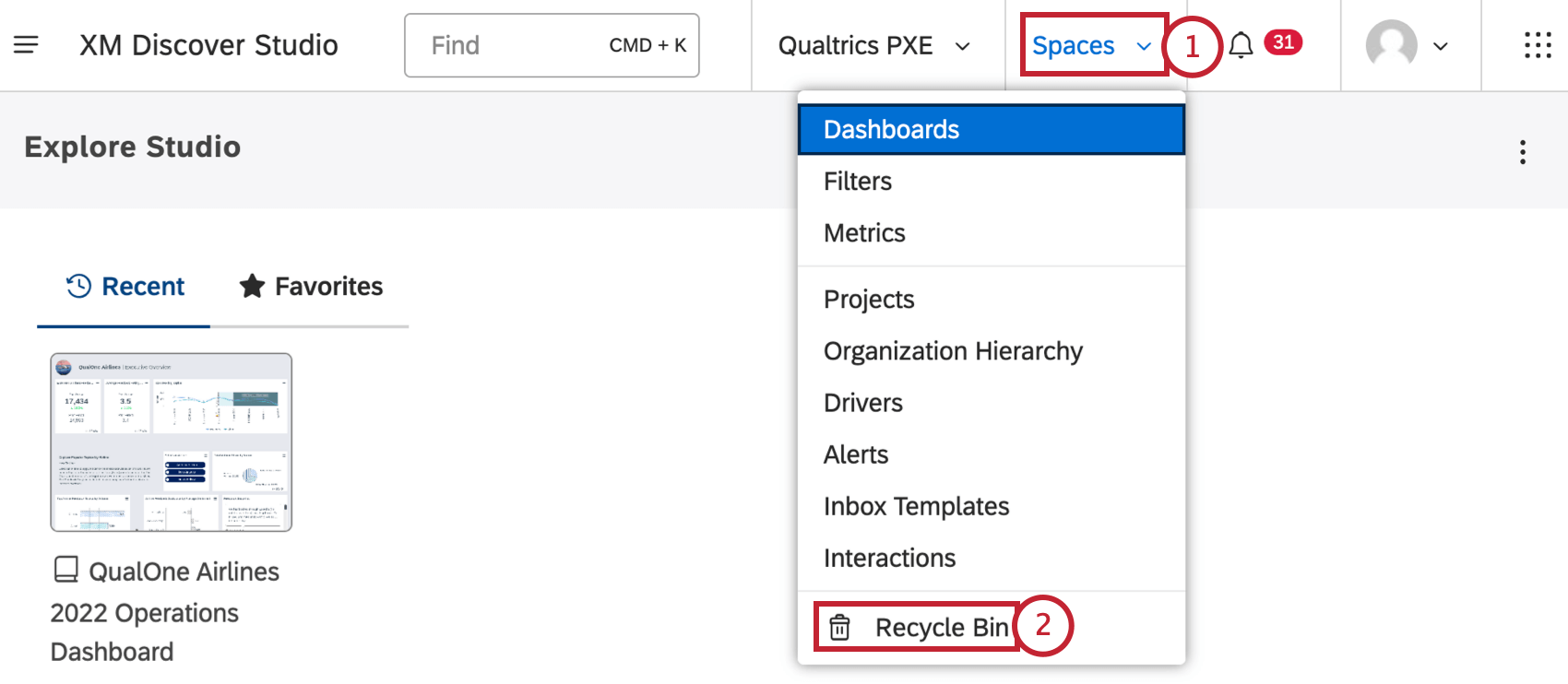
Select Recycle Bin.
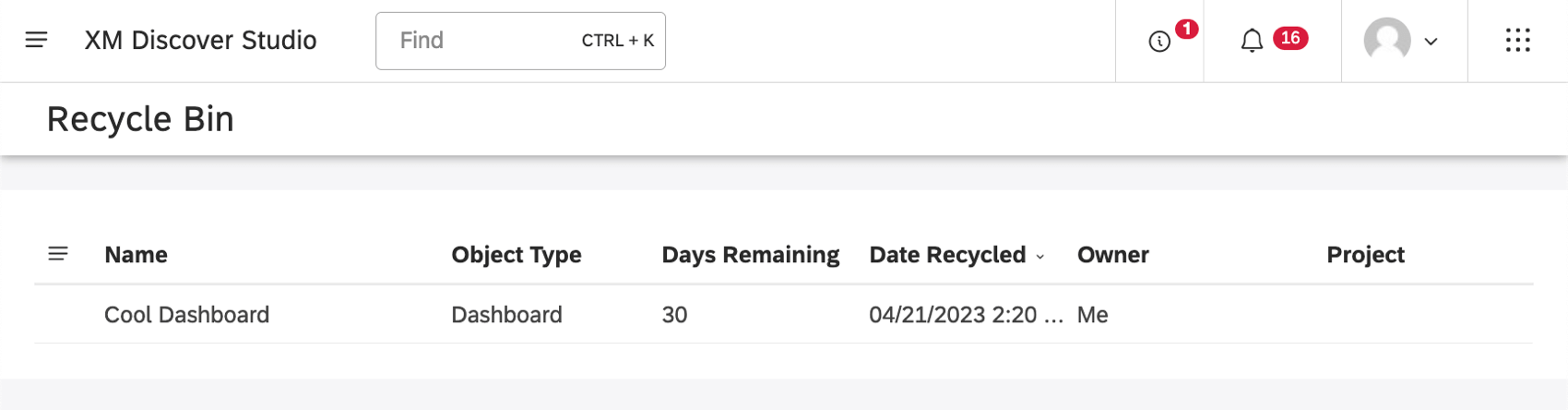
Find the object you want to restore. Click the menu next to it.
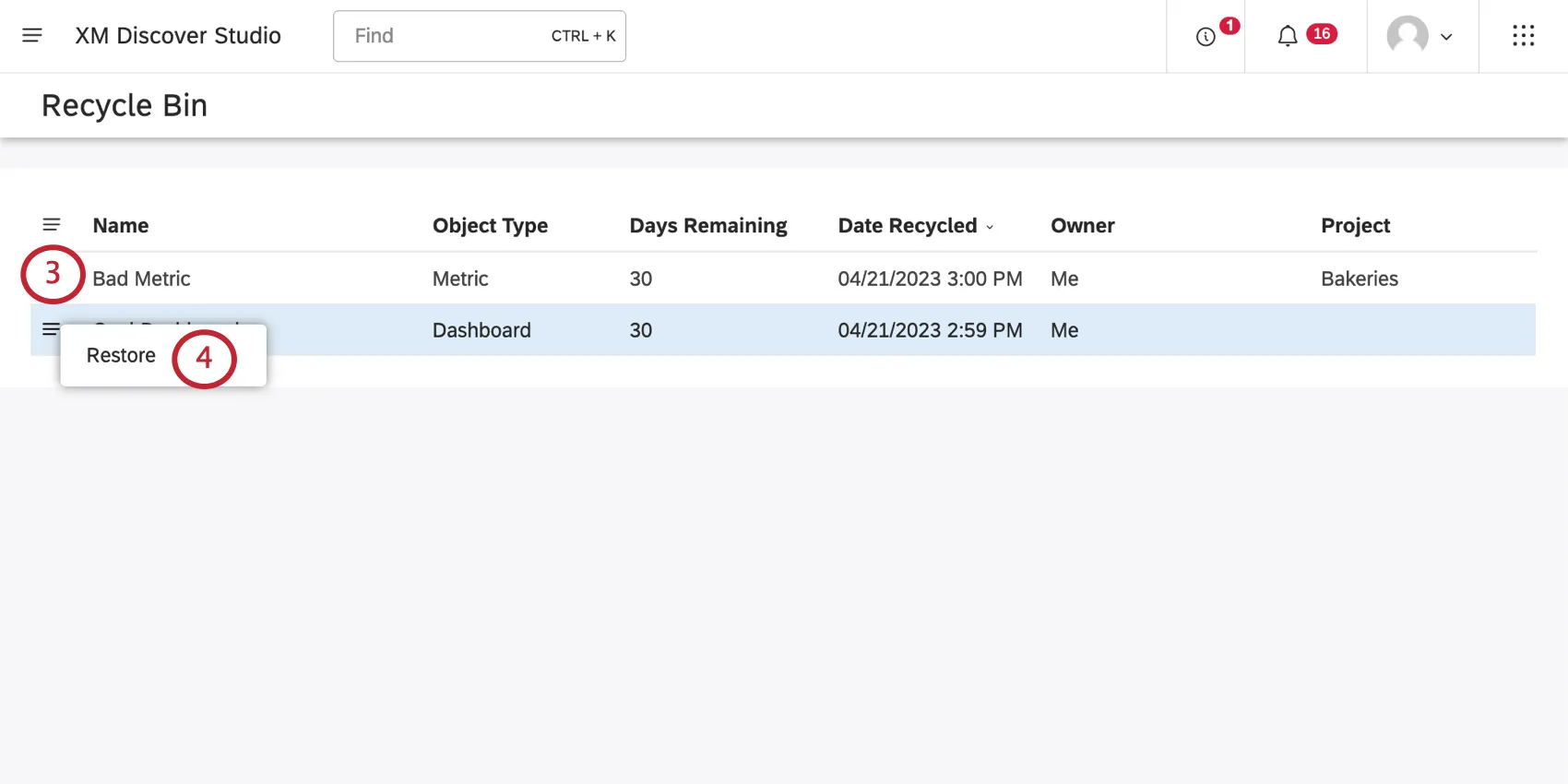
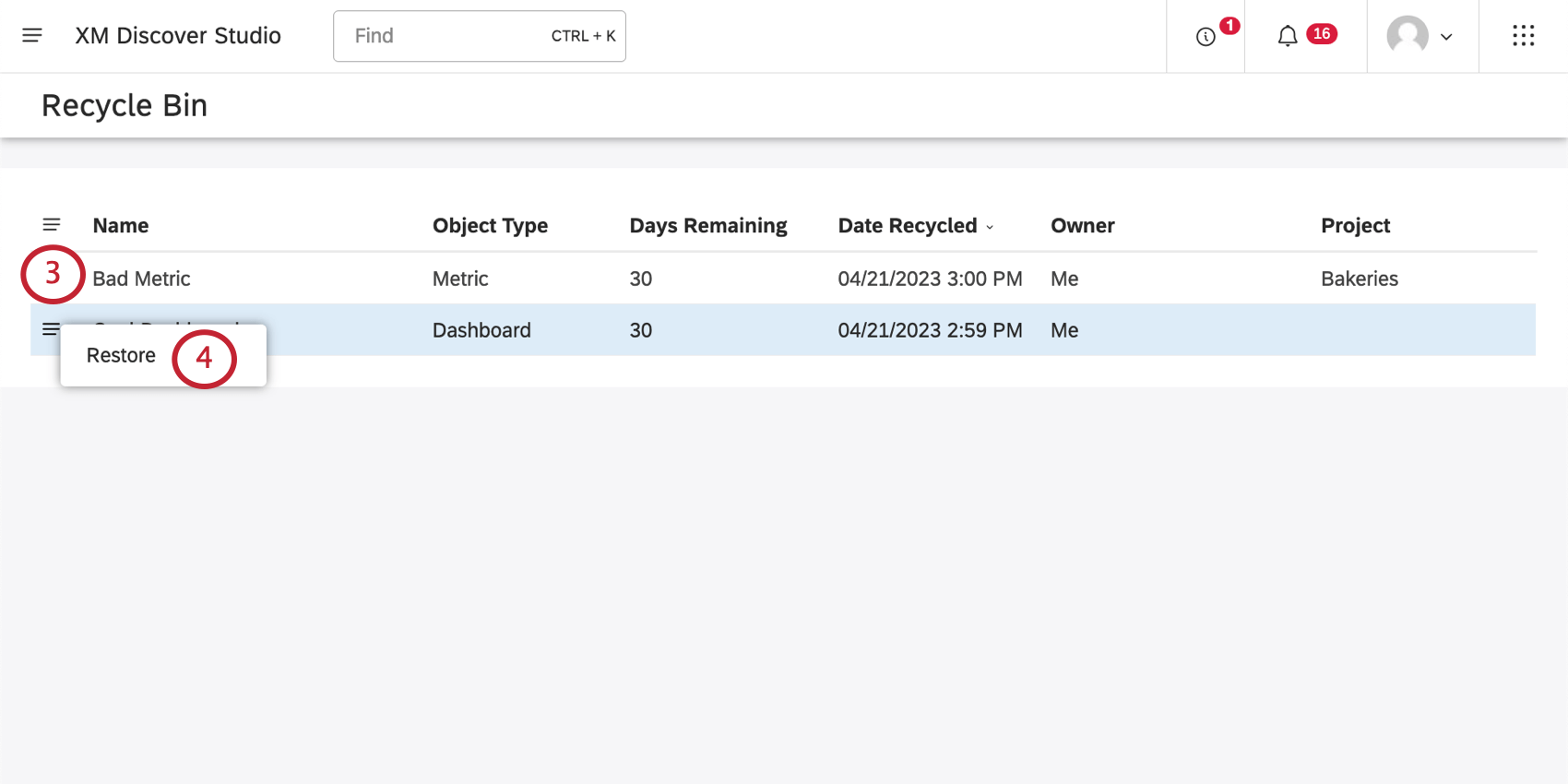
Click Restore.
That's great! Thank you for your feedback!
Thank you for your feedback!