

Creating a Dataset
What's on this page
About Creating a Dataset
A dataset is a collection of data sources that are available for you to report on in your dashboards. On this page, we’ll cover the absolute basics of creating a dataset.
Qtip: In order to access the Data page and create dashboard datasets, you need the Use CX Dashboards permission.
Qtip: Confused about what datasets are vs. data sources? Not sure how to tell the data mapper and modeler apart? Learn more about these and more key terms.
Creating a New Dataset
Attention: Right now, each dataset can only be used in 1 dashboard.

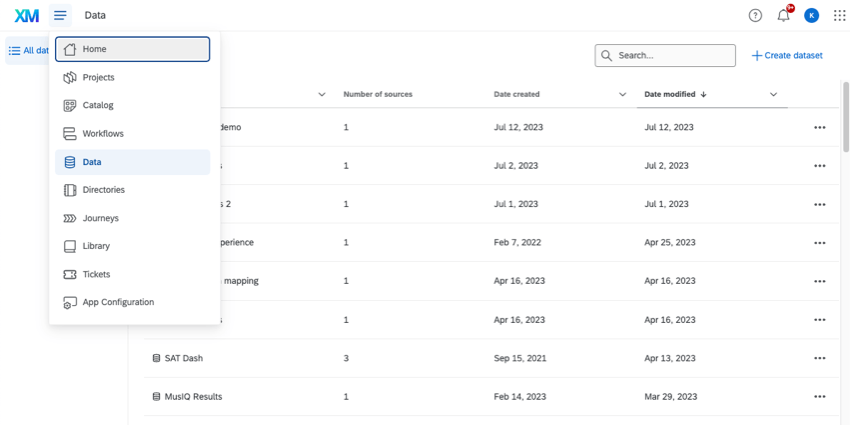
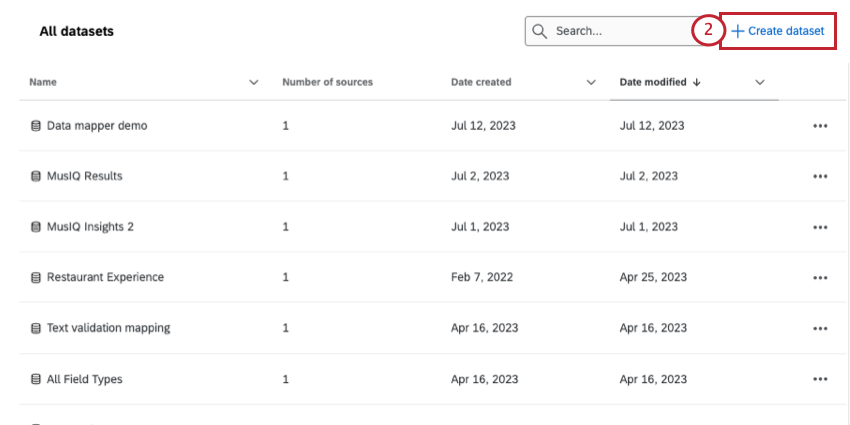
- On the Data page itself.
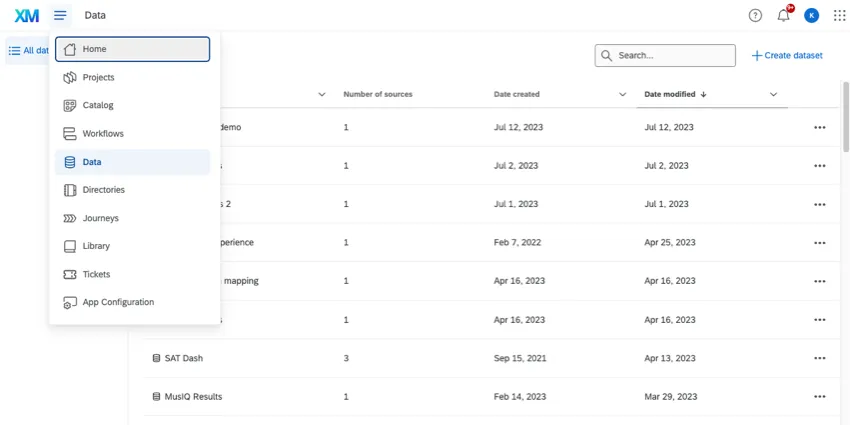
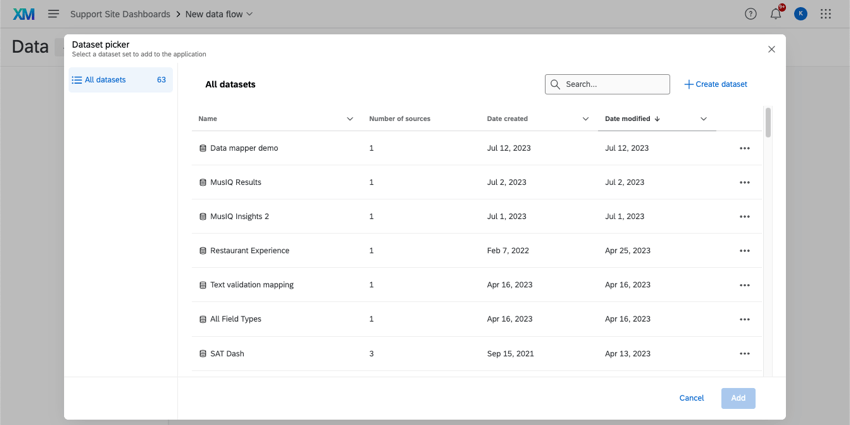
- In a new dashboard.
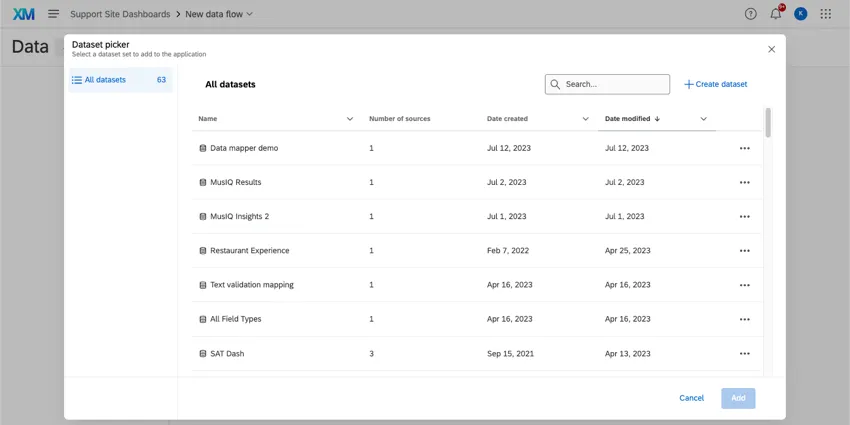
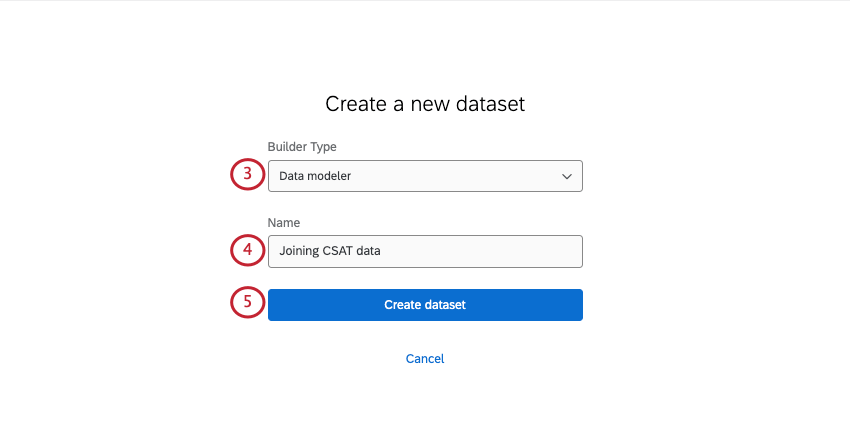
- Data mapper: The easiest and most common way to format your dashboard dataset. See Data Mapper (CX) for more information.
- Data modeler: A way to create dashboard datasets by combining data from different types of sources (i.e., tickets and surveys together) and perform joins. See Creating a Data Model (CX) for more information. Qtip: If you’re not sure what to pick, see Data Mapper vs. Data Modeler.

Data Mapper vs. Data Modeler
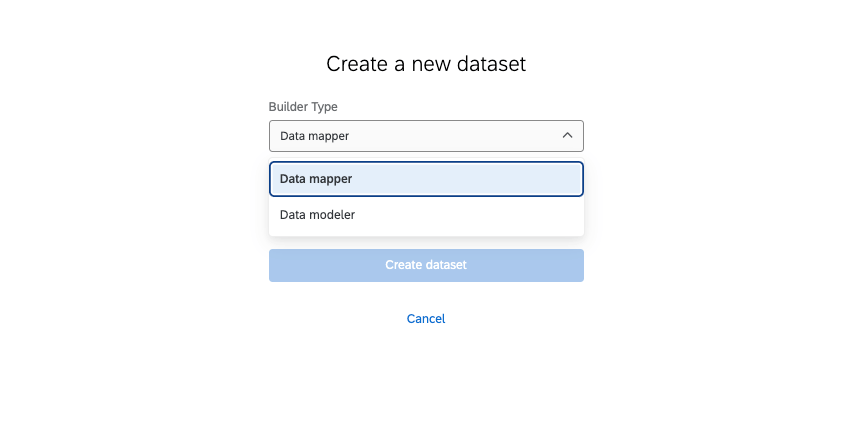
There are currently 2 different ways to create a dashboard dataset: using the data mapper or the data modeler.
The data mapper is the simplest builder to use, and will work for most datasets. It allows you to specify the data sources you want to include, lets you pull in multiple sources, edit the format and appearance of your data fields, and more.
The data modeler has much of the same functionality, but with additional advanced capabilities. If you need to combine data from very different sources (like tickets or directories) and perform left outer data joins, the data modeler is the better choice.
To learn more about each, see Data Mapper vs. Data Modeler on the Dashboard Data (CX) support page.
Dashboards Compatible with the Data Page
The Data page can only be used for the following dashboard datasets:
- Dashboards projects (also known as CX Dashboards)
- Dashboards added to programs
- Dashboards built into certain XM Solutions
- Brand Experience
This feature cannot be used with any Employee Experience dashboards or with Results Dashboards.
FAQs
How many columns / unique fields can my dataset have?
How many columns / unique fields can my dataset have?
Is there a limit to the number of data sources you can add in each dataset?
Is there a limit to the number of data sources you can add in each dataset?
How many dashboard datasets can I create?
How many dashboard datasets can I create?
How many times can I use the same data source in a dashboard dataset?
How many times can I use the same data source in a dashboard dataset?
That's great! Thank you for your feedback!
Thank you for your feedback!