

Sharing Dashboard Components (Studio)
Suite
Customer Experience
Product
Qualtrics
What's on this page
About Sharing Dashboard Components
You can share dashboard components with the dashboard’s users. You can give these users the same level of access they have to the dashboard, or a lower level.
Attention: You can only share metrics and filters. You cannot share models or attributes at this time.

Qtip: In order to share a dashboard component, you need editor-level access to the dashboard and at least read-only data access to the component’s source project.

Understanding Component Access Permissions
A user’s level of access to dashboard components depends on 2 things:
Qtip: The Share View Filter, Share View Metric, Share Edit Filter, and Share Edit Metric permissions are user permissions that can be found under Object Permissions.
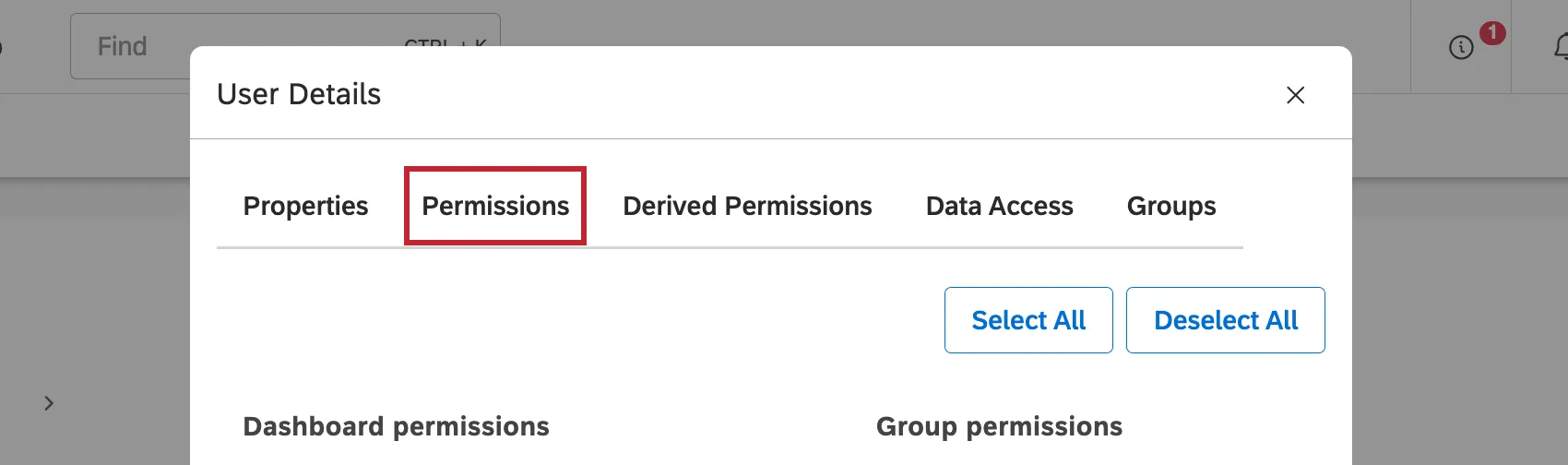
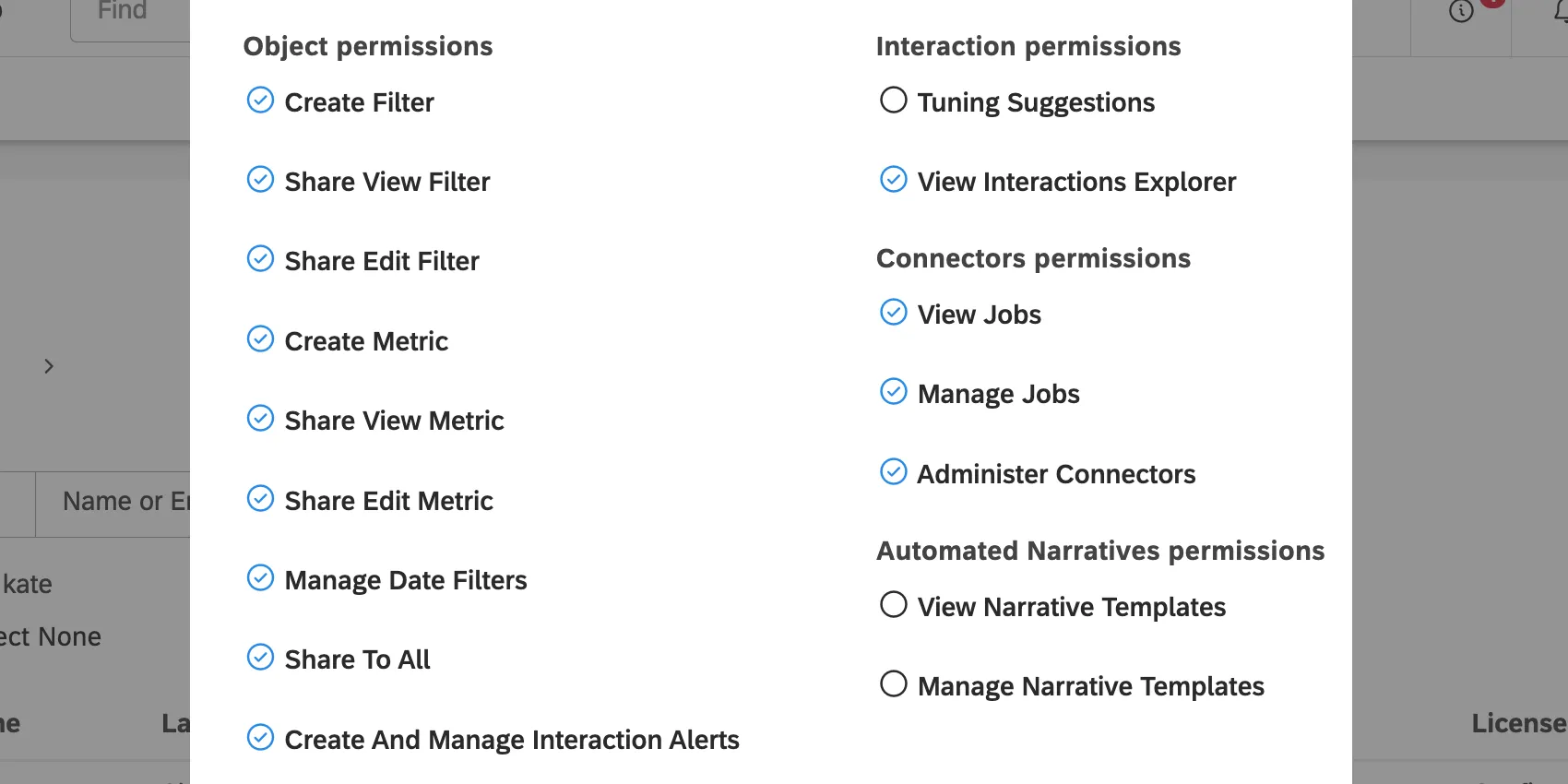
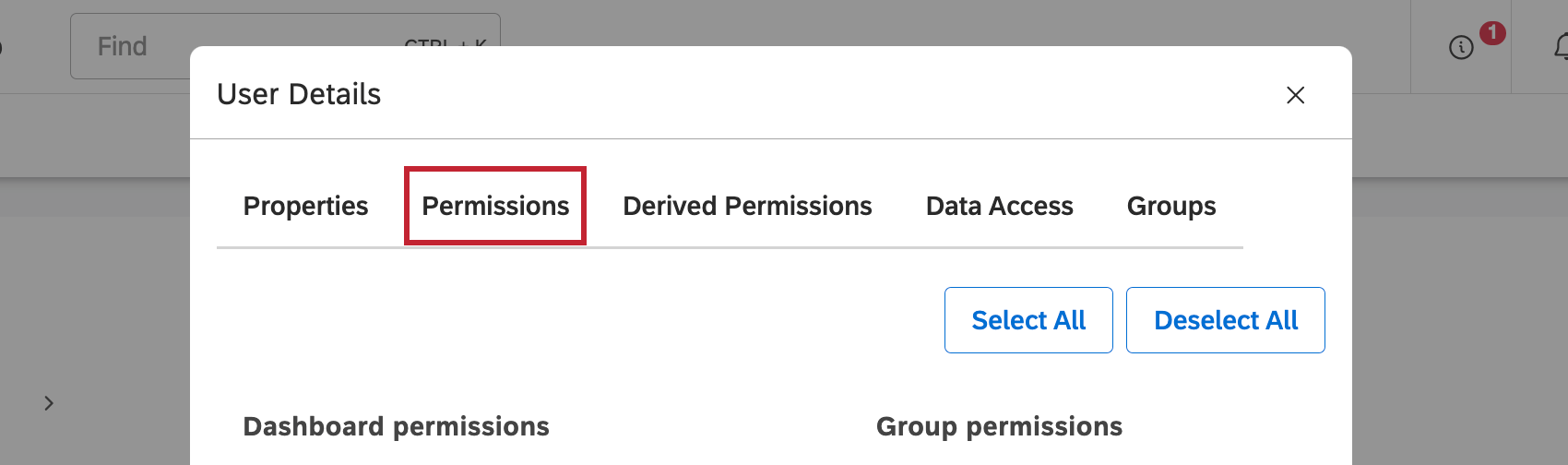
Table of Sharing Results
| Dashboard access of user invited to share | Permissions of user sharing the components | Component access of the user after the components have been shared |
|---|---|---|
| Can View | Share View or Share Edit | Can View |
| Can Edit | Share View | Can View |
| Can Edit | Share Edit | Can Edit |
Sharing Metrics and Filters
On the Studio homepage, scroll down to Explore Dashboards & Books.
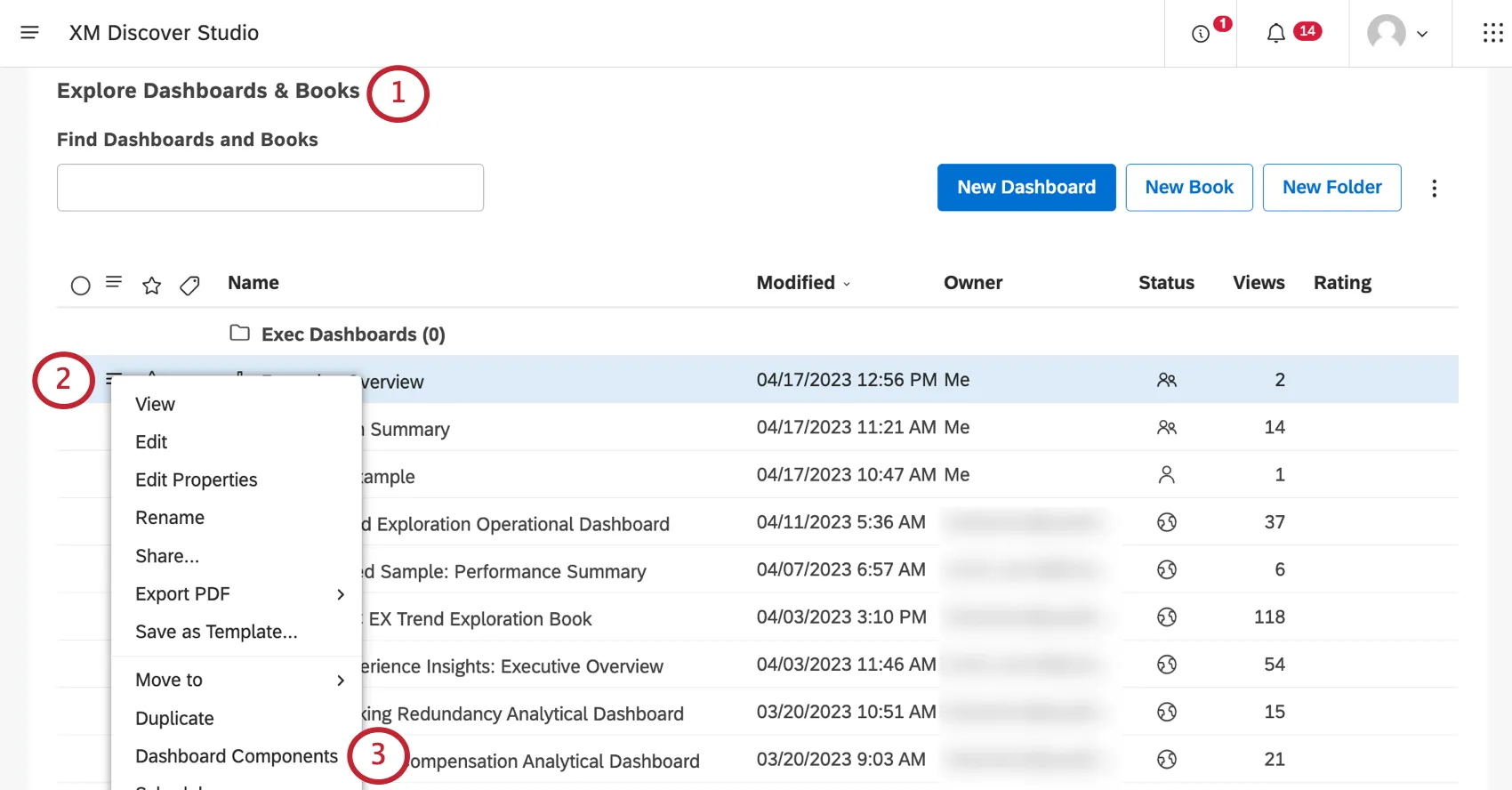
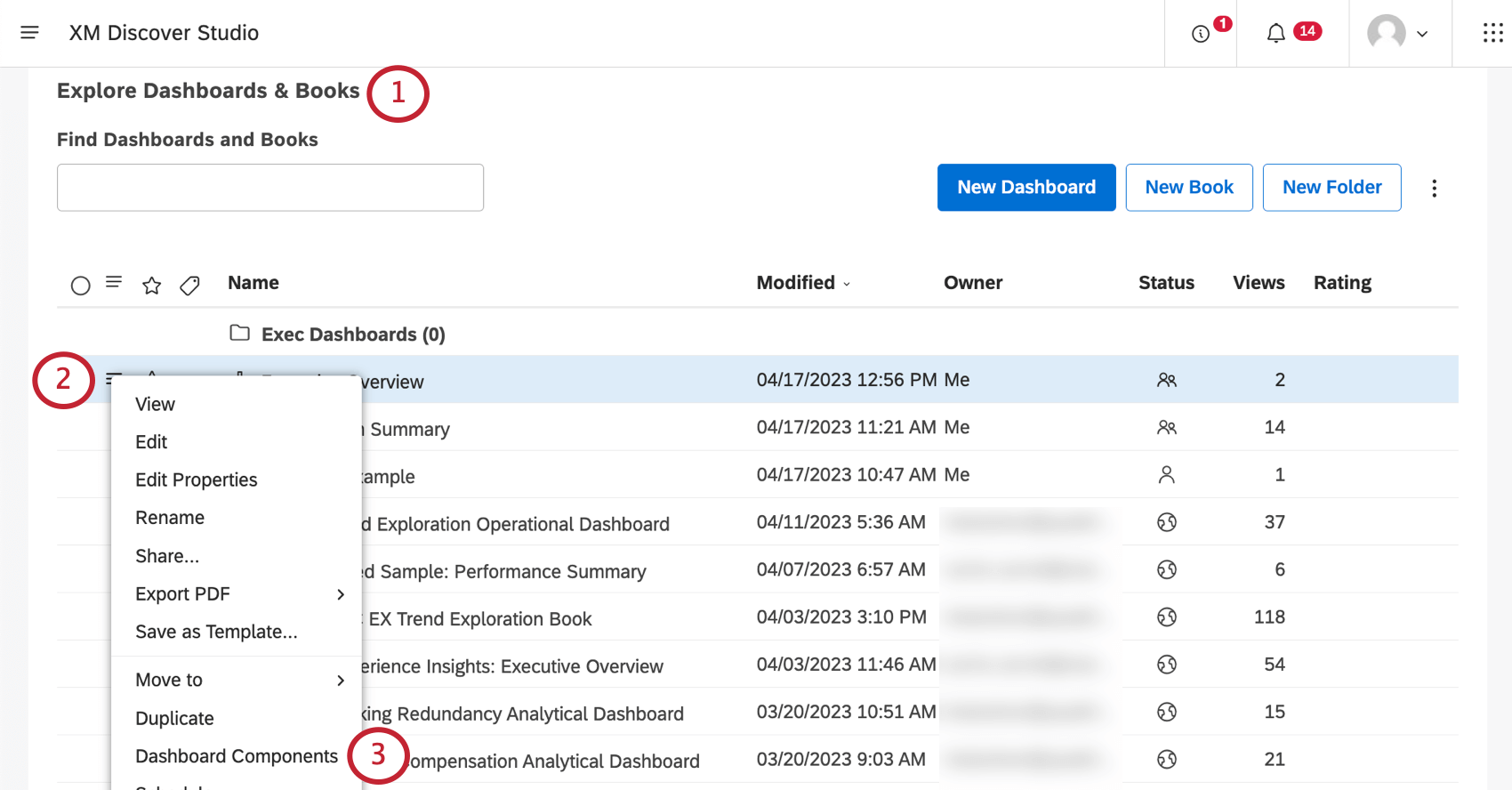
Click the menu next to your dashboard.
Select Dashboard Components.
If needed, switch between components’ source projects using the first dropdown.
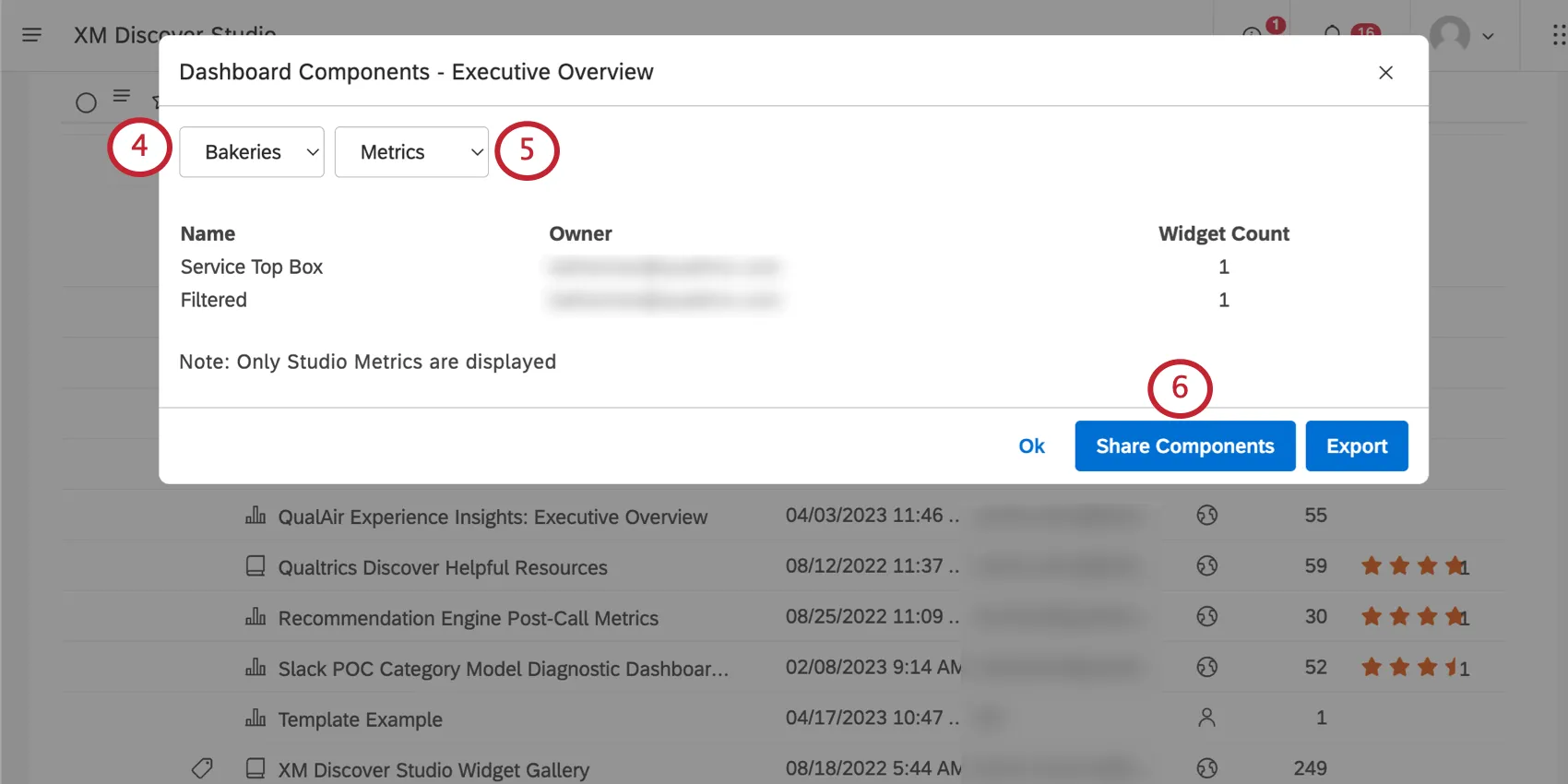
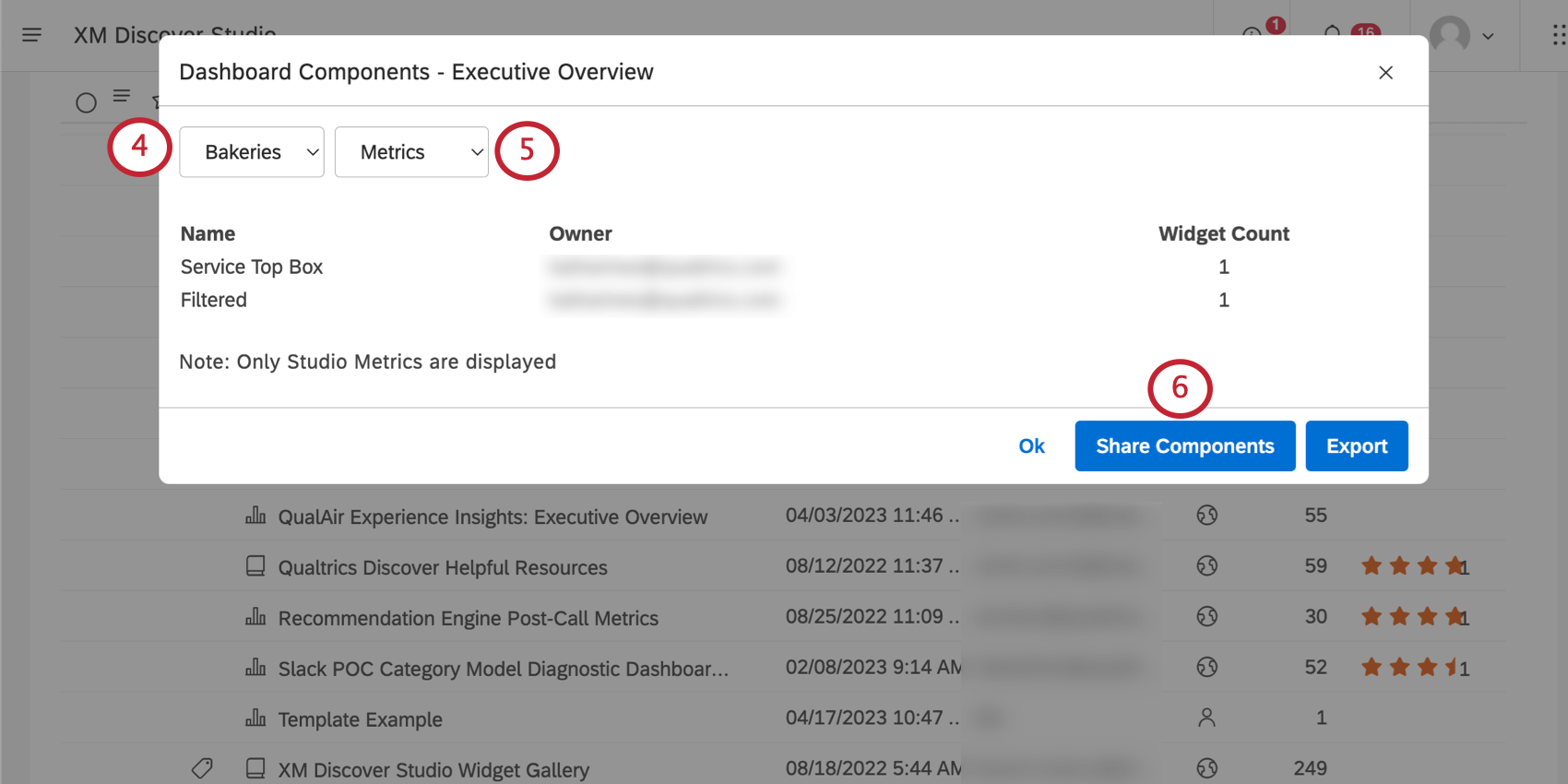
Switch to either Metrics or Filters, depending on what you want to share.
Click Share Components.
For each metric or filter, set one of the following options in the Access column:
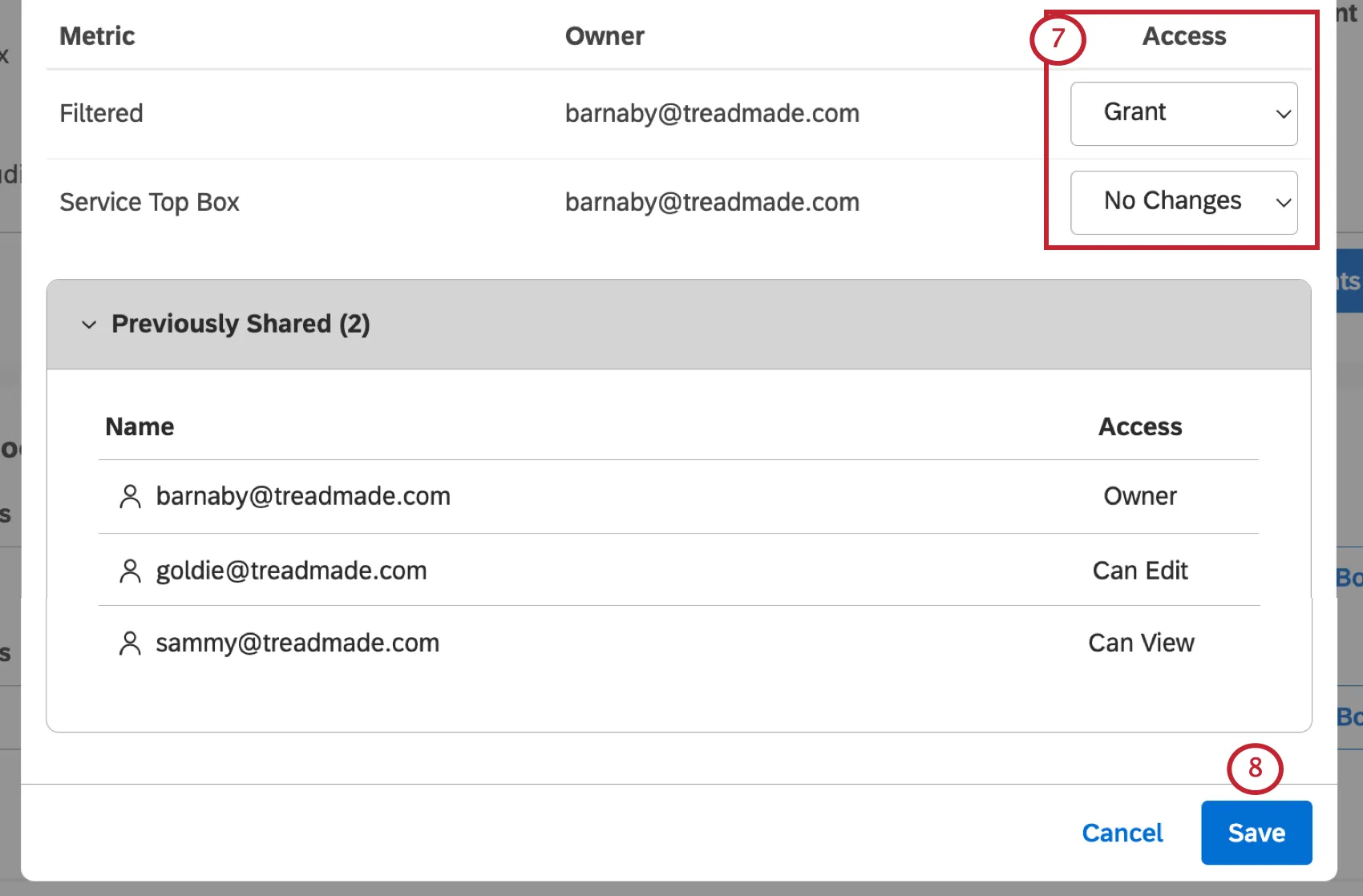
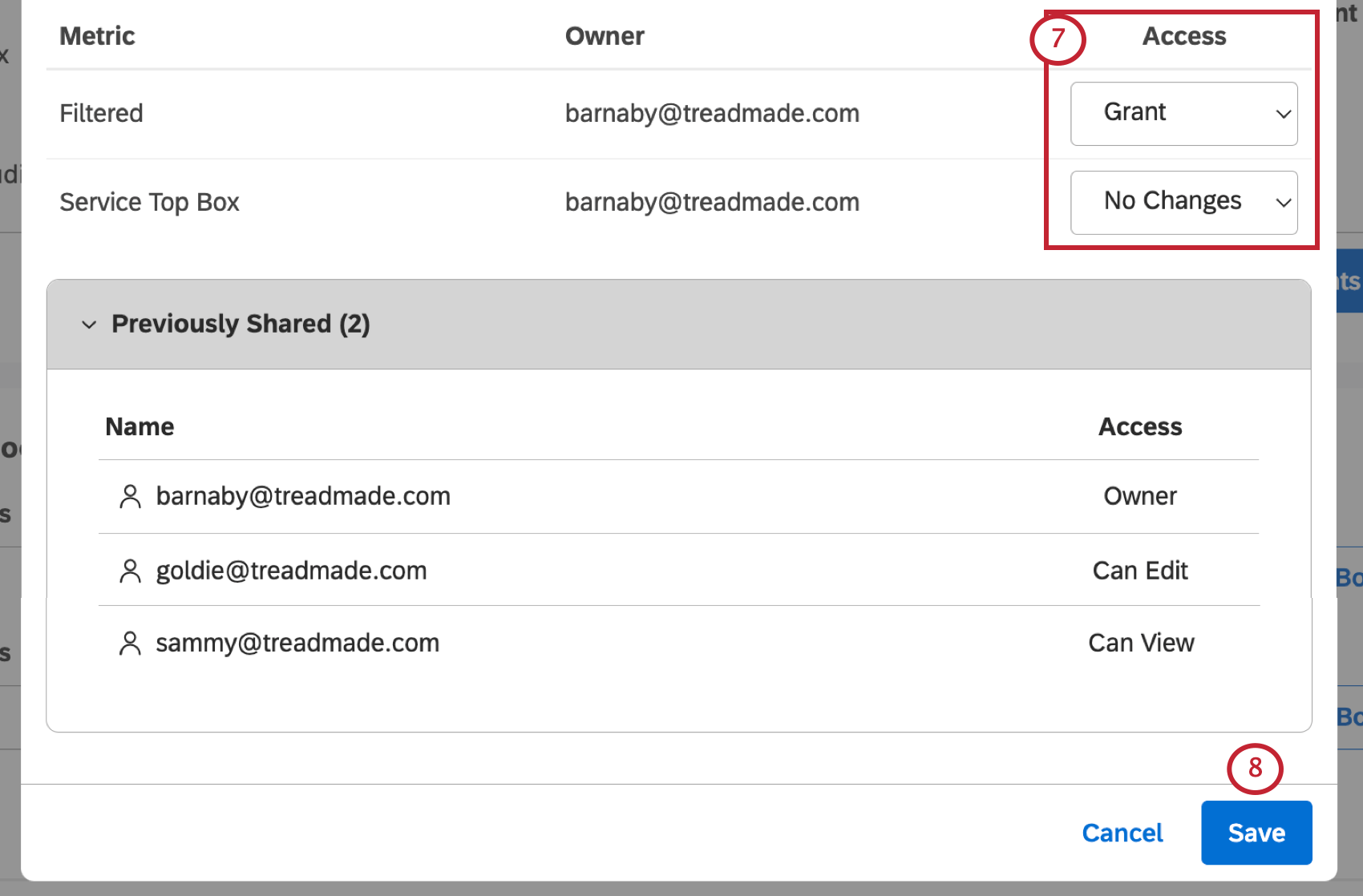
- Grant: Share a component with all users and groups with whom this dashboard is shared, up to their dashboard access level.
- No Changes: Do not change any user’s access for a component. This option does not remove access from an object. Example: In the example above, goldie@treadmade.com will get editor-level access to the Filtered metric, while sammy@treadmade.com will get viewer-level access. There will be no changes in access for the Service Top Box metric.

Click Save.
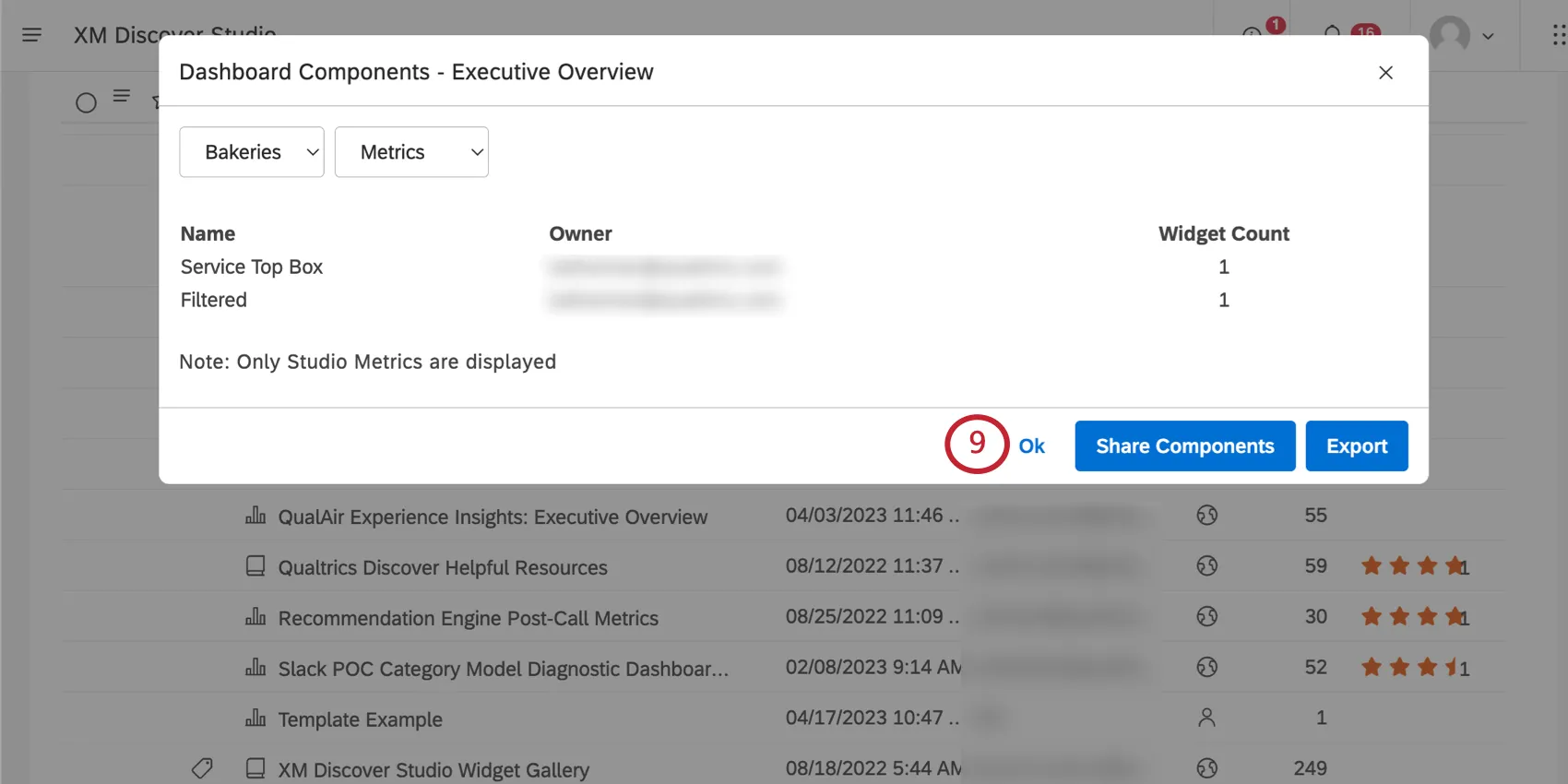
Click Ok to close the Dashboard Components window.
FAQs
Does component sharing overwrite users' existing access to these components?
Does component sharing overwrite users' existing access to these components?
Yes. For example, if a user has Can Edit access to a filter and Can View access to a dashboard, sharing that filter through the Dashboard Components page will downgrade the user's access level to Can View.
That's great! Thank you for your feedback!
Thank you for your feedback!