

Sample Projects
What's on this page
About Sample Projects
Sample projects help users discover and test-drive Qualtrics features, functionality, and analysis capabilities without needing to build and distribute their own surveys. At a minimum, a sample project consists of a pre-built survey paired with pre-loaded responses. Some sample projects may also include pre-built reports or other components.
Because they include a pre-built survey, sample projects are similar to project templates and guided projects, in that each can help users to learn how to build surveys by demonstrating best practices in survey methodology and construction. Sample projects are unique in that they also include a meaningful set of pre-loaded response data, that can tell a story when interpreted through reporting and analysis tools. For this reason, they are a useful tool for learning how to view and edit responses, customize visualizations, and build reports. Some sample projects include data or elements that enable users to try out and get a feel for using Text iQ, Stats iQ, or dashboard capabilities.
Example Questions & Results (with Data)
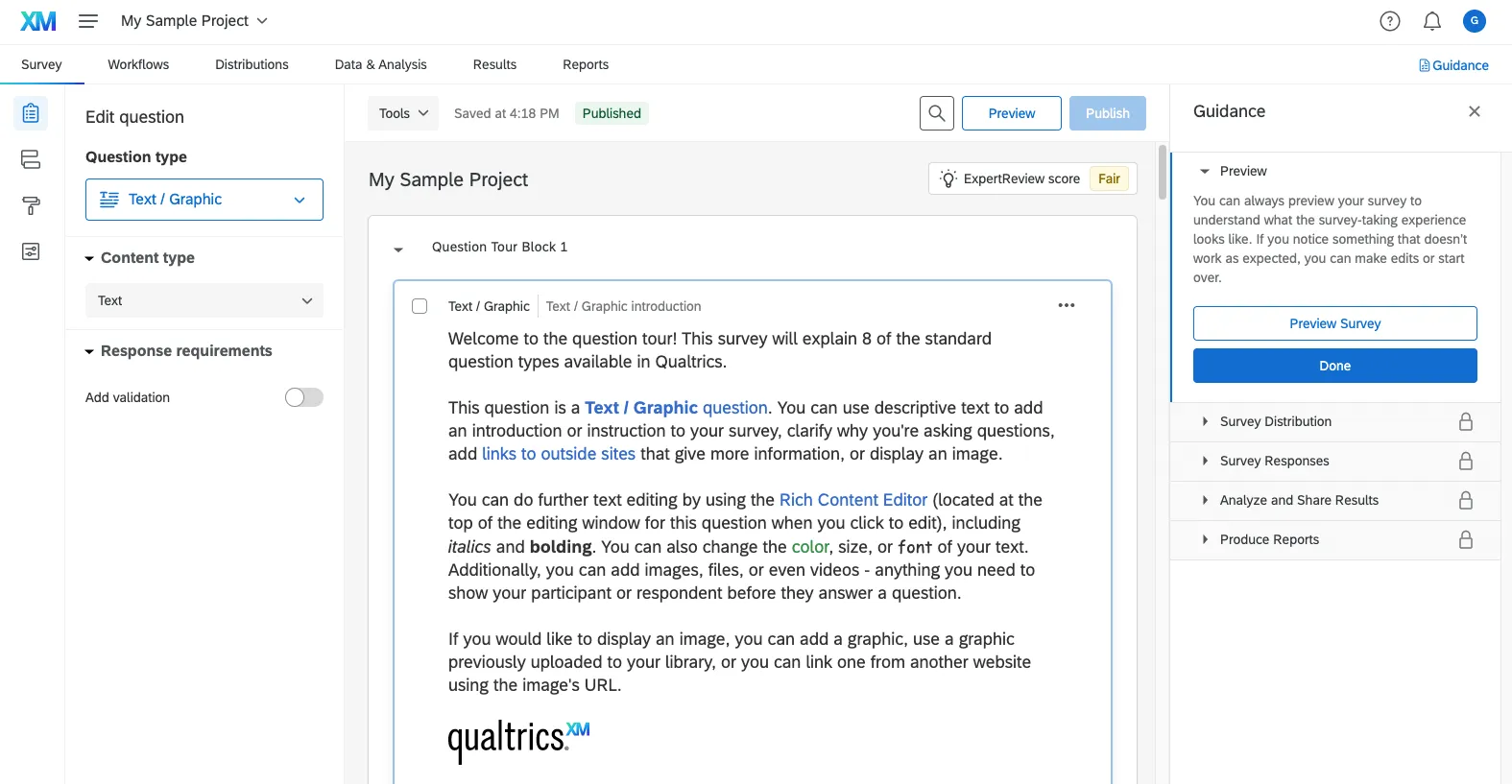
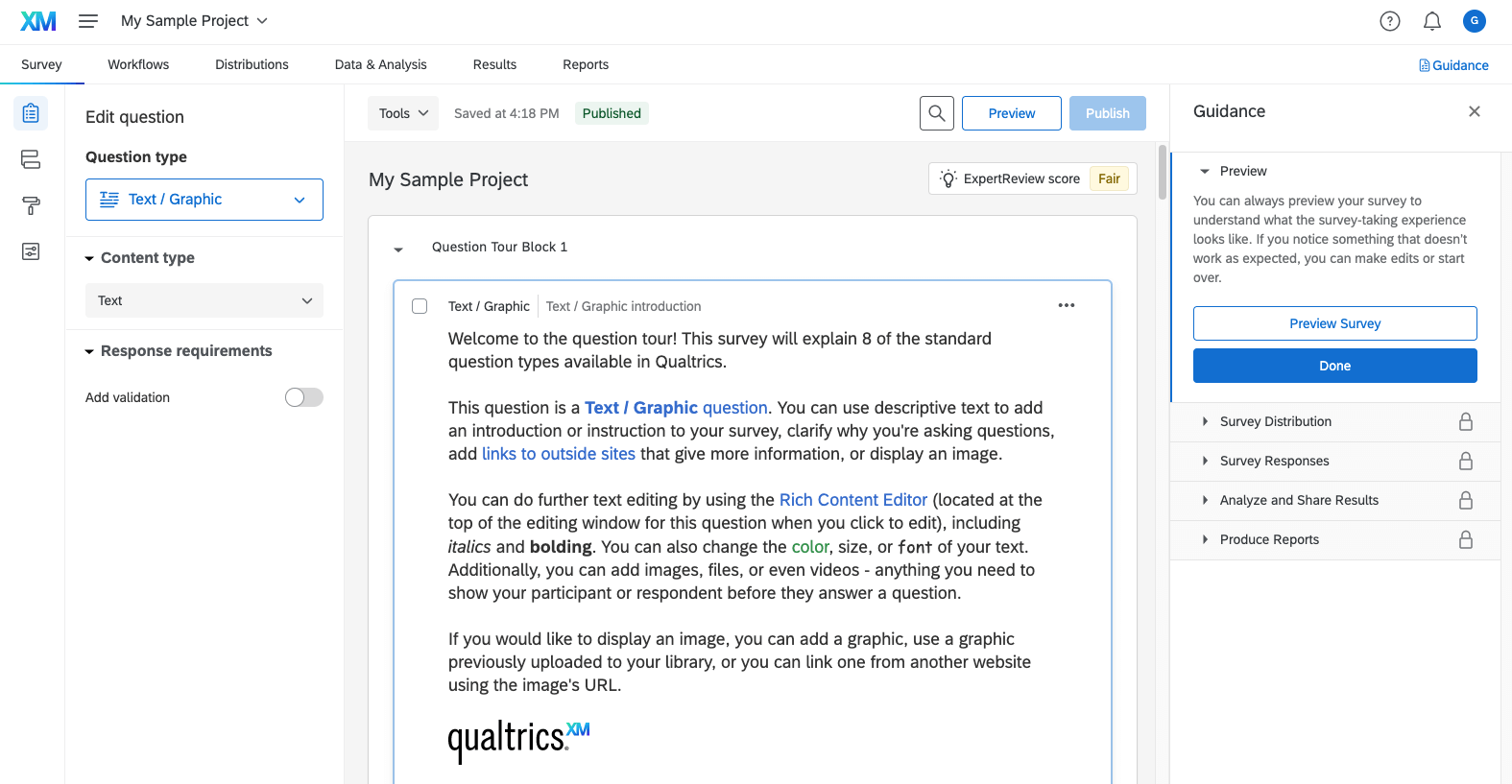
The Example Questions & Results (with Data) project is available to free and certain licensed users in the Catalog, and can be found above project templates. This project includes a survey that serves as an introduction to the 8 static and standard question types, explaining how they are used and providing examples of each question type, paired with a set of responses to each example question. The sample project also includes a guidance pane that provides information about the typical steps in a survey project: previewing, distributing, viewing responses, analyzing and sharing results, and producing reports. A pre-built report is included that illustrates different ways visualizations can be formatted to derive insights from response data.
Qtip: Want your own free account? Sign up at qualtrics.com.

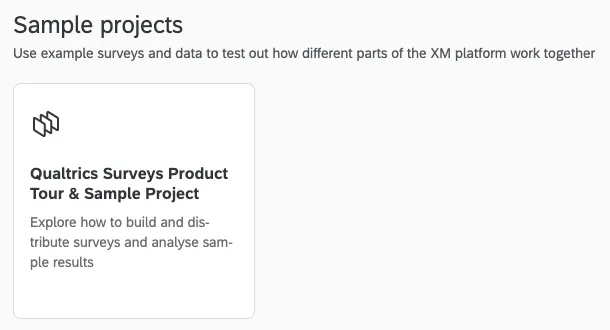
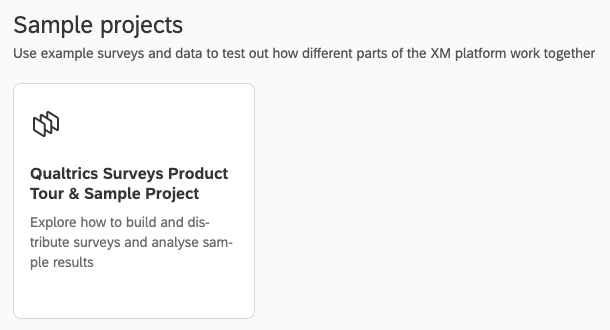
Users who have access can find sample projects in the catalog.
The survey included in the “Example questions and results” sample project includes illustrative examples of basic question types (the Qualtrics Surveys Question Tour template provides more tips on how to configure and use these question types for users who would like more information). The Guidance pane can be used to navigate through the survey project, to learn more about distributions, responses, results, or to view a pre-built report. The sample report includes examples of different ways to configure and display visualizations of the results provided in the sample response data set.)
Attention: We do not recommend distributing this sample project, as it was developed to showcase capabilities of the survey builder, not for distribution. Instead, we recommend going to the Catalog page and selecting one of the XM scientist-developed templates or guided projects that comes free with your account.

Strategic Research Sample Projects
Strategic Research trial users will have four sample projects already loaded into their account. These projects function just like regular survey projects, but they already have data uploaded to them. That way you can try out Strategic Research features to the fullest, such as Stats iQ, reporting, crosstabs, and Text iQ. Strategic Research users will have access to Conjoint and MaxDiff samples.
Qtip: Curious how to start a Strategic Research trial? Users with free accounts can either click the Start Free Trial banner on the lower-left of every page, or go to the Plans tab in their account settings and select Strategic Research.
Trial users will find two sample projects pre-loaded in their projects list.
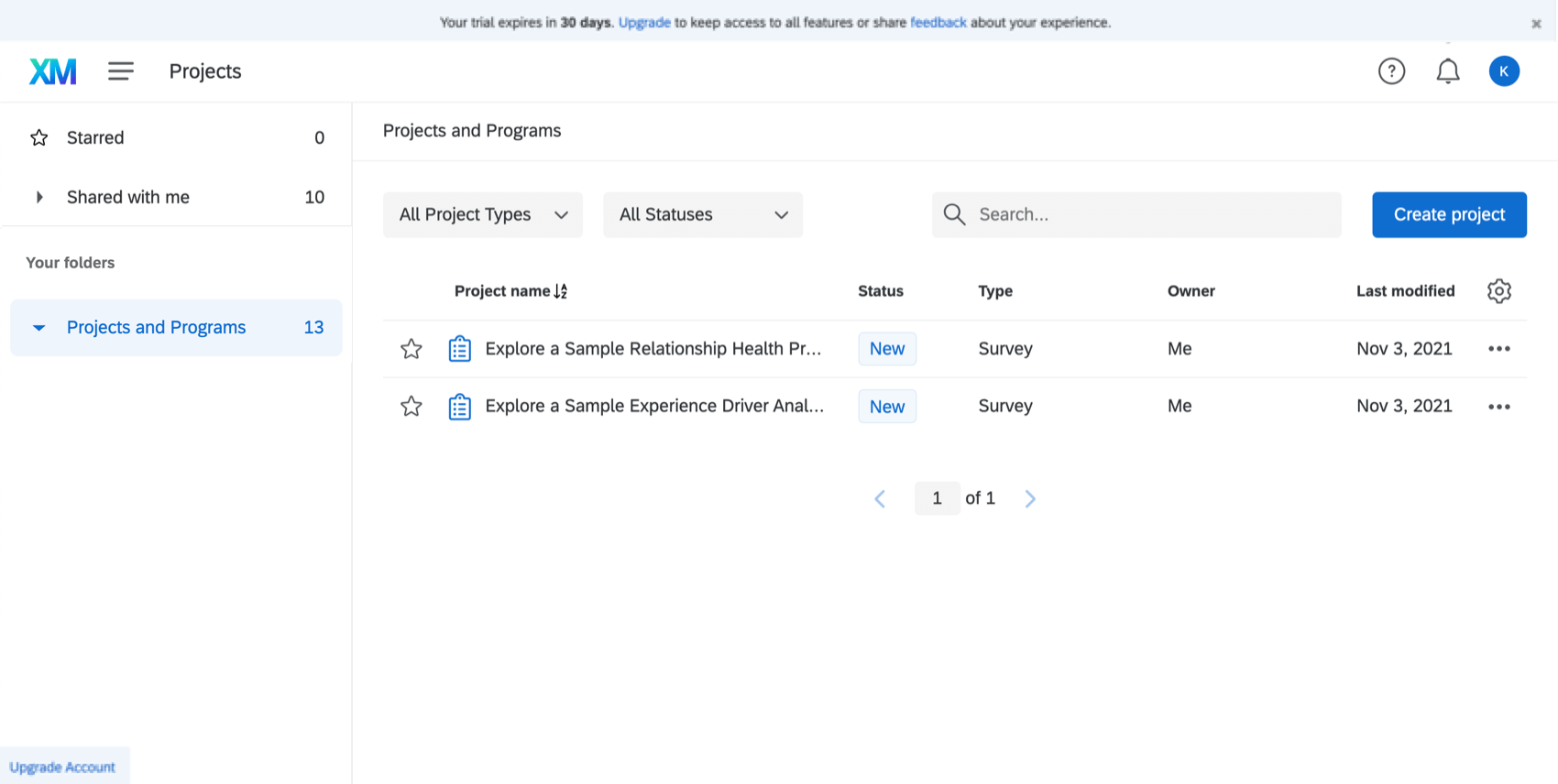
- Experience Drivers Analysis Sample Project: Explore key drivers, which can help you identify what variables correlate to your desired outcomes.
- Relationship Health Sample Project: This sample project gives a sneak peak into the Relationship Health solution available in the CX Foundational license. Explore how to continuously measure and manage the health of customer relationships with Qualtrics.
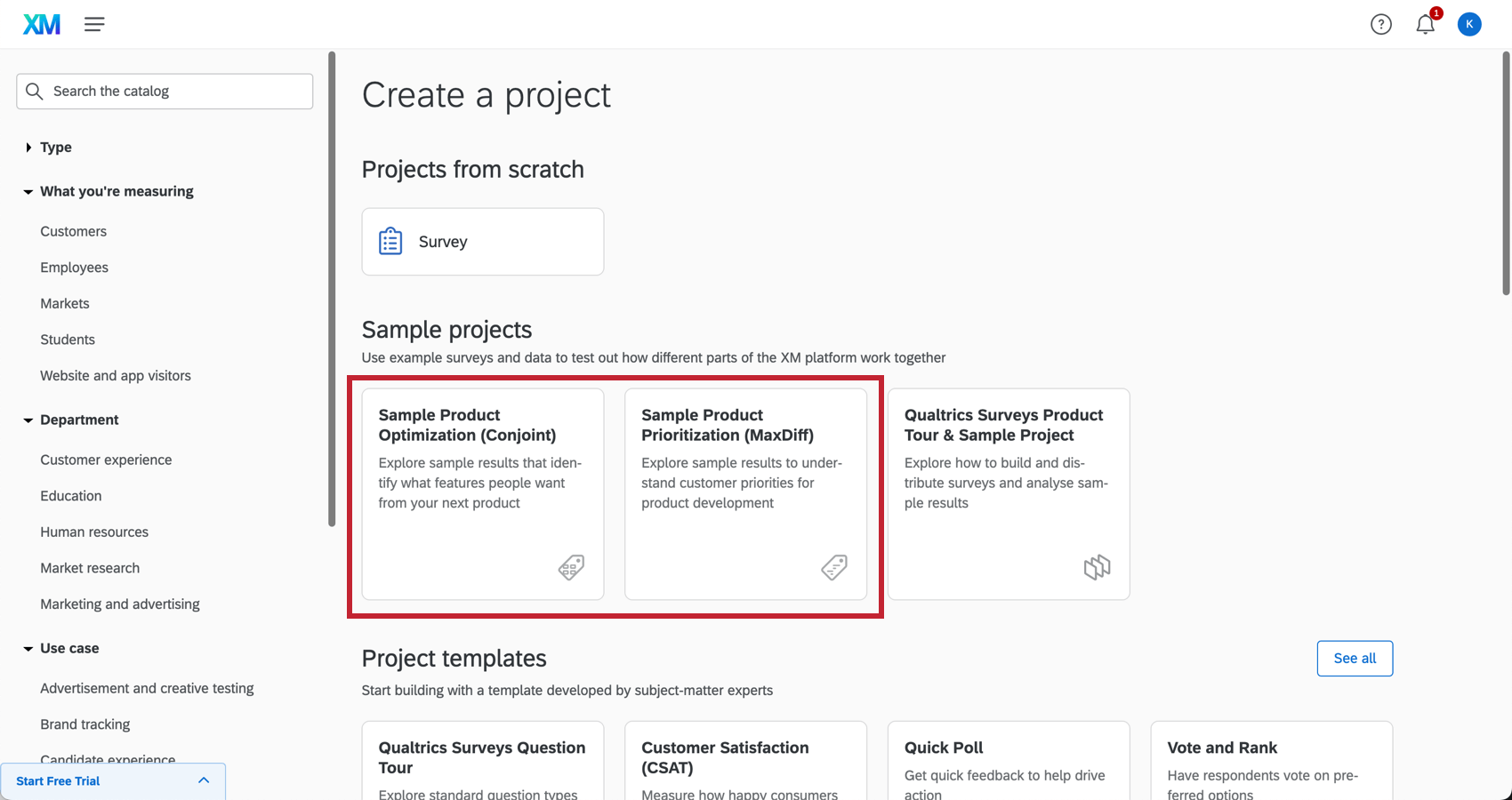
- Product Optimization (Conjoint) Sample Project: Explore conjoint projects, which can provide insights into important attributes and features of your product or service. This analysis can help prioritize product development, predict price sensitivity, and uncover competitive advantages.
- Product Prioritization (MaxDiff) Sample Project: Explore maxdiff projects, which can obtain preference and importance scores. This analysis can uncover preferences in features that impact customer decision-making.
Attention: Sample projects are intended for reading and interacting with analyses. You are unable to modify features, adapt the survey, or distribute the project. Additionally, you cannot export, publish, or save the reports.
FAQs
Who has access to sample projects?
Who has access to sample projects?
What sample projects are provided in the Strategic Research trial?
What sample projects are provided in the Strategic Research trial?
What does a sample project consist of?
What does a sample project consist of?
Can I conduct a survey based on the sample project, or something similar?
Can I conduct a survey based on the sample project, or something similar?
Can I remove sample projects from my account?
Can I remove sample projects from my account?
Can I edit the survey flow or questions in the sample survey?
Can I edit the survey flow or questions in the sample survey?
I made edits to a sample project to test out the survey builder tools. Will it revert to its original state?
I made edits to a sample project to test out the survey builder tools. Will it revert to its original state?
How can I learn more about survey construction and analysis to help me experiment with the sample projects?
How can I learn more about survey construction and analysis to help me experiment with the sample projects?
Can I distribute a sample project?
Can I distribute a sample project?
Can I set up actions for a sample project?
Can I set up actions for a sample project?
I can view the sample project but not the sample data. Why can’t I see the pre-loaded sample responses?
I can view the sample project but not the sample data. Why can’t I see the pre-loaded sample responses?
Does the sample project include sample reports or dashboards?
Does the sample project include sample reports or dashboards?
Due to account limitations of the trial, dashboards are not included in the trial experience, although they are included in upgraded licenses. To see sample dashboards, view the demo video embedded in the survey introduction. You can also learn more about dashboards through the support site, or request a personal demo from Sales.
I’m interested in collecting employee or workforce feedback. Is there an EX sample project?
I’m interested in collecting employee or workforce feedback. Is there an EX sample project?
Learn more about EX capabilities by exploring the support site, or reach out to Sales if you’re interested in getting access.
Is an official Relationship Health XM Solution included in Strategic Research?
Is an official Relationship Health XM Solution included in Strategic Research?
Relationship Health is included in the CX Foundational license. If you are primarily interested in collecting customer/client feedback or conducting studies like the sample Relationship Health project, the best way to learn about CX capabilities is to talk to our Sales team.
That's great! Thank you for your feedback!
Thank you for your feedback!