

Dashboard Components (Studio)
What's on this page
About Studio Dashboard Components
Dashboard components include category models, attributes, filters (both Studio and Designer), and metrics being used in your dashboard. You can view which components are being used in each dashboard from each project. This is useful to consider when editing, sharing, or deleting dashboards.
Qtip: In order to view a dashboard’s component, you need editor-level access to the dashboard and at least read-only data access to the component’s source project.
When viewing dashboard components, you can share them with all dashboard users.
Viewing Dashboard Components
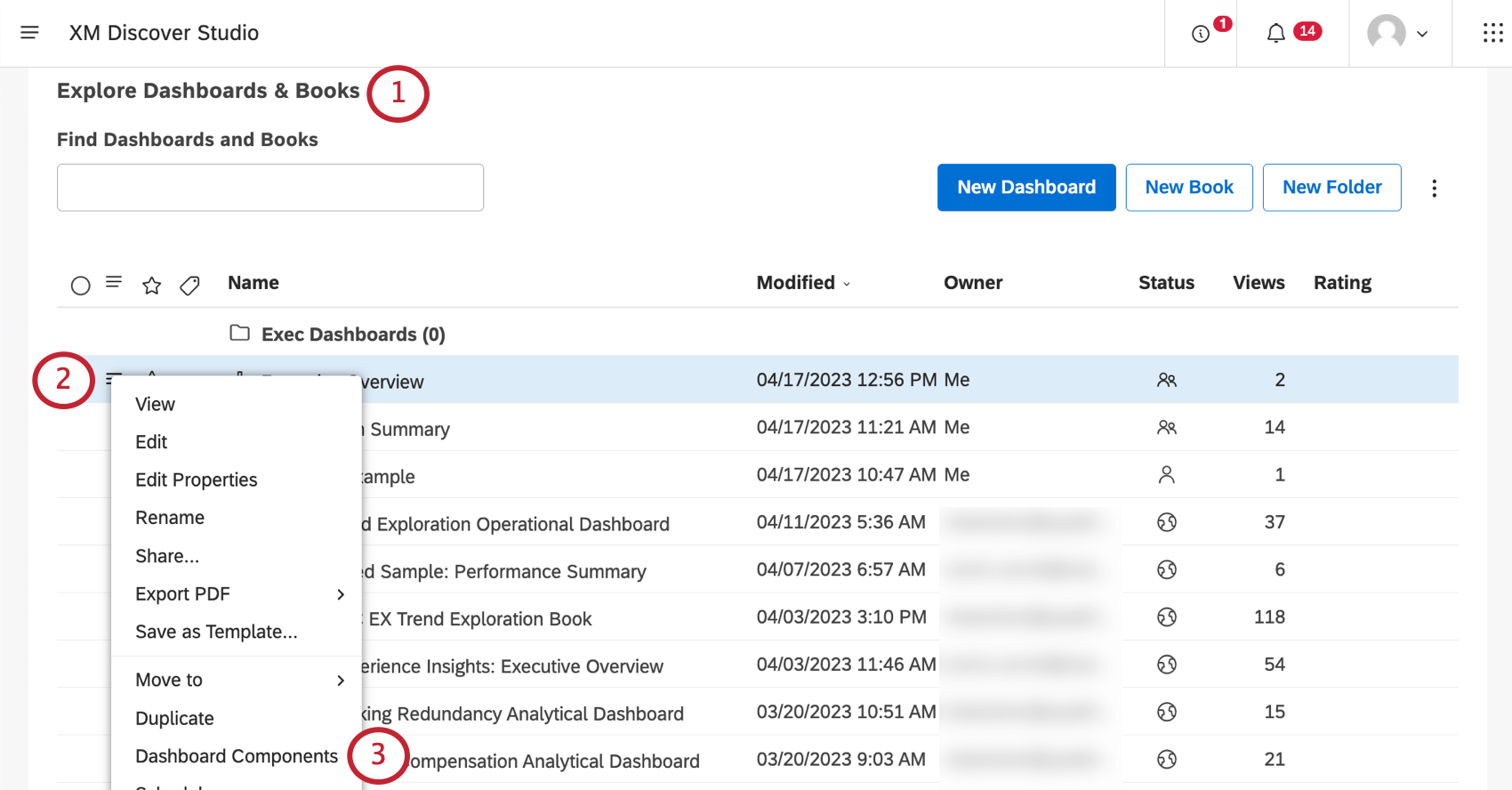
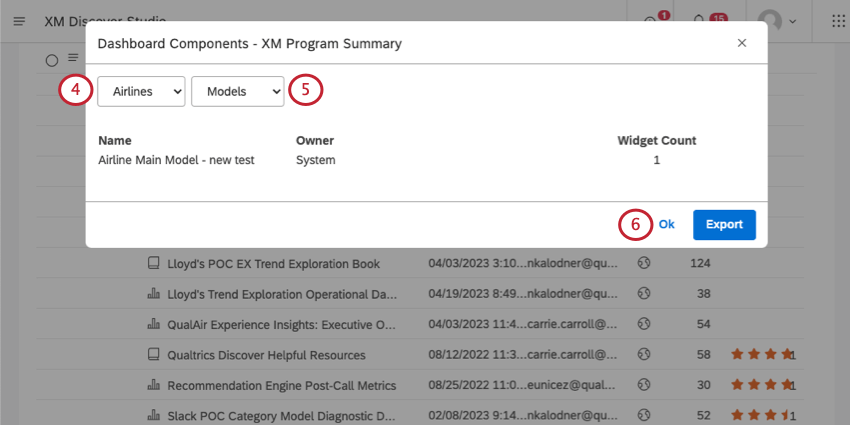
- Models: See which topic models (category models) are being used in the dashboard’s widgets. Qtip: You will not be able to view which models are being used for category-derived attributes. Derived attributes are instead listed when you select Attributes.

- Attributes: See which attributes are being used in the dashboard’s widgets.
- Filters: See which filters are being used in the dashboard’s widgets. Both Studio and Designer filters are included.
- Metrics: See which metrics are being used in the dashboard’s widgets.
Information Displayed for Each Component
For each model, attribute, filter, or metric, you’ll see the following information displayed.
- Name: The name of the component.
- Type: This is only displayed for filters. This will tell you if the filter is from Studio and Designer.
- Owner: For attributes and models, the owner is set to System. For each metric and filter, you’ll see the user who owns it.
- Widget Count: The number of widgets that use this component. For dashboard-wide saved filters, this column displays the word Dashboard.
Exporting Dashboard Components
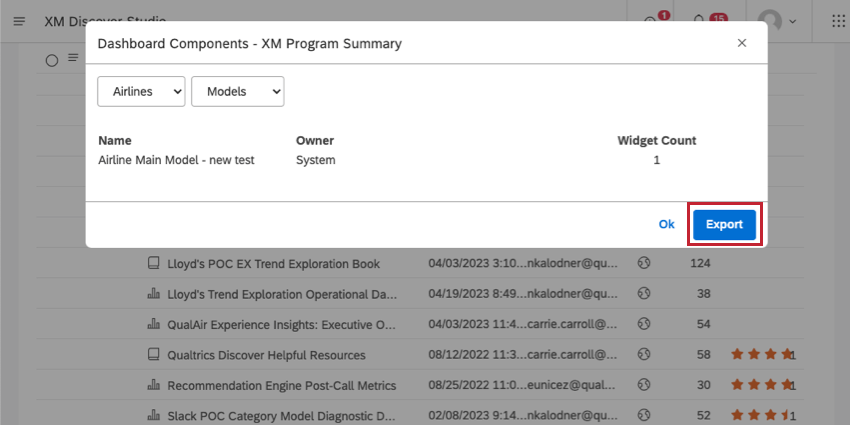
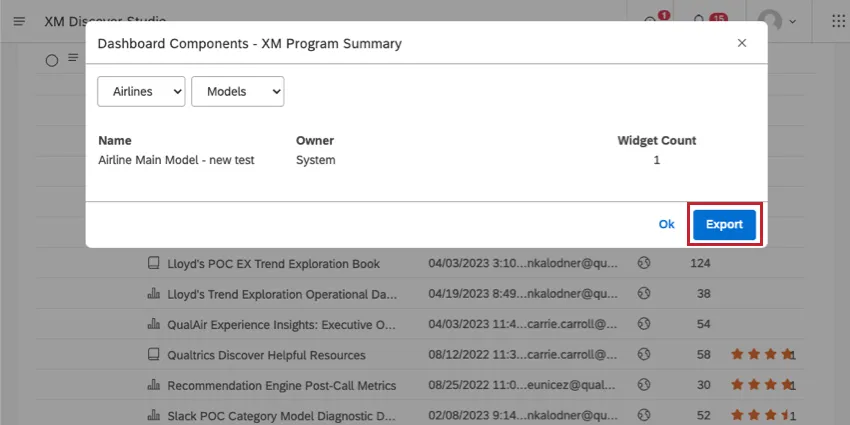
Click Export to download all dashboard components to an XLSX file (Microsoft Excel). Once the export is finished, the file is emailed to you.
The export file contains usage data for filters, metrics, models, and attributes broken down into separate sheets. The export file contains components from all projects used in the dashboard, regardless of which one you selected.
That's great! Thank you for your feedback!
Thank you for your feedback!