

Text / Graphic Question
What's on this page
About Text / Graphic Questions
The text / graphic question type lets you add content to your survey without asking a question. This question type can be used as an introduction to the survey or as instructions for a specific section. You can also use this question to add stand-alone images to your survey.
Content Type
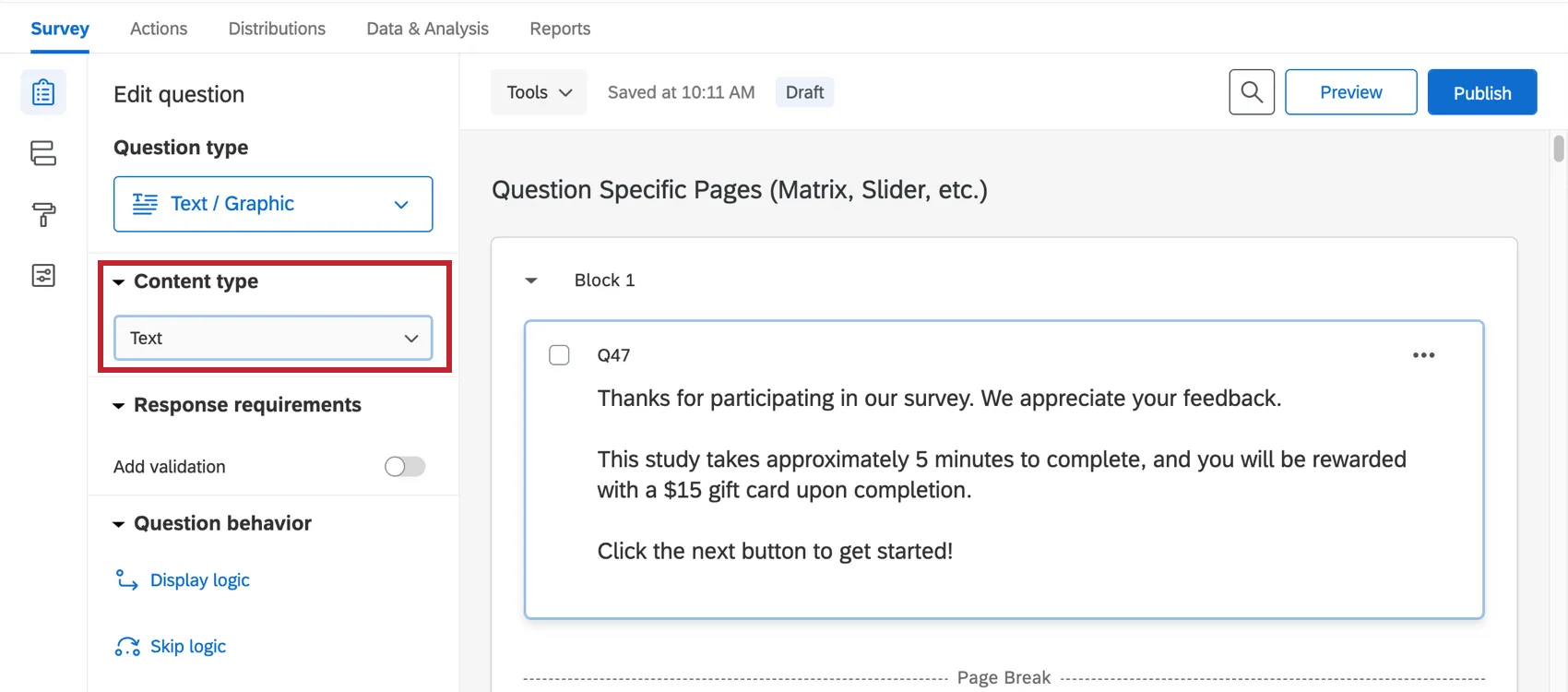
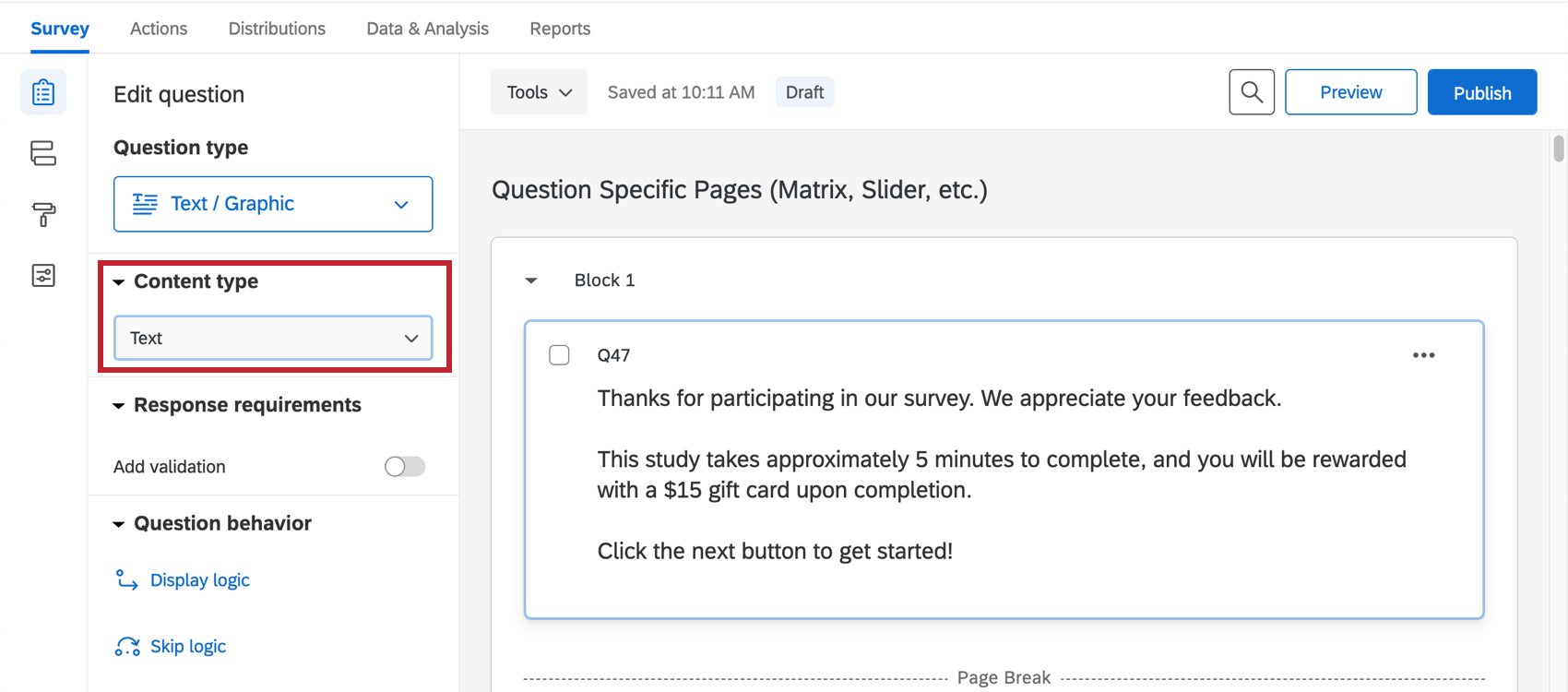
There are 3 variations of the text / graphic question: text, graphic, and file. You’ll find these variations under Content type in the question editing pane, located to the left of the question.
Text
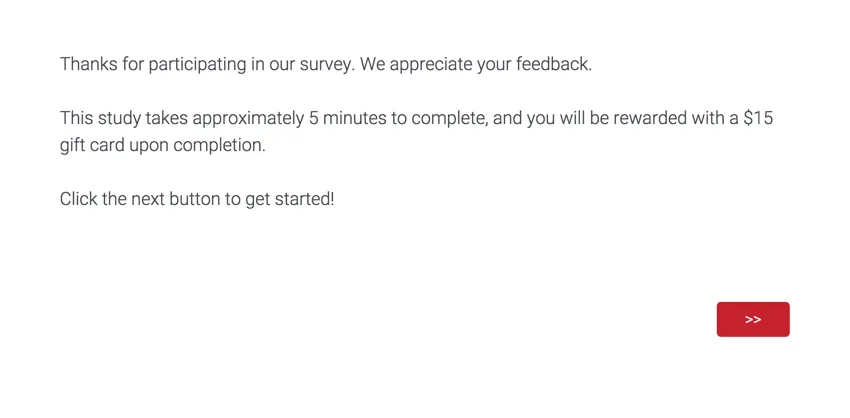
The text variation is best for instructions or any other written information you’d like to display to your respondents (e.g., a disclaimer or thank you at the beginning of a study).
Graphic
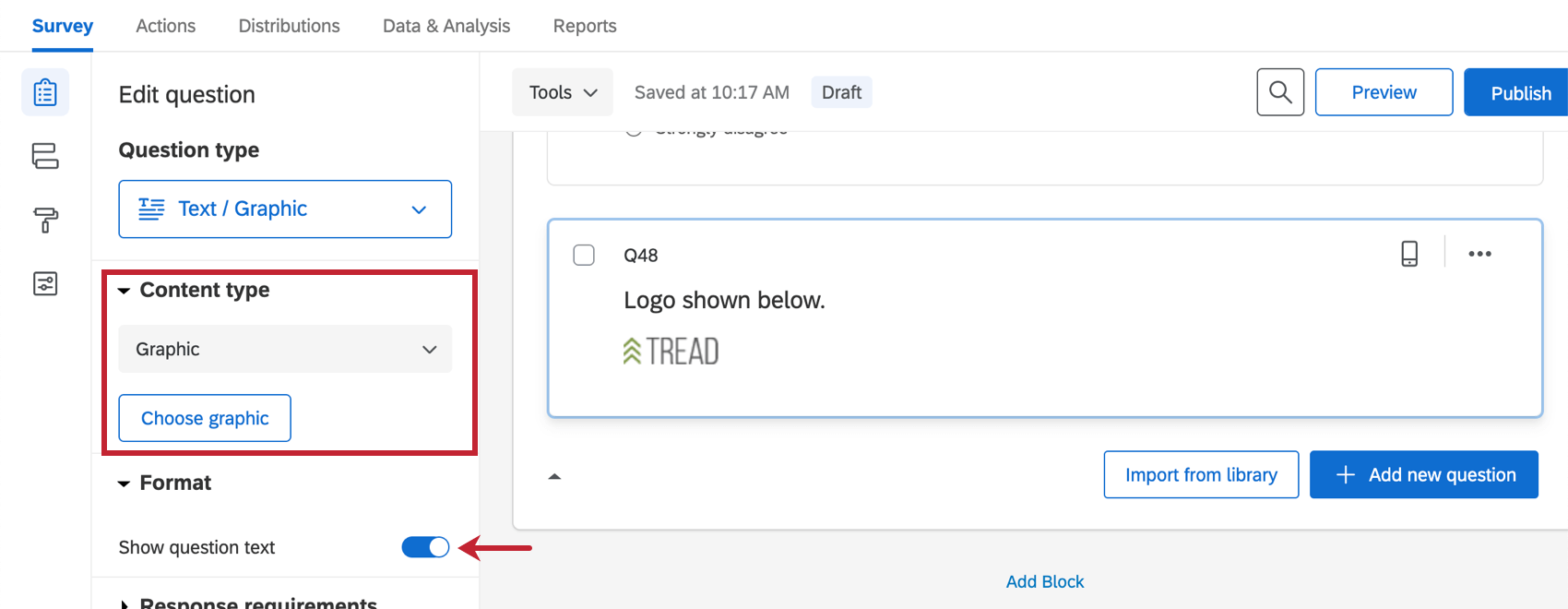
The graphic content type allows you to insert a stand-alone image into your survey. Click Choose graphic to select an image from your Qualtrics library. You can upload a new image from your computer or a URL if needed.
Qualtrics accepts most image file types, though we recommend saving your images as a PNG rather than a JPG.
You can also add text to your graphic by selecting Show question text.
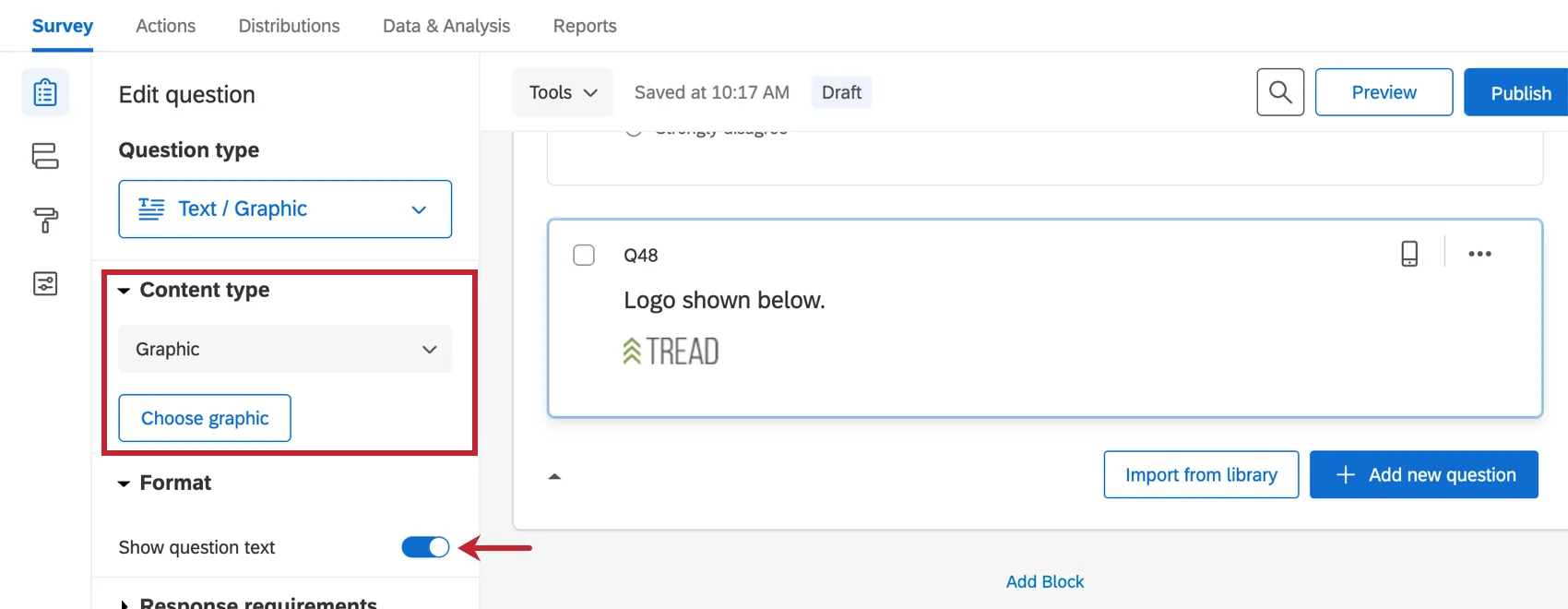
Example: You want to randomize the images shown to respondents, but ask the same set of questions about each image. Post each image separately as a text / graphic question, then randomize them while keeping your other questions consistent.

Qtip: Images can be similarly attached to any other question type by using the rich content editor.

Qtip: Want respondents to give feedback on an image? Consider using the hot spot or heat map question types, both of which allow respondents to interact with the image.
File
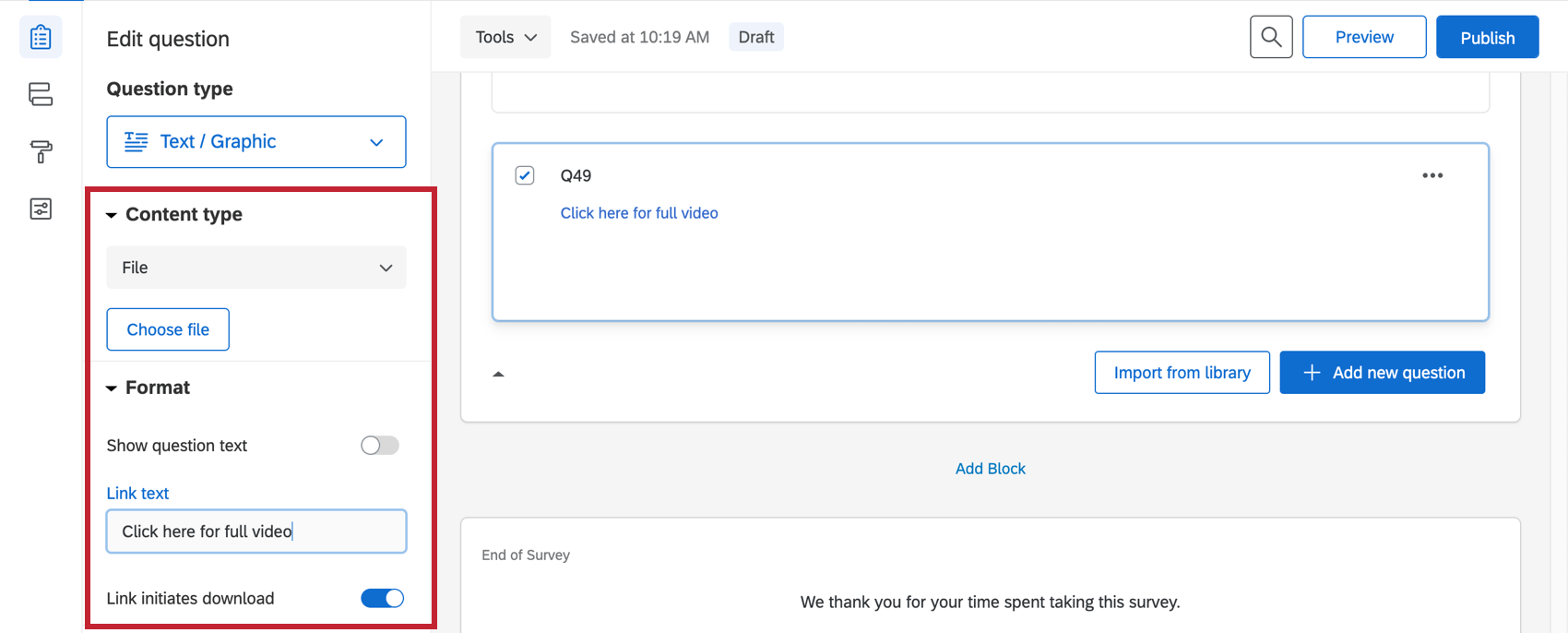
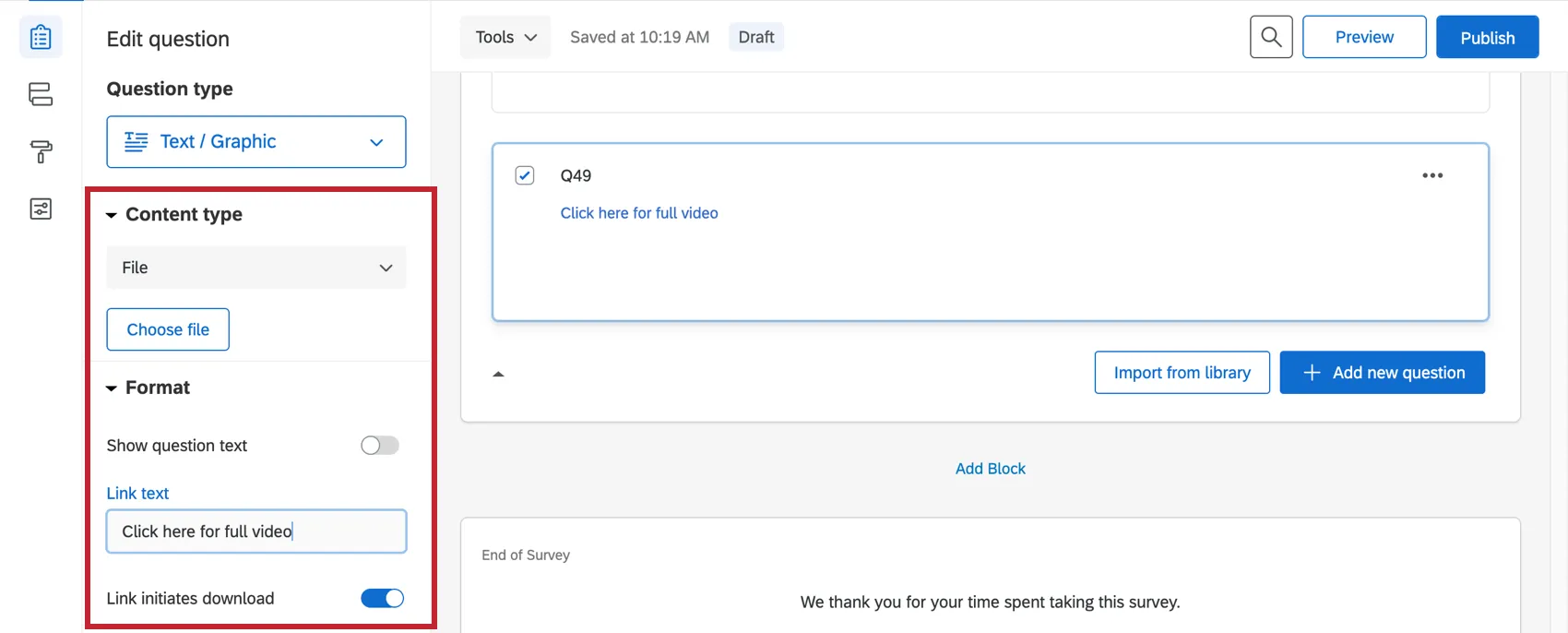
You can use the file variation to provide a file for respondents to download to their computer. In addition to selecting the file, look for options on the question editing pane to show question text, to change the link text, or to set the file to download (rather than simply open) when selected.
Qtip: A file can be similarly attached to any other question type by using the rich content editor.
FAQs
What is the max file size I can upload to my Library?
What is the max file size I can upload to my Library?
Why can’t I copy a survey or add a graphic to my libraries?
Why can’t I copy a survey or add a graphic to my libraries?
How do I add a consent form to my survey?
How do I add a consent form to my survey?
How do I insert a video and make sure it works on all browsers?
How do I insert a video and make sure it works on all browsers?
How do I change the dimensions of a graphic once it is uploaded?
How do I change the dimensions of a graphic once it is uploaded?
How do I add a logo to my survey?
How do I add a logo to my survey?
How can I randomize images in my survey?
How can I randomize images in my survey?
Is there a limit to how many characters I can include in my question text?
Is there a limit to how many characters I can include in my question text?
What kind of project can I use this type of question in?
What kind of project can I use this type of question in?
That's great! Thank you for your feedback!
Thank you for your feedback!