

Salesforce Extension Basic Overview
What's on this page
Attention: Your Salesforce interface may vary from what’s pictured on this page, but the steps remain the same.

Overview
Integrating your Qualtrics account with Salesforce gives you the ability to trigger a survey from a Salesforce event and send survey response data to Salesforce. Most Qualtrics accounts have access to the Web To Lead feature, which allows you to generate leads in Salesforce from survey responses. The other Salesforce features (Trigger, Email Survey, and Response Mapping) must be added to your Qualtrics license. Check with Qualtrics Account Services to see if this is included in your license.
Qtip: The Qualtrics-Salesforce extension is for the Salesforce Service and Sales Cloud products.

Salesforce Extension Features
- Web to Lead: Create new leads in Salesforce from your Qualtrics survey. Conditions can be set using advanced logic to identify specifically which respondents will be saved into Salesforce and which ones will not.
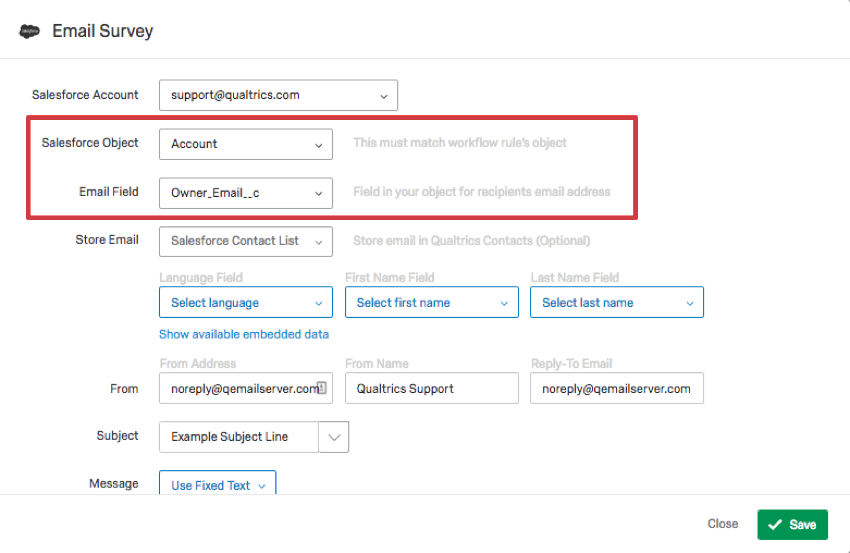
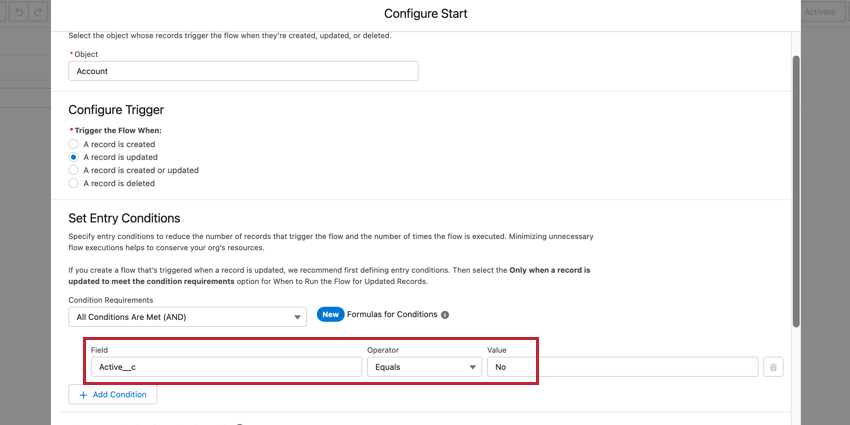
- Trigger and Email Survey: Set up an email trigger containing a survey that will be sent when a specified object’s Flow conditions have been met in Salesforce.
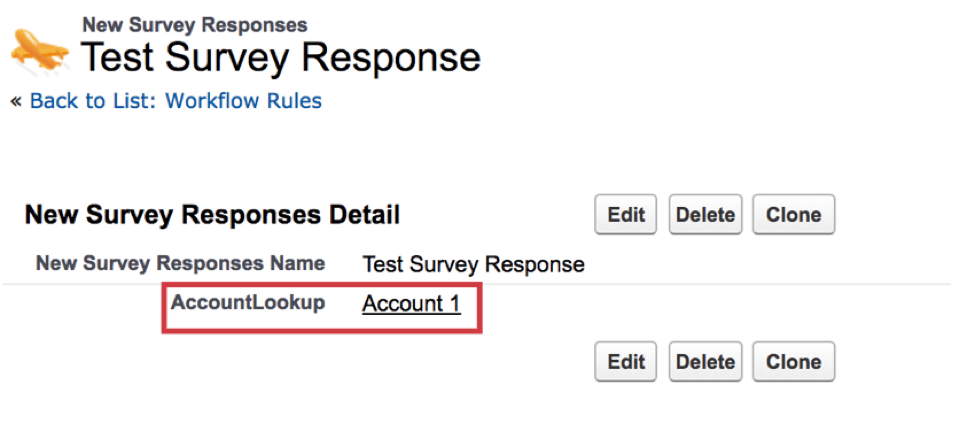
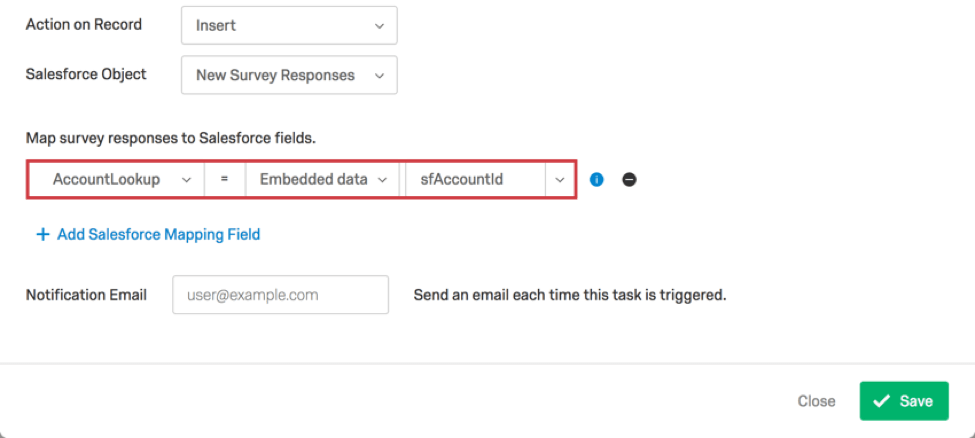
- Response Mapping: Map information from your Qualtrics survey into records within Salesforce. You’ll find the option to insert, update, and delete records to both default and custom objects. Conditions can be set using advanced logic to identify specifically which respondents will be inserted, updated, or deleted.
- Qualtrics on the AppExchange: Download Qualtrics from the Salesforce AppExchange to have access to the Qualtrics Survey Platform directly from within Salesforce. The app also gives you access to unique distribution methods, such as mailing to a campaign or a list of contacts from directly in Salesforce.
Before beginning your project, it’s important to have a functional understanding of Embedded Data in Qualtrics. Once you’re ready to get started, check out the guides below for detailed implementation instructions.
- Linking Qualtrics and Salesforce
- Triggering and Emailing Surveys
- Response Mapping
- Web To Lead
- Qualtrics on the AppExchange
- Other Salesforce Distribution Methods
- Salesforce Extension Best Practices
List of Salesforce Extensions
While the above section covers end-to-end use case implementations, this section lists the different workflow components that integrate with Salesforce. You can combine these with other workflow components to create workflows that are fully customized to your organization.
- Extract data from Salesforce (production and sandbox): Import data from your Salesforce instance to use in Qualtrics.
- Salesforce Extractor: Import data from Salesforce into Qualtrics. This includes object data (accounts, cases, etc), closed email cases, and report data.
- Salesforce (production and sandbox): Send Qualtrics data to Salesforce.
- Salesforce outbound message: Trigger a Qualtrics workflow when Flow conditions are met in Salesforce.
Common Use Cases
Salesforce is an exceptionally powerful platform, and as such there are countless ways to use the extension. Below are some common use cases for how you can take full advantage of the extension, along with pointers on where to get started.
CSAT Feedback for Salesforce cases
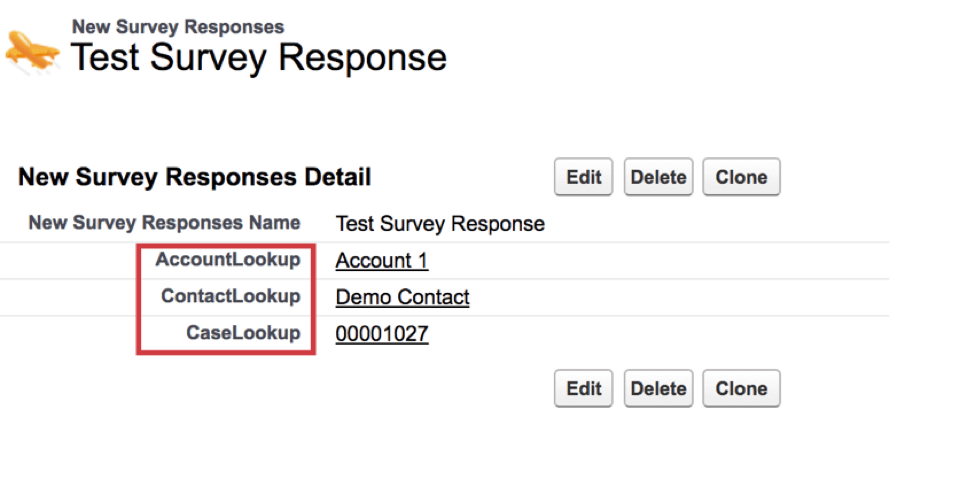
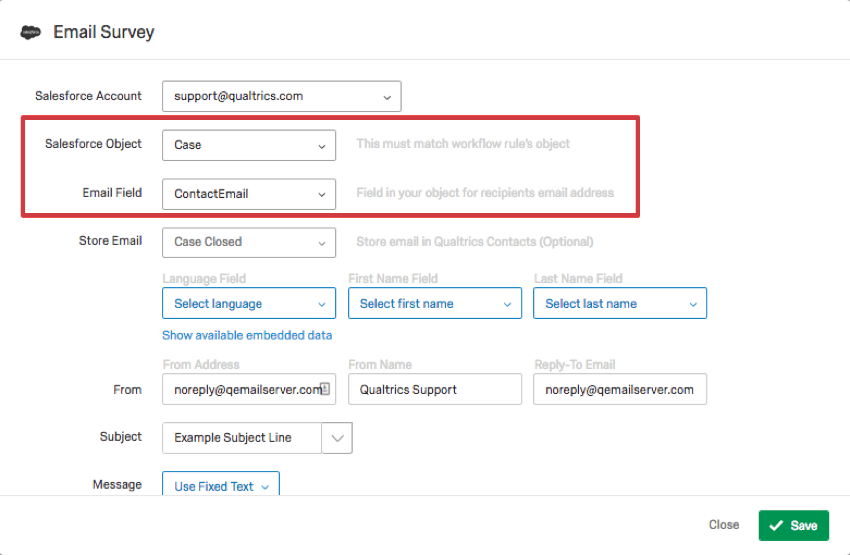
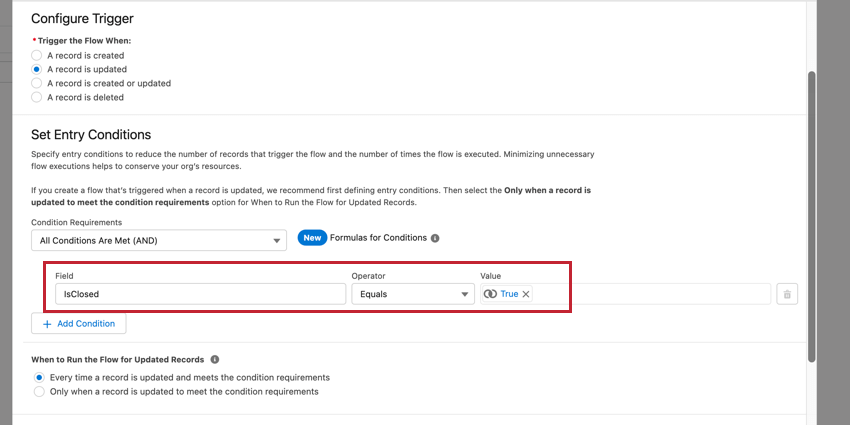
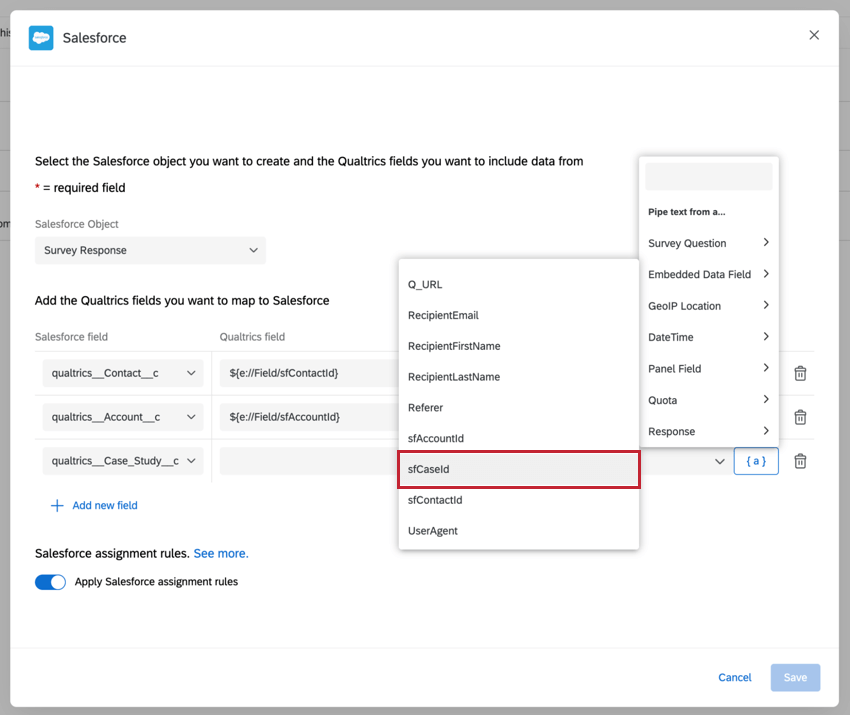
Salesforce offers a number of useful ways for managing cases and incidents directly in its interface. In this use case, you can automatically trigger a feedback survey to send to a client when their case is marked as closed, then store the feedback in a related list directly on the contact or account.
Feedback for recent purchases or other account changes
Salesforce is often used to track when a client makes a purchase, renews a license, or cancels a deal. These changes can be used to automatically trigger a feedback survey.
Distributing to a Salesforce Campaign
At times, you may want to distribute to an entire list of users at once rather than setting up a transactional distribution system. The information below will help you accomplish these kinds of distributions.
- Other Salesforce Distribution Methods: Distributing through the Qualtrics mailer
- Qualtrics on the AppExchange
Surveys distributed with a third party Salesforce extension (such as Marketo)
This distribution method is great when you want to use a 3rd party Salesforce extension to distribute a survey. It’s also useful in instances where you might want to fill out a survey directly on a contact’s record. For example, if you’re running a verbal interview through a call center, and you can open up a guided interview survey directly from a record in Salesforce. For a guide on how to set this up, check out our Other Salesforce Distribution Methods page.
That's great! Thank you for your feedback!
Thank you for your feedback!