

Adding & Removing Advanced-Reports Visualizations
What's on this page
Adding Visualizations
You can add visualizations from a few different spots.
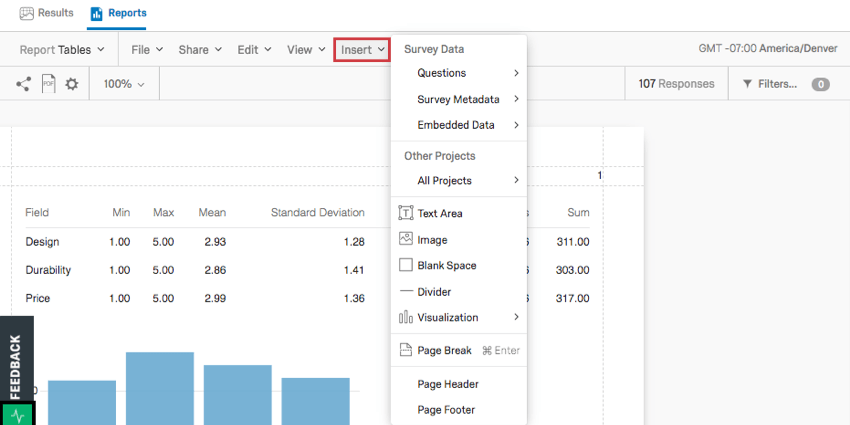
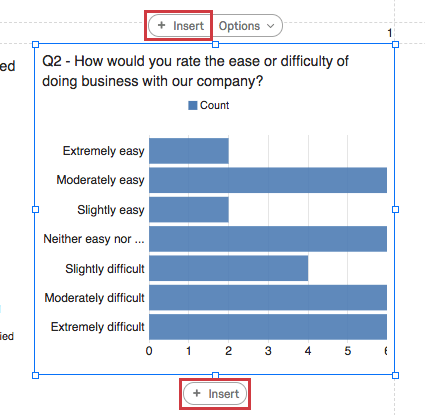
Once you click Insert, a menu will open up, giving you several options for how you insert your visualization. What component is set first is based on the selection you make.
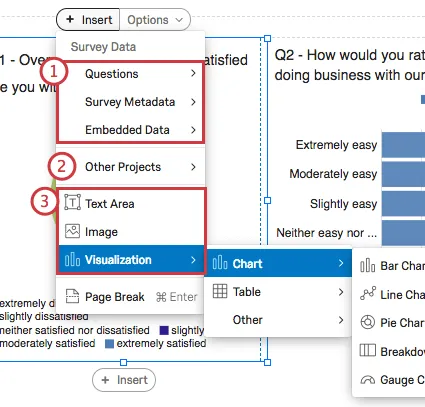
Qtip: Adding a visualization to a report does not guarantee that data you’ve collected is compatible with it. For example, Heat Map visualizations are only compatible with Heat Map questions. If your survey only contained Multiple Choice questions, you will not be able to put a data source into a Heat Map visualization.

Removing Visualizations
Warning: You cannot get a visualization back after you remove it!

You can remove one visualization at a time, or remove multiple visualizations at once.
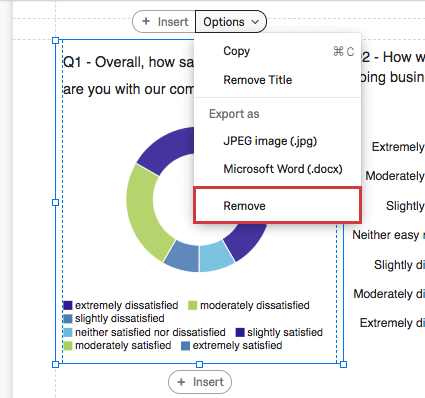
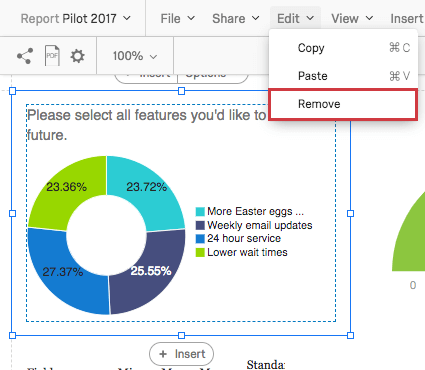
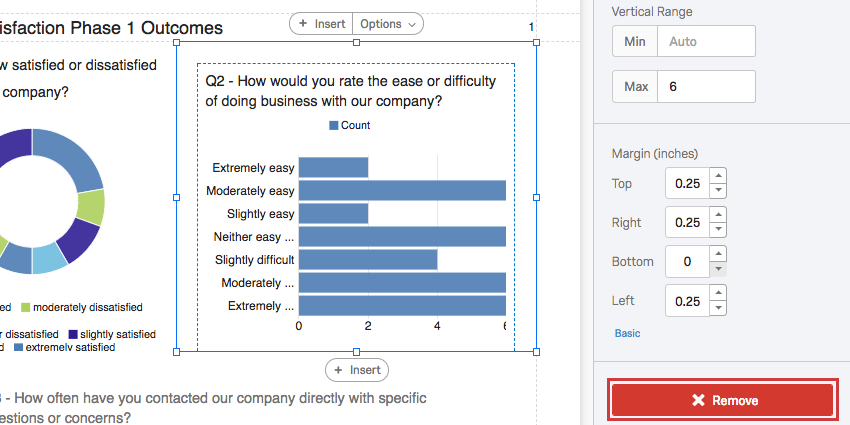
You have three options for removing a single visualization:
You can also remove multiple visualizations at once by following these steps:
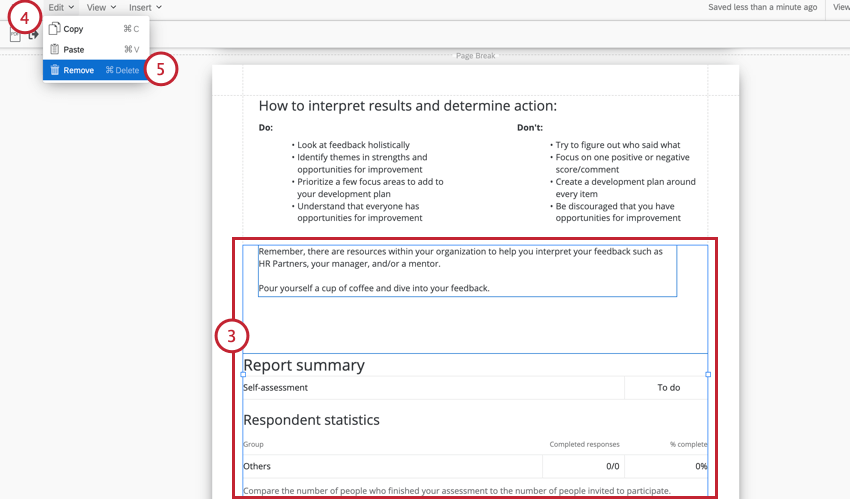
Qtip: Instead of using the Edit menu, you can also press CTRL+SHIFT+DELETE on your keyboard to remove selected visualizations.
Copying and Pasting Visualizations
You have two options for copying visualizations.
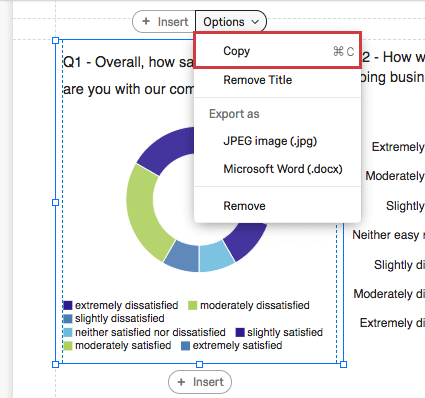
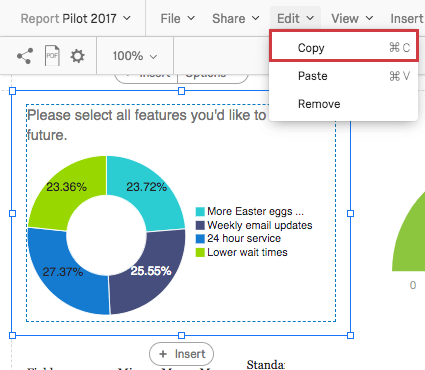
To paste one visualization over another, click the visualization, click Edit, then select Paste.
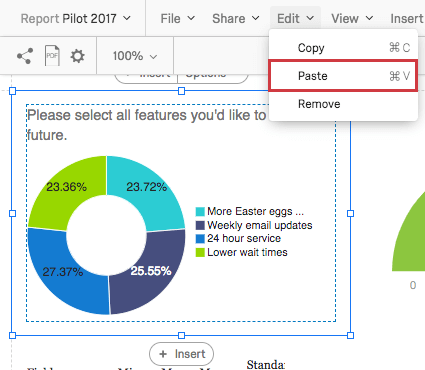
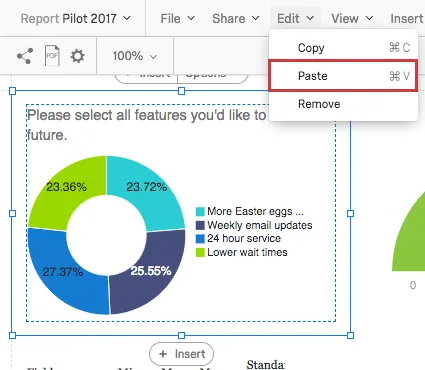
Qtip: You have to click on an existing visualization before you can copy and paste.
FAQs
Can I change the default settings on a report instead of editing each visualization one at a time?
Can I change the default settings on a report instead of editing each visualization one at a time?
You can learn how to change your default settings on Results-Reports on the Global Results-Reports Settings support page, and you can learn how to change the default settings for Advanced-Reports on the Global Advanced-Reports Settings support page.
Can I add other columns of information to my visualizations?
Can I add other columns of information to my visualizations?
In the visualization editing pane for either visualization, you will be able to select Add Additional Columns.
No other visualization can add additional columns like this.
Can I break down the information in a visualization into groups based on other data?
Can I break down the information in a visualization into groups based on other data?
See Breakouts for Advanced-Reports or Breakouts for Results-Reports, depending on the reporting you are using.
That's great! Thank you for your feedback!
Thank you for your feedback!