

Survey Director
What's on this page
About the Survey Director
The survey director allows you to use a single link to send respondents to multiple surveys, survey reports, or a user-defined URL, depending on conditions you specify.
Qtip: When using the survey director to send respondents to a survey, they’ll access the survey with the anonymous link.

Example: You run a clothing company that posts a seasonal customer satisfaction survey on its website. Rather than changing the posted survey link at the beginning of each season, you can create all 4 surveys and connect each one to the survey director, then set the director to display each survey in its respective season. This way, you only have to post 1 link once, rather than 4 links 4 times.

Using the Survey Director
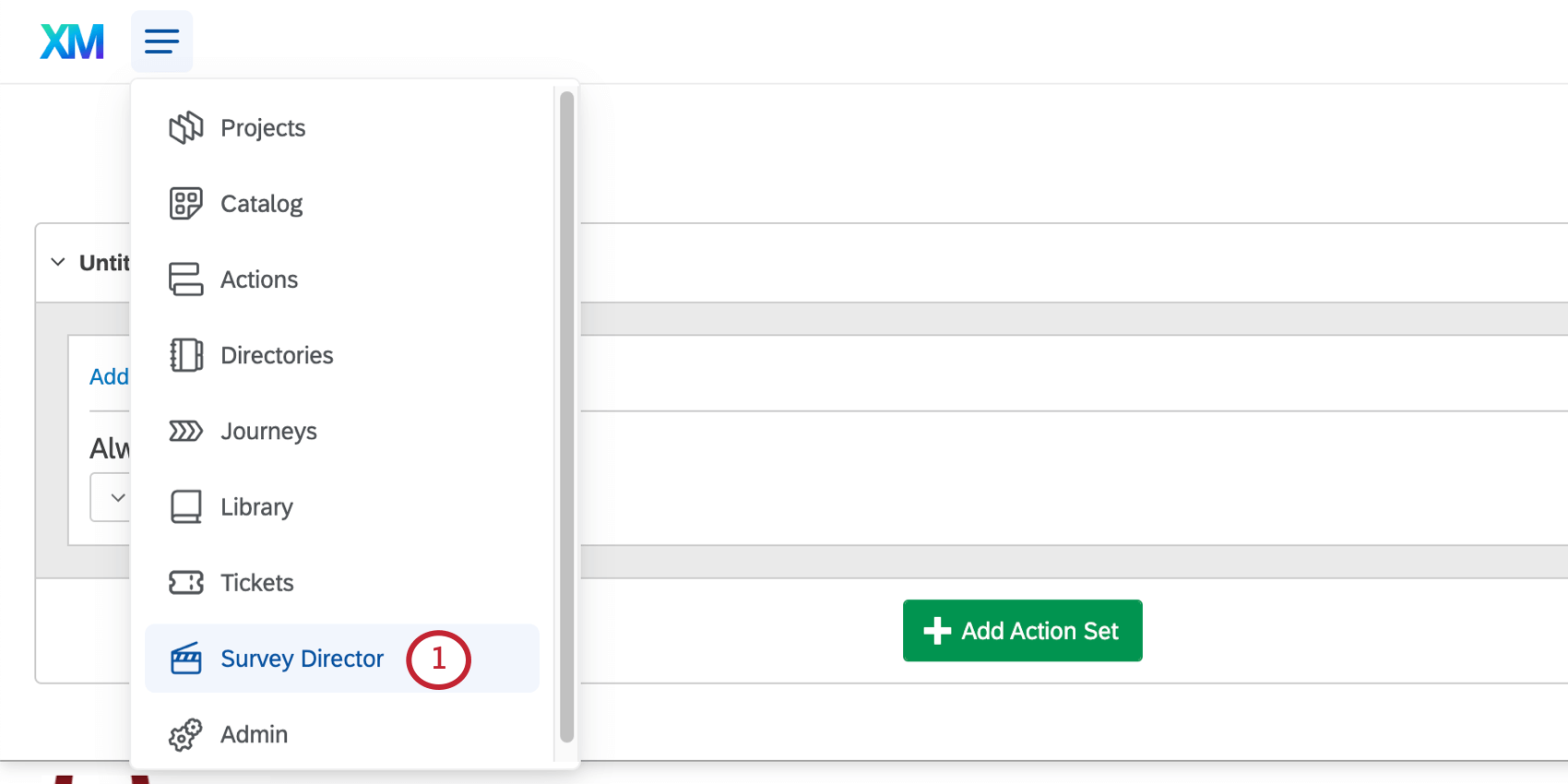
Qtip: If you do not see this option in your account, it means you do not have that permission enabled. Contact your Brand Administrator to have this permission activated.
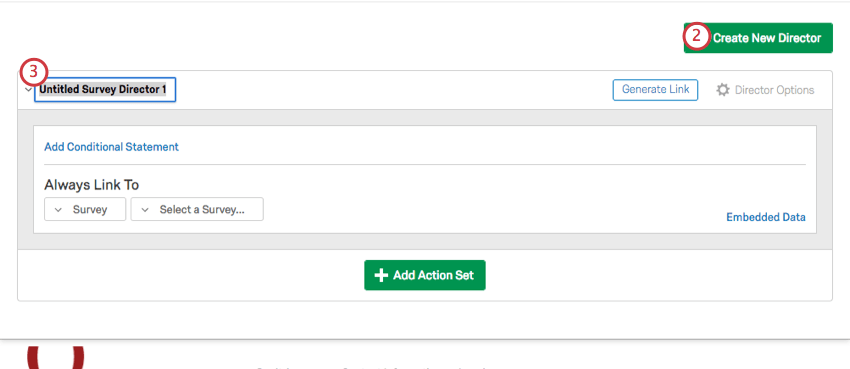
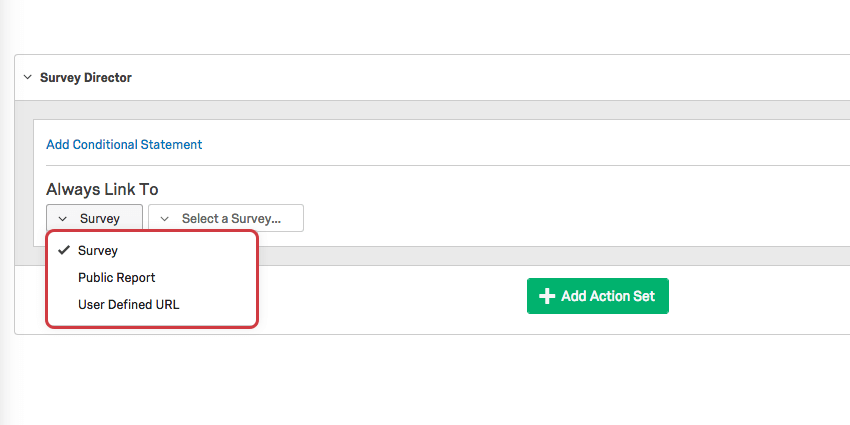
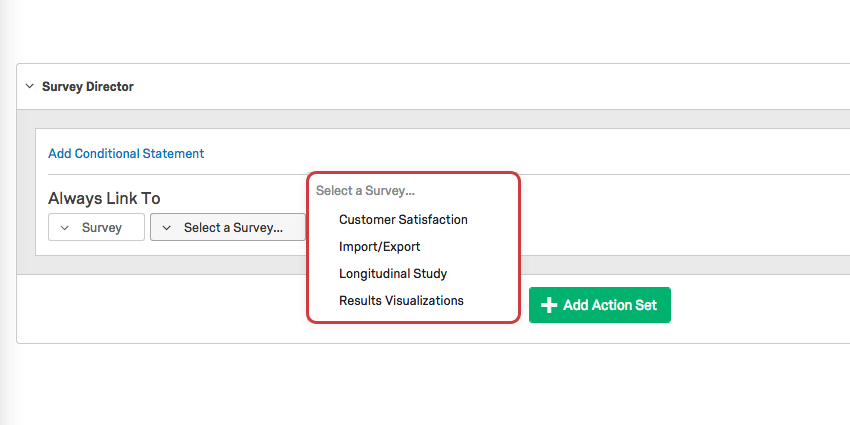
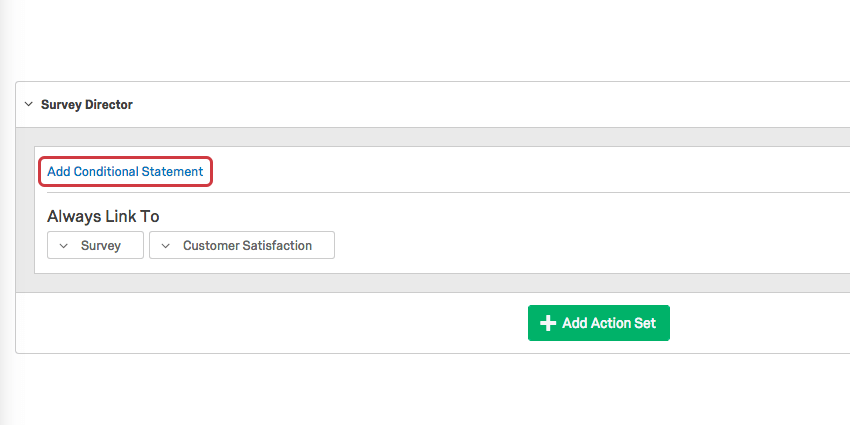
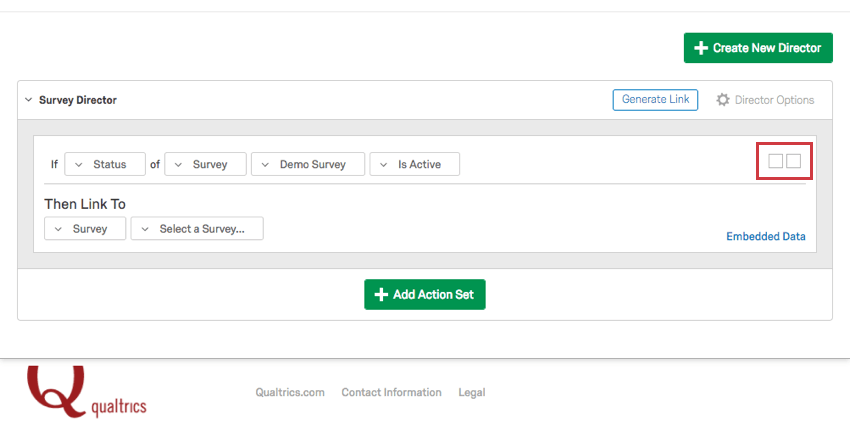
Qtip: Interested in learning more about condition sets? Check out the page on Using Logic.
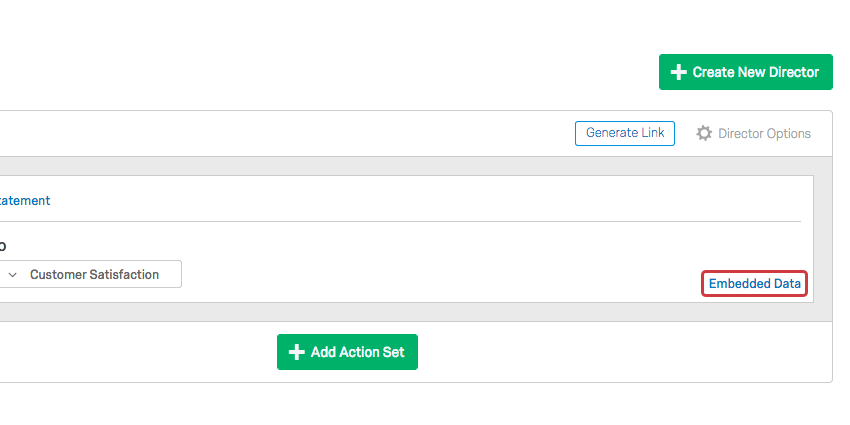
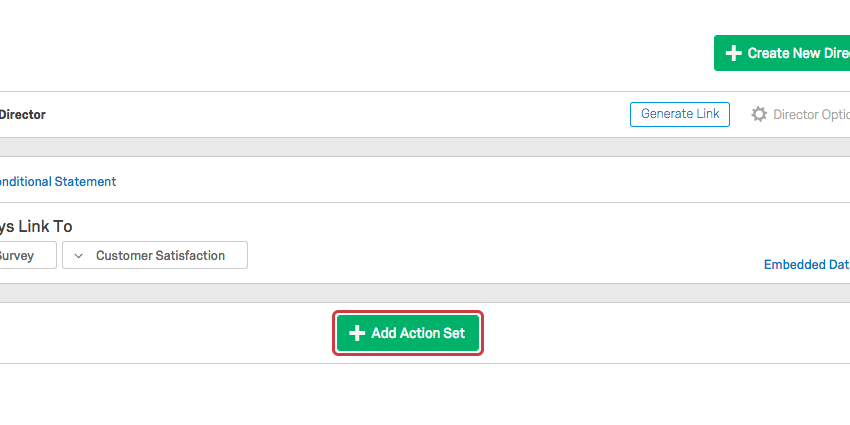
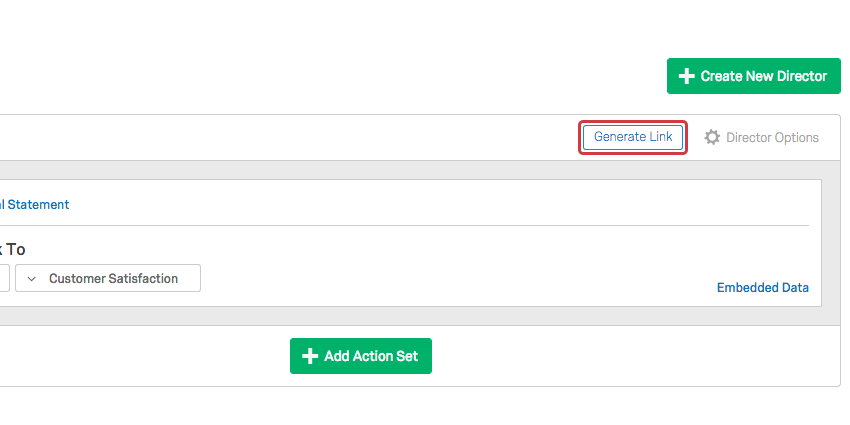
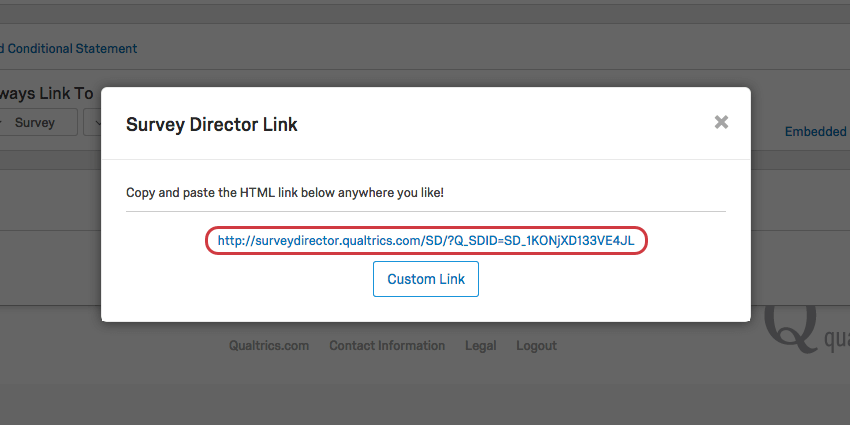
Qtip: Custom Link lets you create HTML for a hyperlink – it does not let you create your own URL.
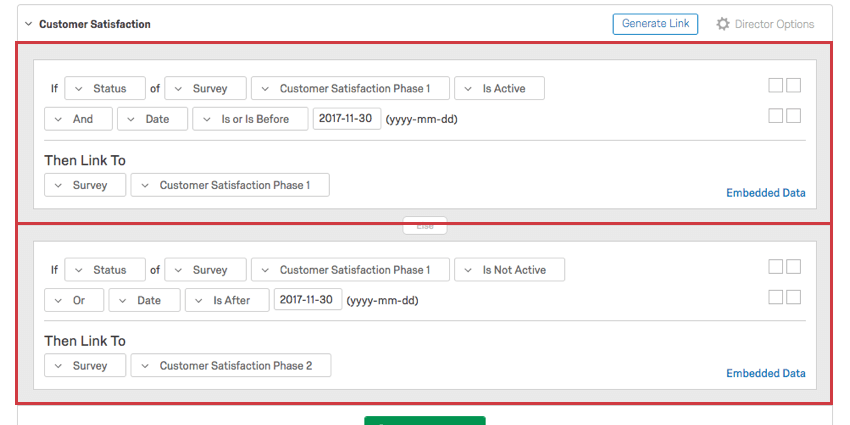
Example: The following survey director has 2 action sets. Each is boxed in red.
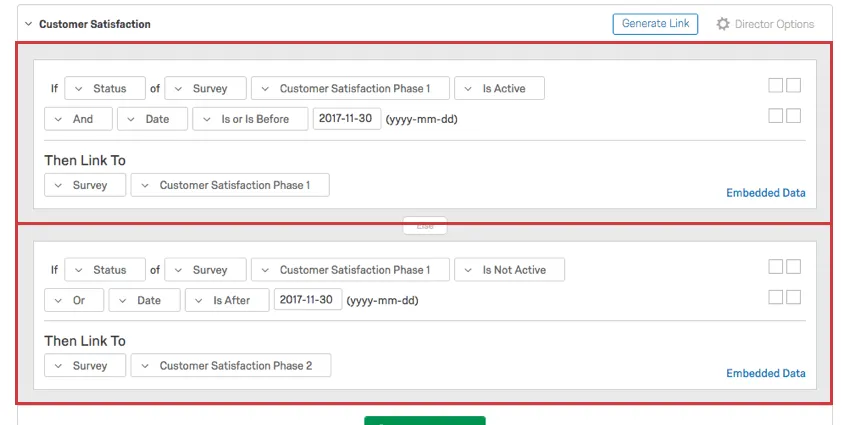
The first action set states that if the survey Customer Satisfaction Phase 1 is active and it is November 30th or earlier, the survey director will link to the survey Customer Satisfaction Phase 1.
The second action set states that if the Phase 1 survey is inactive or it’s after November 30th, the survey director should link to the Phase 2 survey.
Activating / Deactivating Directors
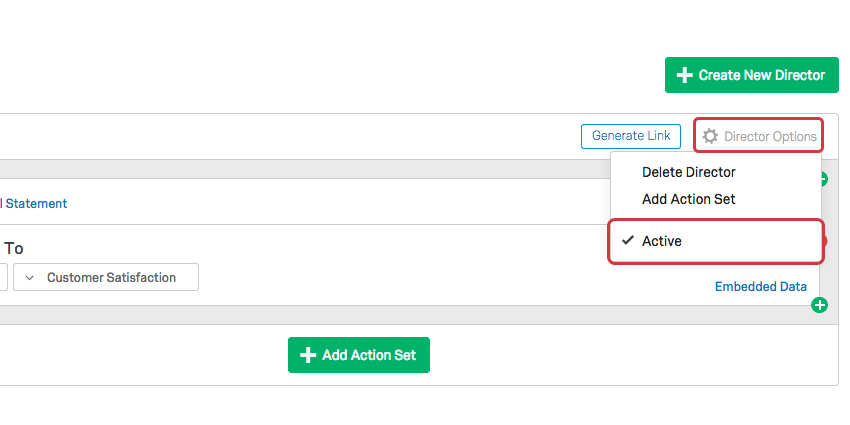
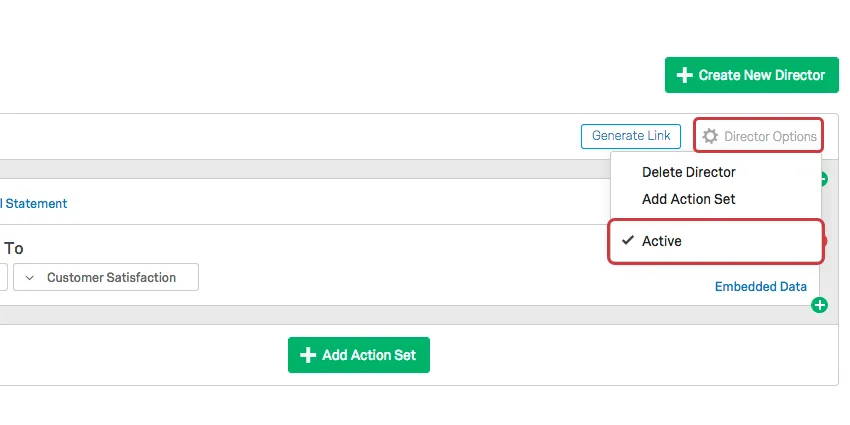
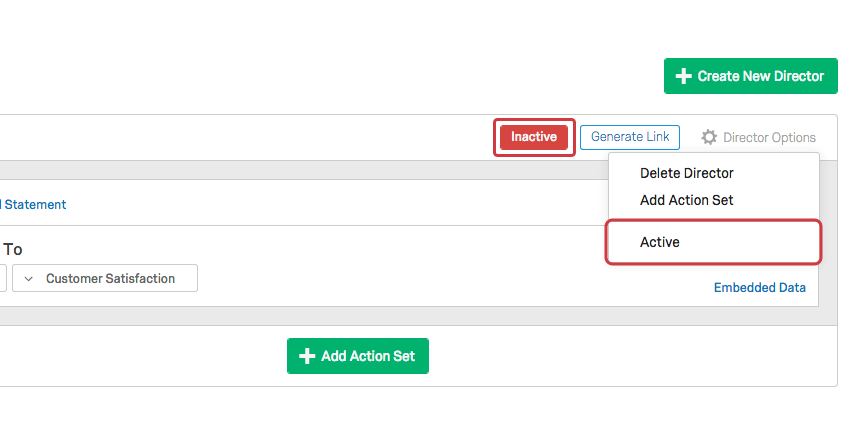
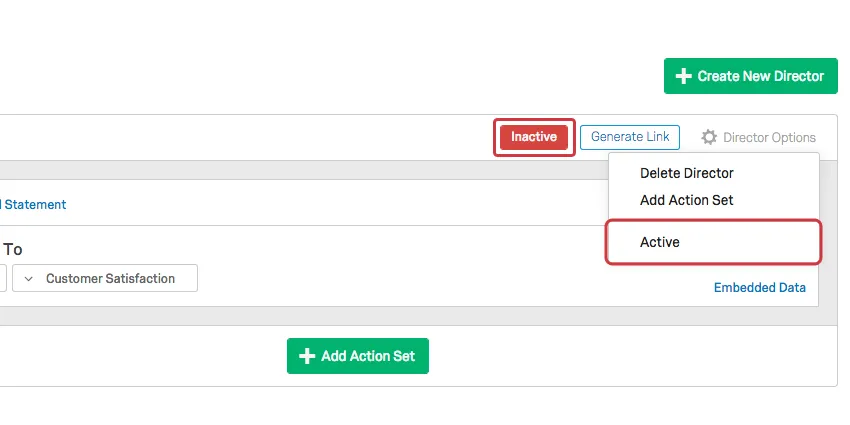
Similar to anonymous links, you can deactivate a survey director. Simply click Director Options on the top-right of your director and deselect the Active option. When someone clicks an inactive director, they will see a simple notification letting them know that it is inactive.
An inactive director will show an “Inactive” notice opposite its name.
That's great! Thank you for your feedback!
Thank you for your feedback!