

Captcha Verification Question
What's on this page
About Captcha Verification
Captcha verification (or Completely Automated Public Turing Test to tell Computers and Humans Apart) is a common web technique used to help ensure that your respondents are real humans and not a program written to spam your survey. In a captcha verification, the respondent is presented with a picture (or “challenge”) of words or characters, and the respondent must correctly type out those characters to proceed.
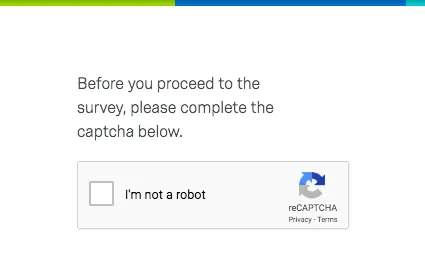
Though most humans find this task easy, spam programs have a much more difficult—nearly impossible—time. This preventative measure can be important when you are offering monetary or other incentives to take your survey.
Qtip: We recommend placing your captcha verification question on its own page at the beginning of your survey so that respondents don’t have to redo the captcha if they fail validation on another question.

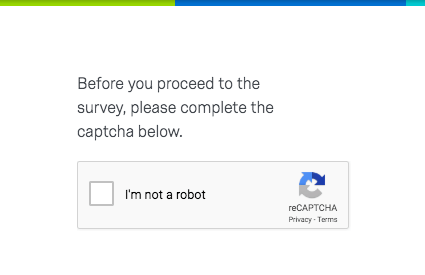
Captcha is a third-party service provided by Google. No respondent information is sent to Google as part of this service. Visit Google’s reCAPTCHA page to learn more. It’s also important to note that not all languages are supported by this feature, and that supported languages are owned and decided upon by Google. See Google’s documentation for more details.
Qtip: Captcha doesn’t prevent respondents from taking the survey multiple times. Consider using features like authenticators or individual links to prevent multiple survey attempts from the same individual.
Captcha Options
Captcha Version
The V2 captcha verification is the default and only option. When respondents select I’m not a robot, they’ll be asked to identify objects in a series of images before they can proceed through the survey.
Qtip: V1 captchas have been deprecated in compliance with industry standards. No data is affected by this change, and all V1 captchas will automatically change to V2.
Alignment
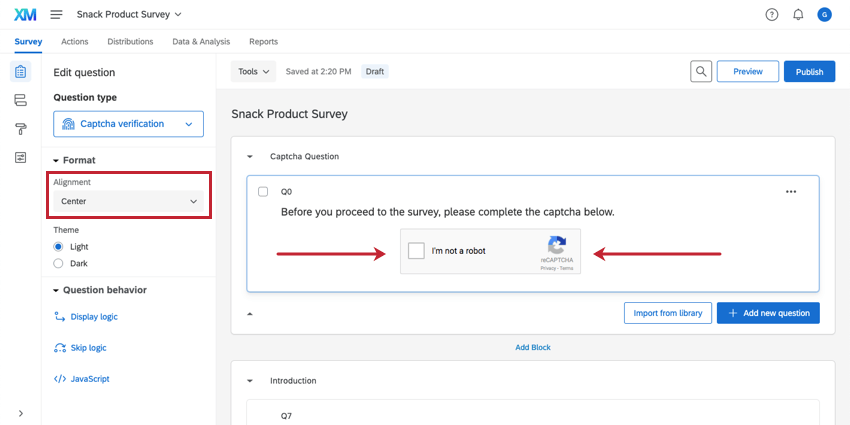
You can align your captcha in the center of the question by selecting Center.
Theme
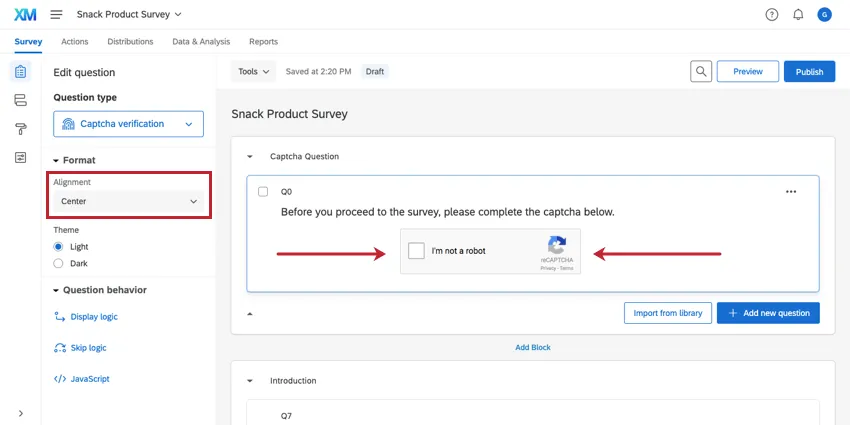
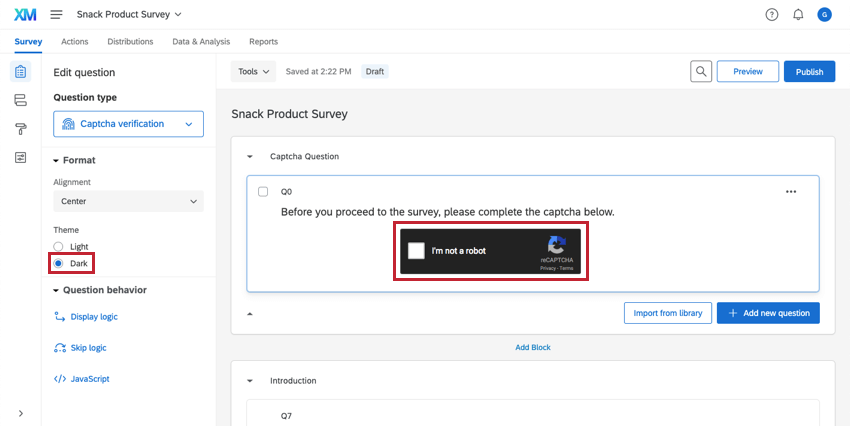
You can change the theme of your captcha. By default, the theme is Light. Below, the Dark theme is pictured.
Respondent Experience
V1 and V2 captchas have a different respondent experience.
V2 Captcha
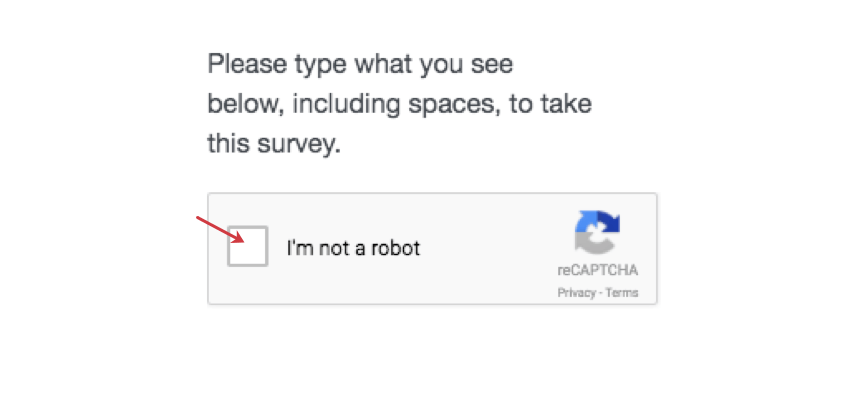
To complete a V2 captcha, click inside the box.
Sometimes this is enough, but sometimes you’ll need to complete an additional challenge.
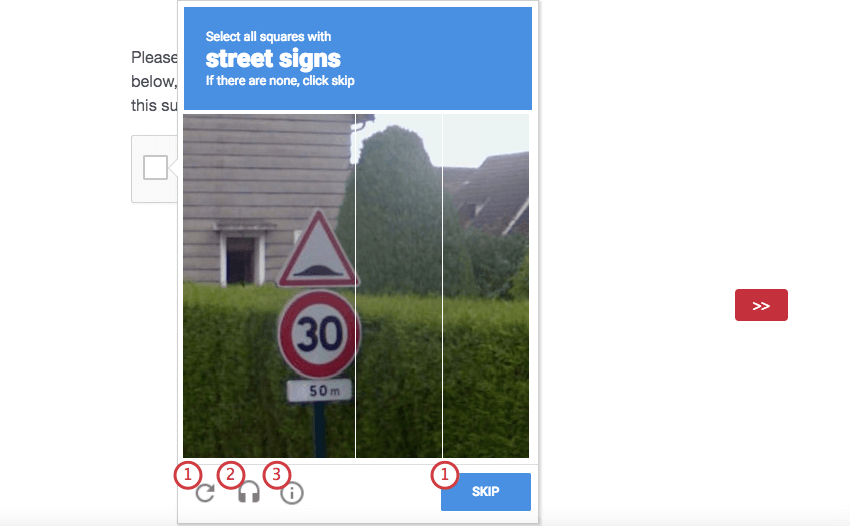
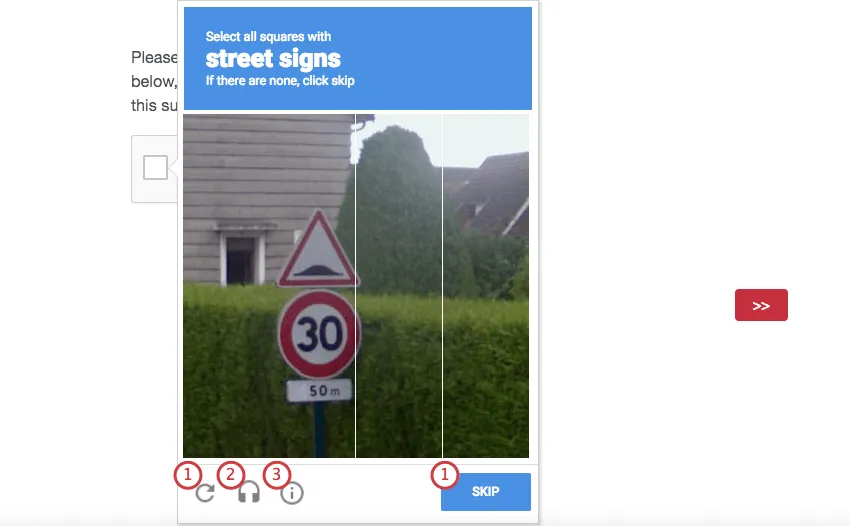
The symbols at the bottom allow you to:
Qtip: Data on passing or failing the captcha verification question isn’t recorded. Instead, individuals who fail the captcha verification won’t be able to proceed in the survey, and will either remain an incomplete survey response or a response in progress.
Privacy & Terms
If the respondent would like to learn more about the Google’s privacy features and terms of service, they can click Privacy & Terms.
FAQs
What kind of project can I use this type of question in?
What kind of project can I use this type of question in?
That's great! Thank you for your feedback!
Thank you for your feedback!